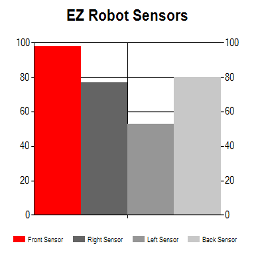
EZ Chart— 4-series bar chart for real-time sensor comparison in ARC; set titles, values, RGB bar colors and conditional coloring via EZ-Script.Try it →
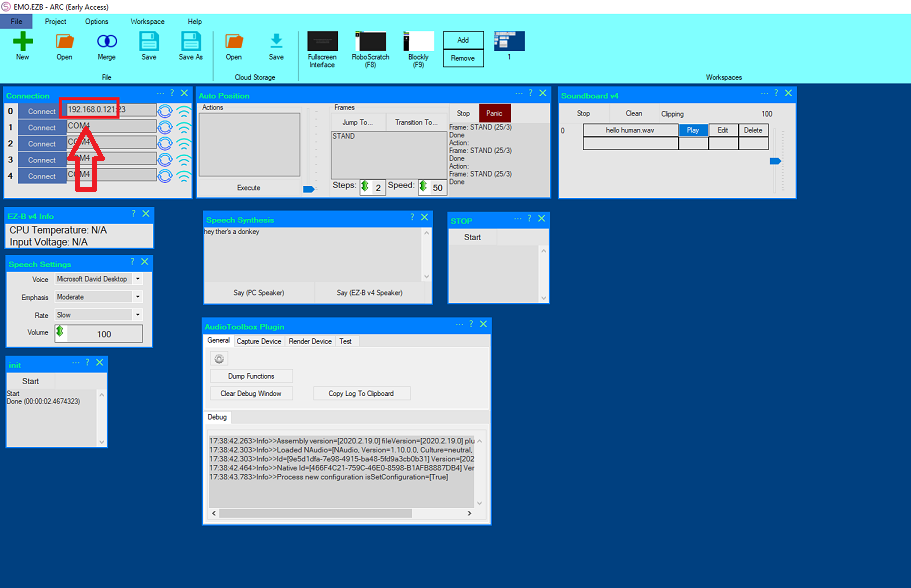
you have to connect your ezbv to ARC .then go to the webpage and use the number of your connection ,
without the : 23 . there you can calibrate your servo's .



 Resolved by DJ Sures!


I believe you’re asking about accessing the web interface of an ezrobot controller? Their manual should help: https://www.ez-robot.com/learn-robotics-lever-servo-calibration-troubleshooting.html
hi dj
yes .thats what i need . i put it in my fav .
thank you .
hi
you have to connect your ezbv to ARC .then go to the webpage and use the number of your connection , without the : 23 . there you can calibrate your servo's .