


Not a big deal nor the end of the world but I noticed in the Full Screen Video Player there is no tab for settings ... problem?
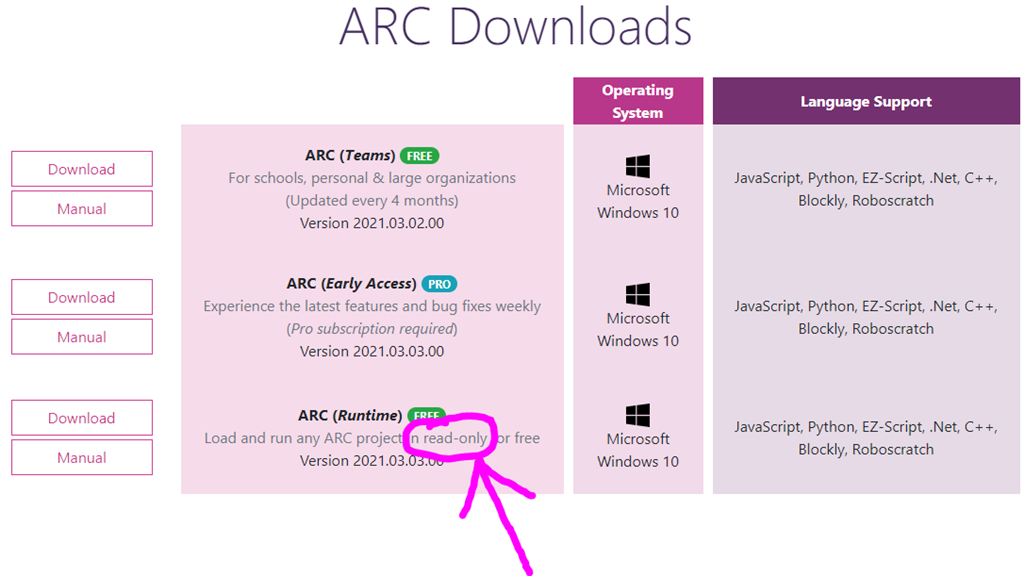
I only have ARC (Early Access) PRO Experience the latest features and bug fixes weekly (Pro subscription required) Version 2021.03.16.00


Here's some more detail about each ARC version from the good ol' support section: https://synthiam.com/Support/Install/Download-And-Install-ARC
I downloaded the latest version, I don't have the 3 dots on top to edit like you picture above in the Full Screen Video Player
Do you put this code in a script?
Ezang, install ARC early access instead of Runtime. There’s no need for you to use runtime
Good morn Dave and DJ,
I never had Runtime
I only have ARC (Early Access) PRO Experience the latest features and bug fixes weekly (Pro subscription required) Version 2021.03.16.00
I just downloaded again, did repair and modify and still I don't have the 3 dots on top to edit like you picture that is below
This picture below shows the 3 dot ... to add or edit settings
I am using V5 in the Full Screen Video Player
You can see it says on top - ARC (Early Access) Version 2021.03.16.00
Notice it does not have the ...
I also deleted Full Screen Video Player and then restored it, no luck...
not a big deal, everything else works :-)
That’s because that robot skill doesn’t have a configuration window. There are not supposed to be three dots. Not all robot skills have a configuration window.
Ok, I understand that
just was looking at you skill, it had the 3 dots
thanks anyway