

Change Release Notes
This ARCx update is all about keeping things moving.
v2026.09.30.01 introduces asynchronous robot connections and script execution, helping ARCx stay responsive while your robot is connecting, scripts are running, or the network decides to take the scenic route.
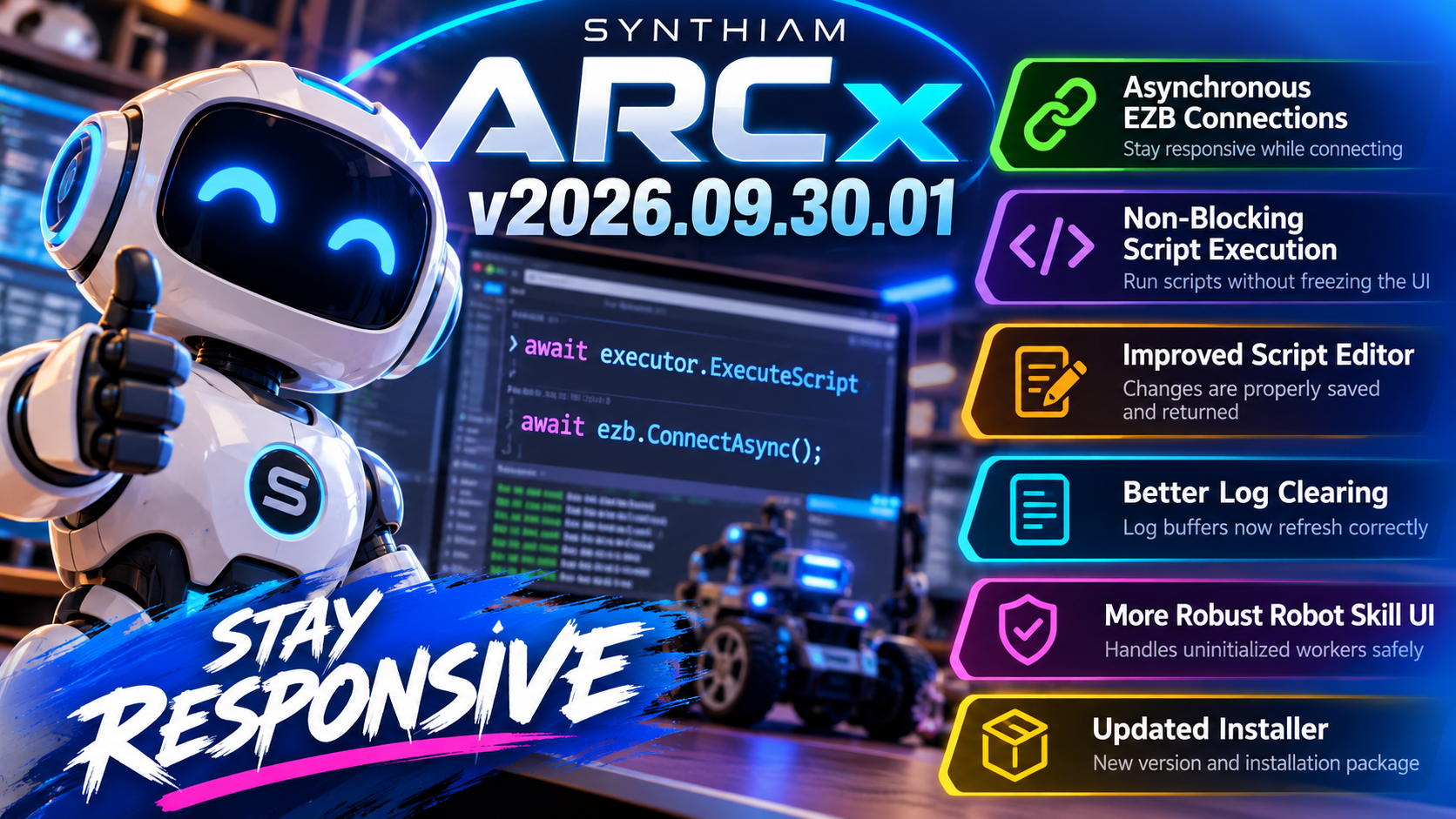
There are also several UI reliability improvements and fixes to make scripting and robot skill development smoother.
Asynchronous Robot Connections
Connecting to an EZB can involve network delays, handshakes, timeouts, and occasionally a robot that just isn't ready to cooperate.
ARCx can now perform EZB connection attempts asynchronously, keeping the interface responsive while the connection happens in the background.
Connection handling has also been improved with:
- Better timeout handling
- Improved connection error reporting
- Protection against multiple simultaneous connection attempts
- New asynchronous connection methods available to Robot Skills
Your robot may take a moment to answer. ARCx doesn't have to freeze while it waits.
Non-Blocking Script Execution
Script execution is getting the asynchronous treatment too.
ARCx's script executor can now evaluate scripts without blocking the main UI thread.
This is especially noticeable when scripts are executed directly from interface components or the script editor. Longer-running operations are much less likely to make the interface feel stuck while ARCx waits for them to complete.
The result is a smoother development experience, especially in projects with lots of interactive scripting.
Script Editor Improvements
We've also improved how script changes are handled when closing an editor.
The script editor now ensures that modifications are properly communicated back to the component that opened it.
Edit. Close. Done.
Your changes actually know where they're supposed to go.
Better Log Clearing
Clearing a log should mean the log is... cleared.
ARCx now refreshes the appropriate log buffers when logs are removed, preventing stale entries from lingering in the interface.
It's a small detail, but an important one when you're debugging a robot and trying to figure out whether that error happened now or five minutes ago.
More Robust robot skill UI
Additional checks were added around robot skill workers to safely handle situations where a worker has not yet been initialized.
This prevents unnecessary errors during page rendering and improves reliability during robot skill startup and configuration.
Updated Installer
The Windows installer has also been updated for v2026.09.30.01, including the appropriate version, product code, and component identifiers required for installation and upgrade handling.
ARCx v2026.09.30.01 continues refining the experience of building real robots: fewer blocked interfaces, smoother scripting, stronger connection handling, and fewer little things getting in your way.
Because when your robot is busy thinking, your development environment shouldn't look like it is too.
Download ARCx
Install ARCx on the computer that runs your robot — from a first prototype to a commercial product or an industrial cell. Available for Windows 64-bit, Linux 64-bit and Linux ARM64 for Raspberry Pi (Ubuntu 24.04 LTS 64-bit).
Linux
Ubuntu, Debian & friends
64-bit (x64) (zip)
Raspberry Pi
Single board computers
Linux ARM64 (zip)
Requires Ubuntu 24.04 LTS (64-bit)
ARCx is always evolving. Follow along in the community for updates.
Follow ARCx development Download ARC today
Upgrade to ARC Pro
Join the ARC Pro community and gain access to a wealth of resources and support, ensuring your robot's success.
right?! the automation editor for servo positions is pretty amazing. I'm digging all the new UI that can be done with ARCx because it's in a browser.
...absolutely.....this is really the next evolution I've been waiting for. What black magic did you guys perform to get ARCX working.....I remember there was a lot issues..then nothing all went quiet, then bam ARCX is here.?! and evolving fast!
My request in 2015 and now I got it! Smoother animations coming! https://synthiam.com/Community/FeatureRequests/Proposed-Plug-In-For-Animation-1495
...just gotta get used to hitting that Save button....!
What save button? In the config window? or for a project?
Oh, and yeah, we've been working on it the whole time - just waiting for a lot of open-source cross-platform projects to become stable enough for us to depend on. It never really happened, so we built a few of our own in the meantime. Because the platform's framework is built on everything we learned with ARC, we've made some incredible improvements in how we build things, especially the UI.
We're working on a few things this weekend and pulling an all-nighter tonight. We might have a new update tonight if we can get these next few things done.
AMAZING. Really is next level and congrats on this.
BTW the simplify keys is amazing when using the touch pad and creating so many uneditable frames.....it really thins them out so you can make micro adjustments! Yeah the SAVE button in upper right when you change configs, its no longer on each panel and i get excited and move forward and forget to save...but just need to retrain my brain.