
Tutorial

R2-V2
Canada
Published
— Updated
Learn how to program and control a Robotis Arm powered by a OpenCM 9.04 board and Dynamixel servos using Synthiam software platform.
Related Hardware
(view all EZB hardware)
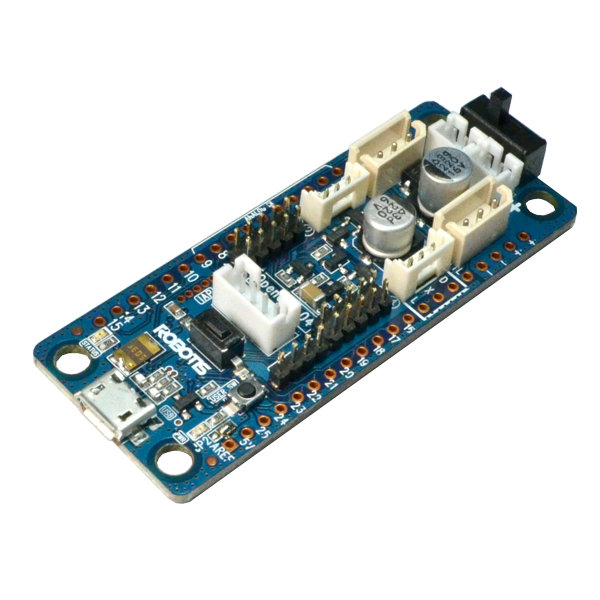
Opencm 9.04
by Robotis
Control Robotis DYNAMIXEL servos with OpenCM9.04-C using Synthiam ARC - XL-320 TTL support, expansion board for AX/MX, UART0 or UART2 selectable
USB
Servos
200
Camera
Audio
UART
✕
I2C
ADC
✕
Digital
✕
Step 1
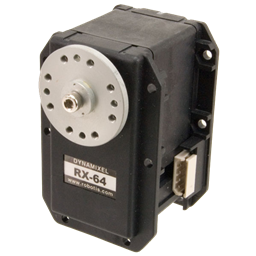
In this Tutorial we will be connecting to an OpenCM 9.04 board to control a Robotis Arm moved by Dynamixel XM430 Servos in Synthiam Platform. We will go over firmware installations and using Skills like Auto Positioning and Speech Recognition.
Download ARC: https://synthiam.com/Products/ARC Robotis OpenCM 9.04: https://synthiam.com/Docs/Hardware/Robotis-OpenCM-9-04 Dynamixel Servos Skill: https://synthiam.com/Docs/Skills/Servo/Dynamixel?id=16142

sir I have used the Arduino Uno, and operate the servo motor and after "releasing all servo motor" and "get & set all position", I am not able get those angle values . what should I do? please guide me.
Do you have the RX and TX of the robotis dynamixel servos connected to the arduino?
do you have to use robotis dynamixel servos?
EzAng, you have to use servos that have positional feedback in order to have position feedback.
Read about the difference here: https://synthiam.com/Support/Advanced-Fundamentals/servo-motor#part7
ok, I only have MG996R 55g Metal Gear Torque Digital servo Motors and Ez-robot servos HDD
I was thinking, maybe you can add the PCA9685 for 16 servos module to you Compatible Robot Hardware
works great with ARC and the Arduino (your firmware I modified)