
The MYO is a creative controller for interacting with your ez-robot. It uses gestures and an accelerometer to trigger actions, events and move servos. This tutorial demonstrates how to add a Myo to your EZ-Robot.
Here's a link to the manual page: https://synthiam.com/Tutorials/Help.aspx?id=206
By DJ Sures
— Last update






Discover more robots
Steve's Introducing Vic The Vac
Victor Vac: Roomba-based EZ-Robot with EZ-B v4, sensors and Synthiam ARC scripting for autonomous vacuuming, voice,...
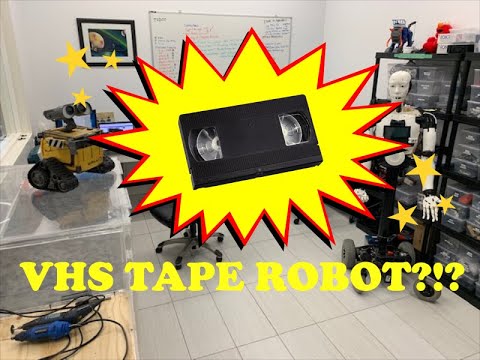
Jeremie's Ravage The VHS Tape Robot
G1 Transformers-inspired Ravage VHS tape robot with EZ-B IoTiny, 360 servos, LiPo battery and fold-down stand for...
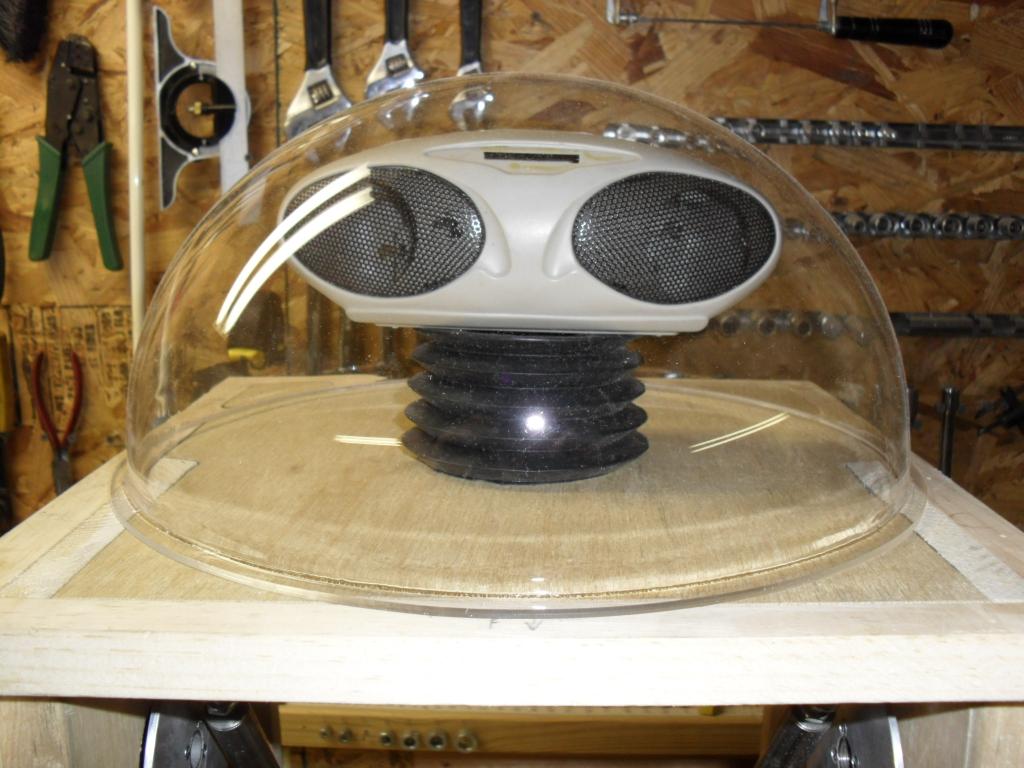
Rgordon's Project Magnus On Hold
T.E.C.H. humanoid with EZ Board brain, two-wheel tank drive, scooter chain drive, camera-ready head, voice control,...

Many Thanks DJ Your timing is perfect with this tutorial having unpacked by Myo controller in the past few days works very well with EZ-B
Pat
This is awesome! I wish I had one...
i learn two things,great video. webcic1 look on ebay they are also new in box but lot cheaper.