
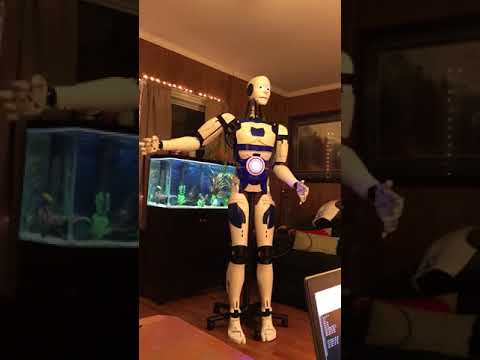
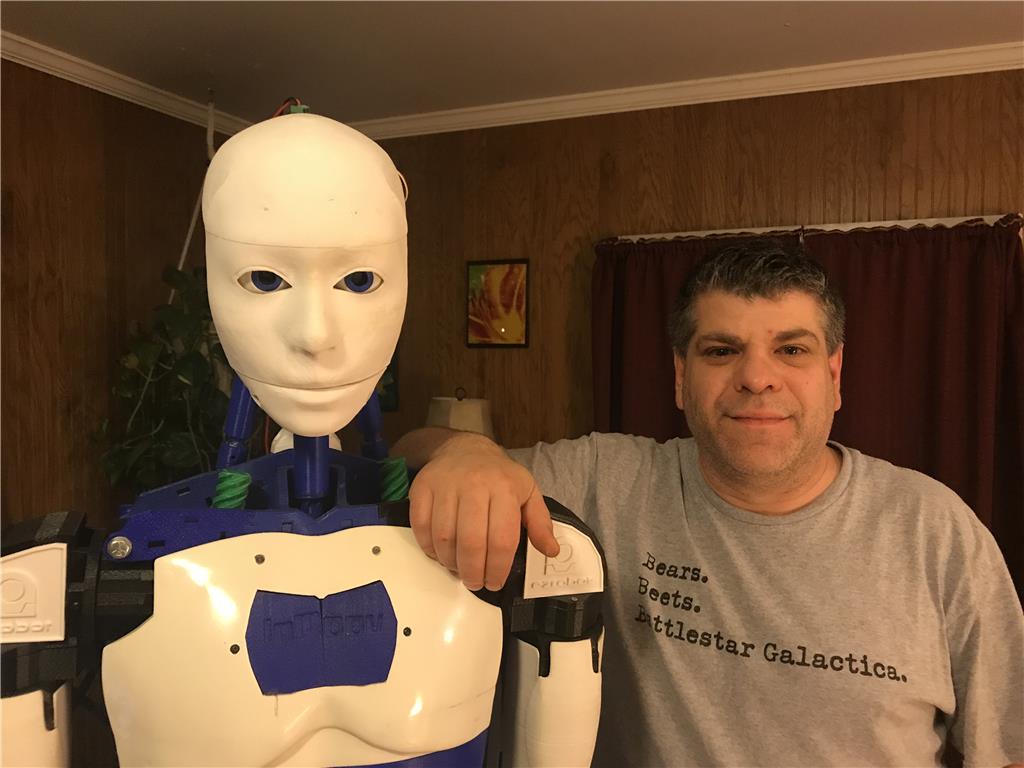
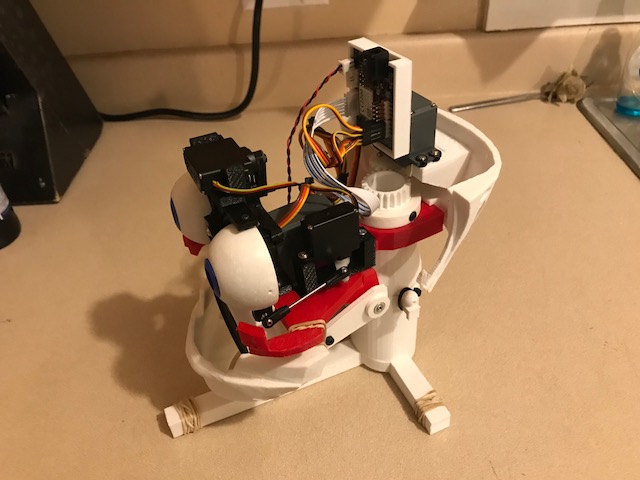
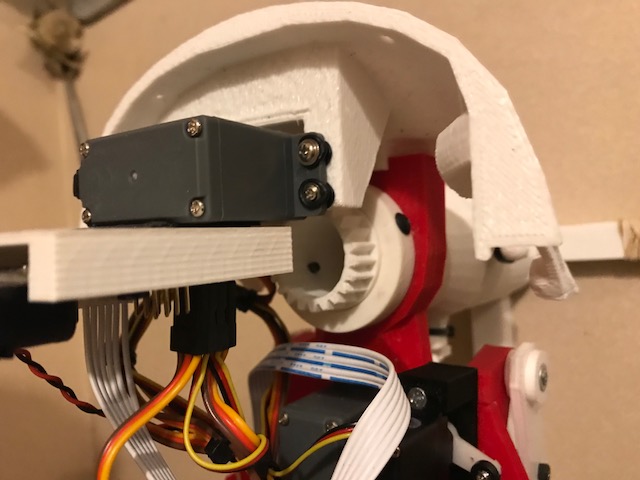
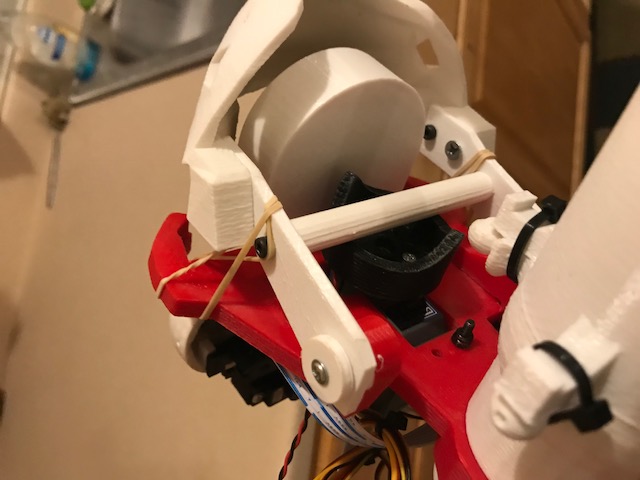
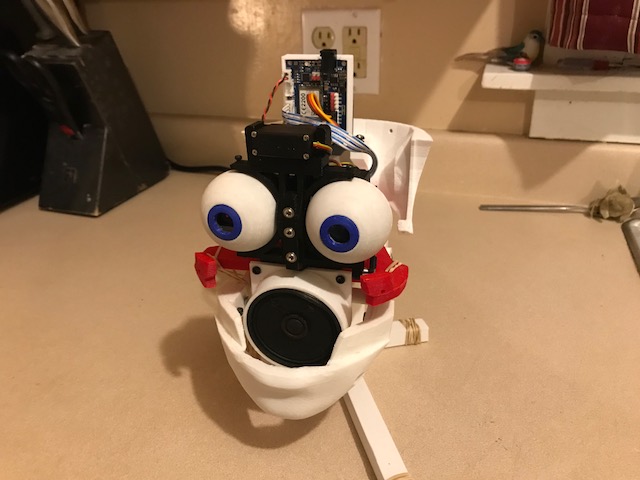
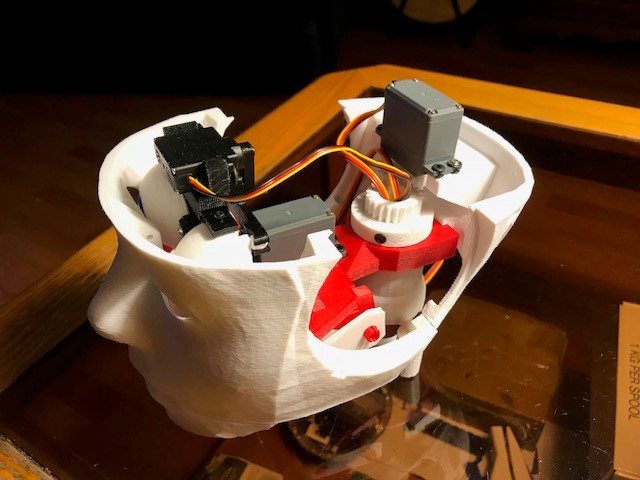
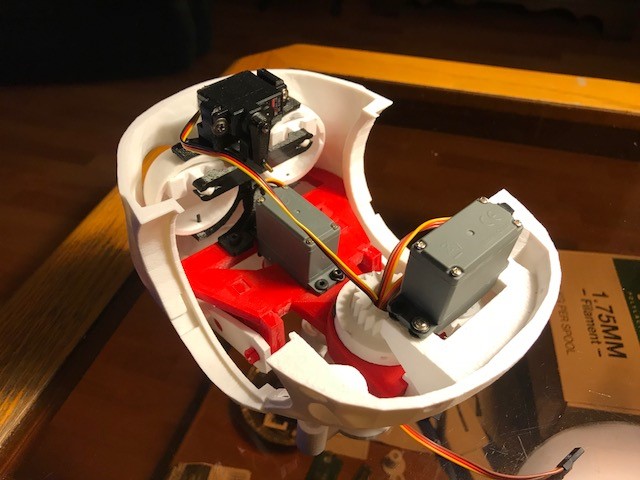
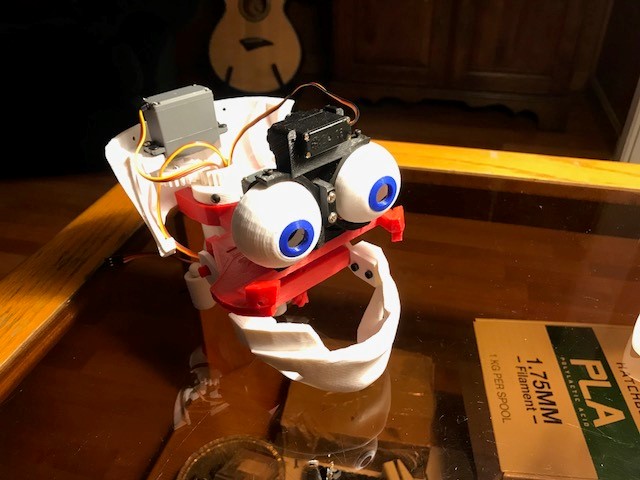
Hello all, I wanted to start my own thread to discuss my Inmoov and my conversion to EZ Robot. I appreciate all the work by the MRL guys but I struggle with it. I am indebted to the help they gave me but I needed something a little more along in development with some documentation.
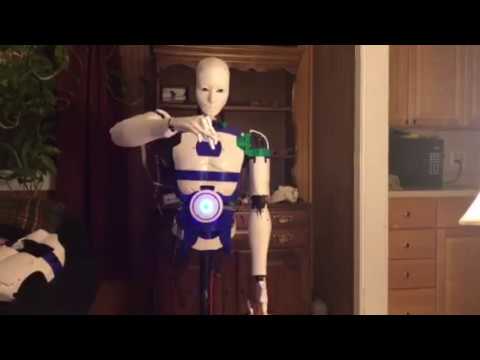
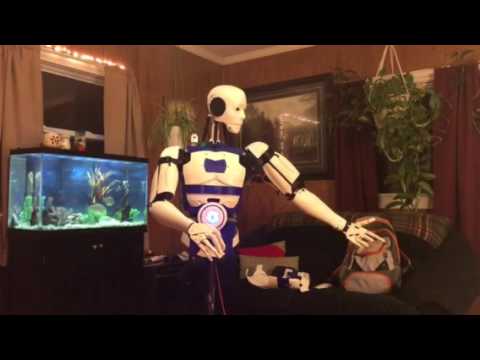
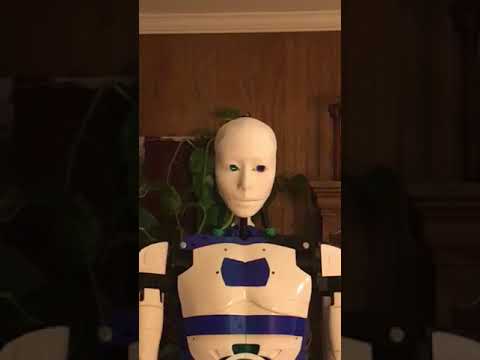
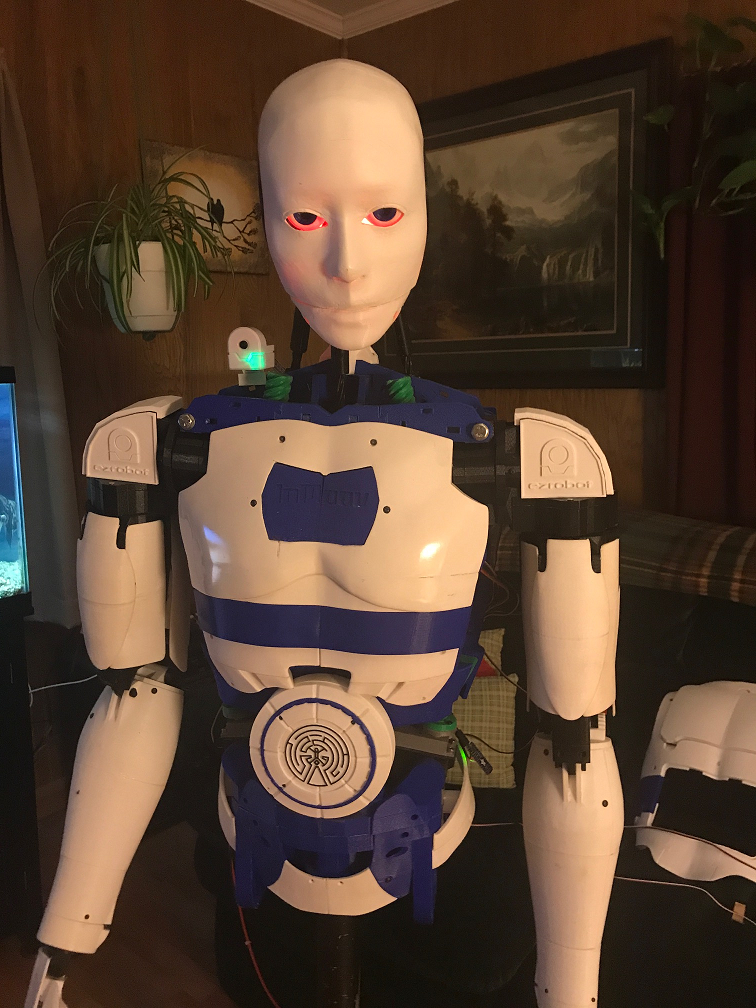
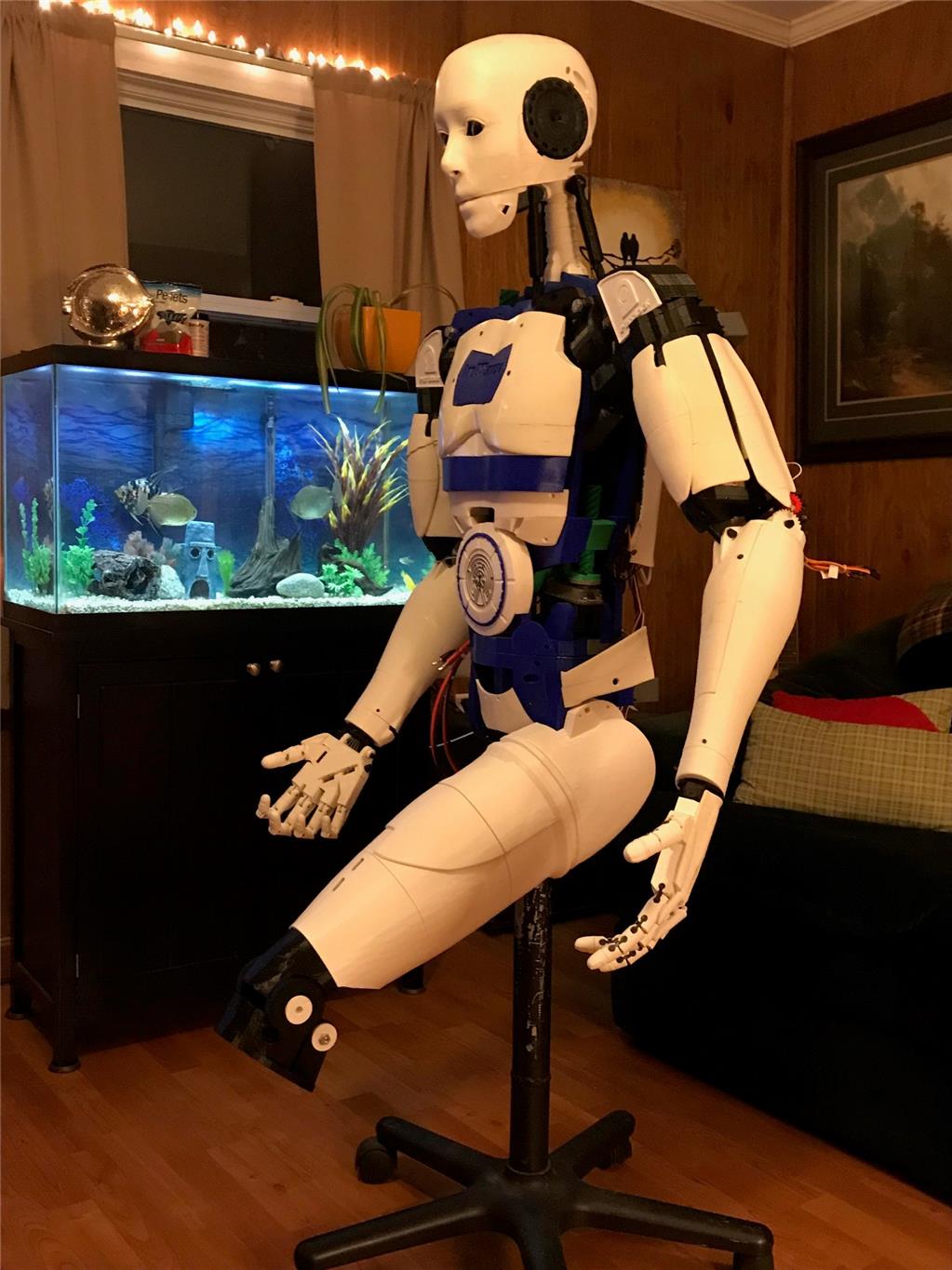
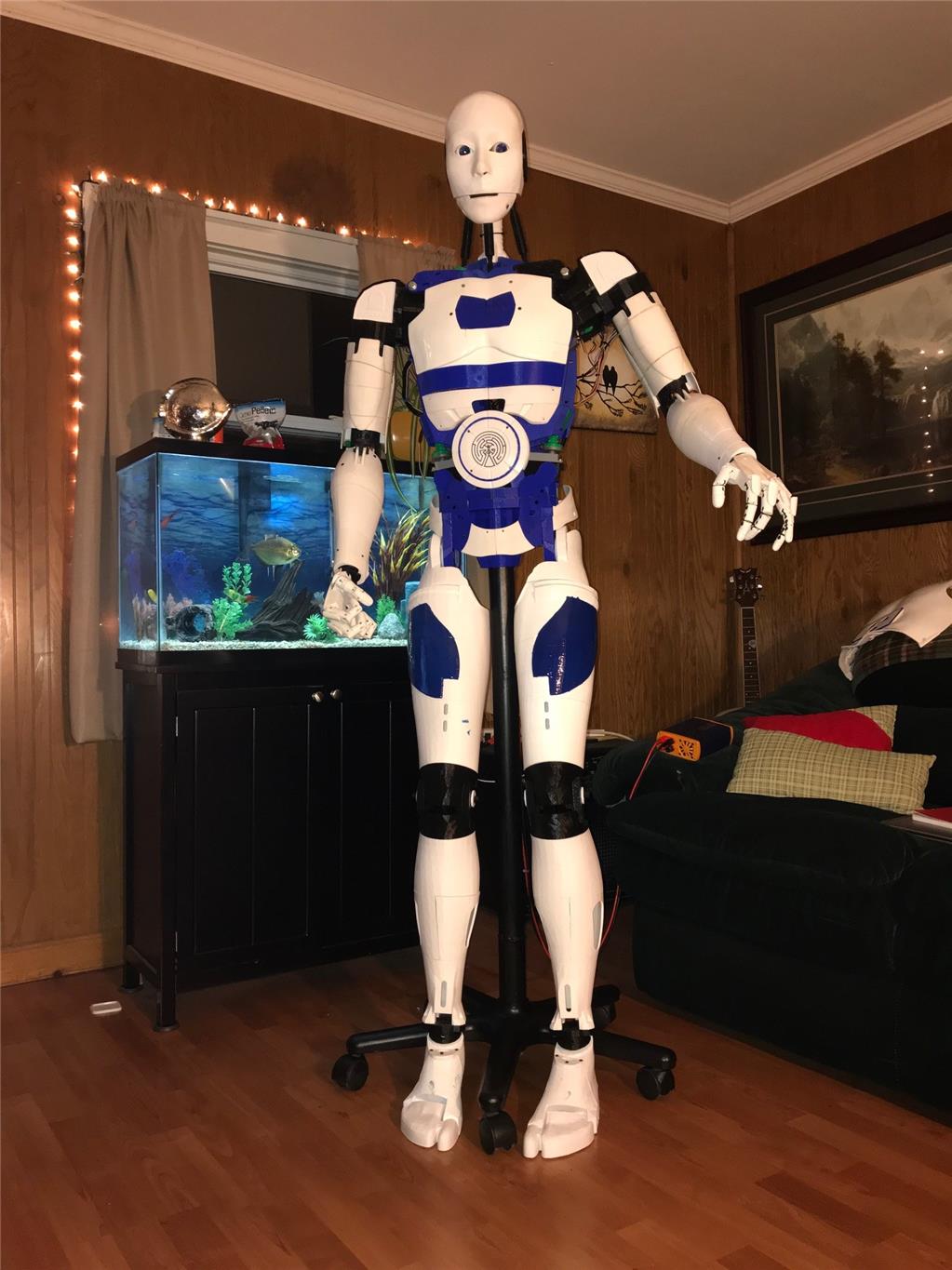
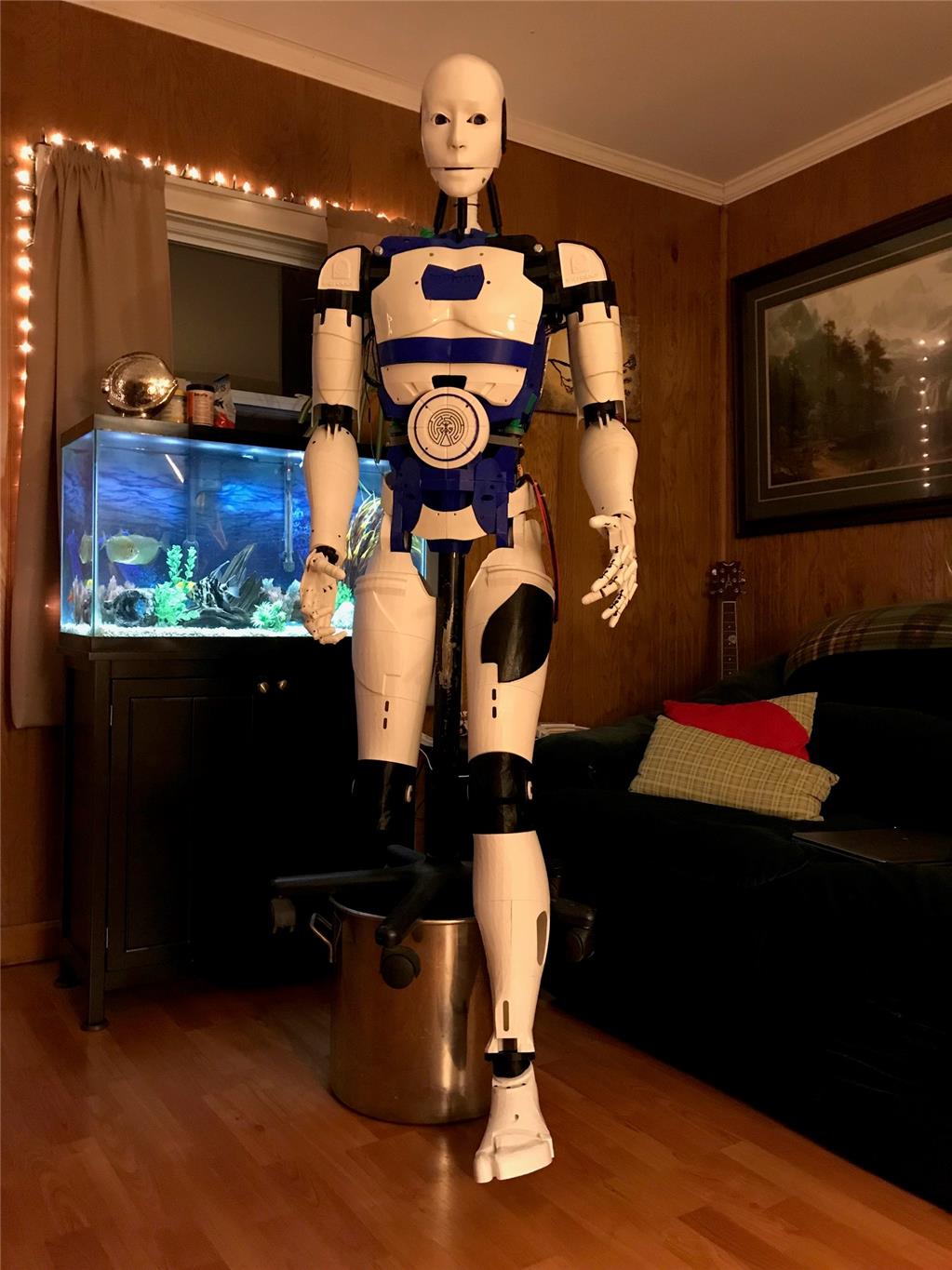
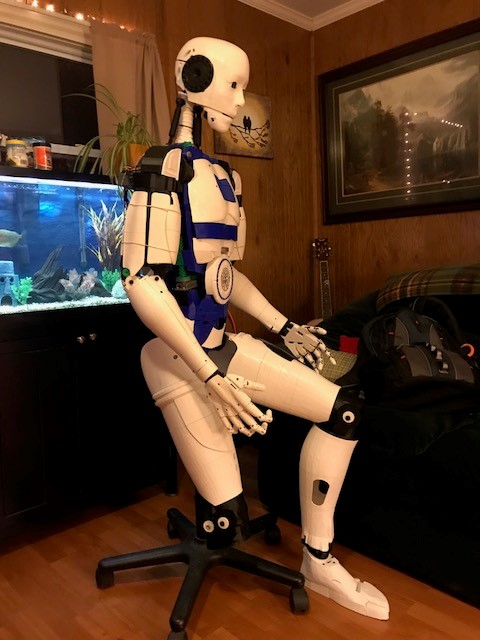
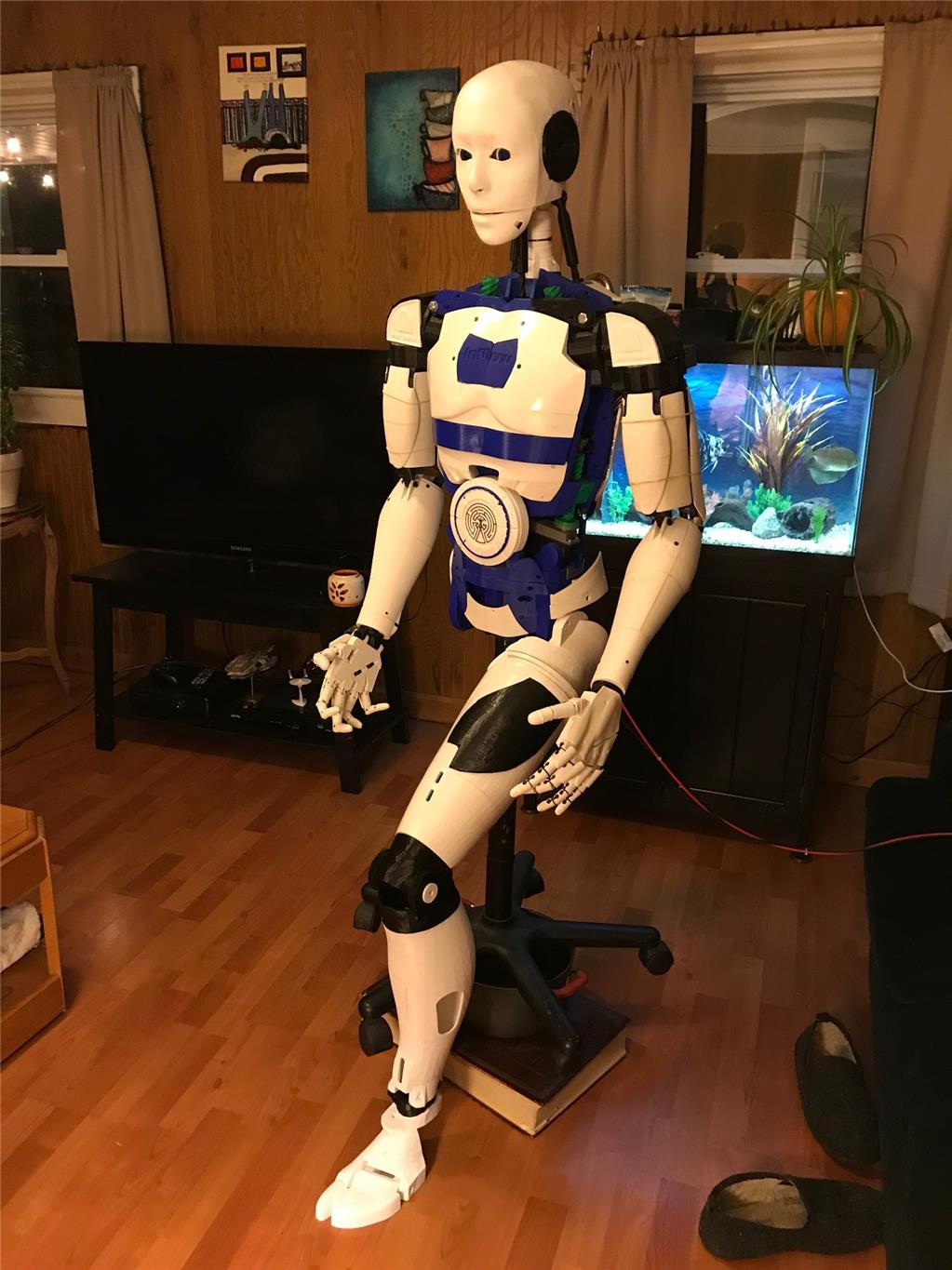
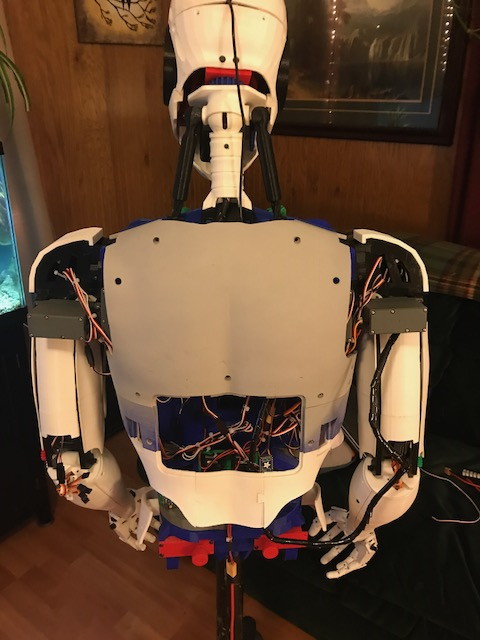
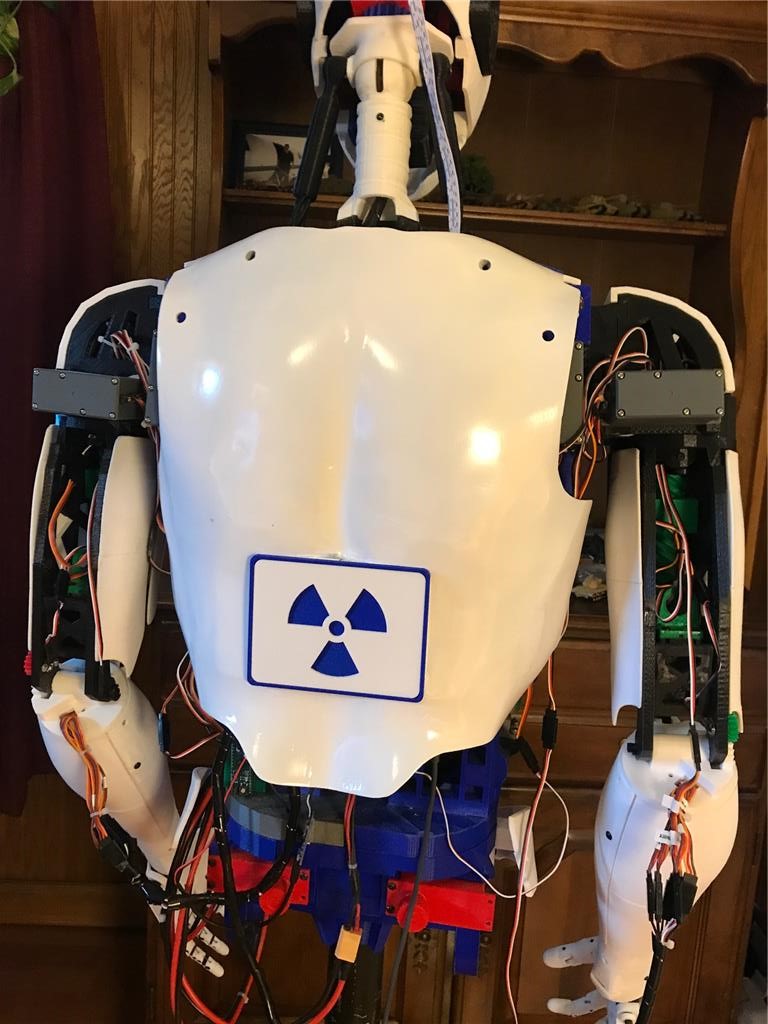
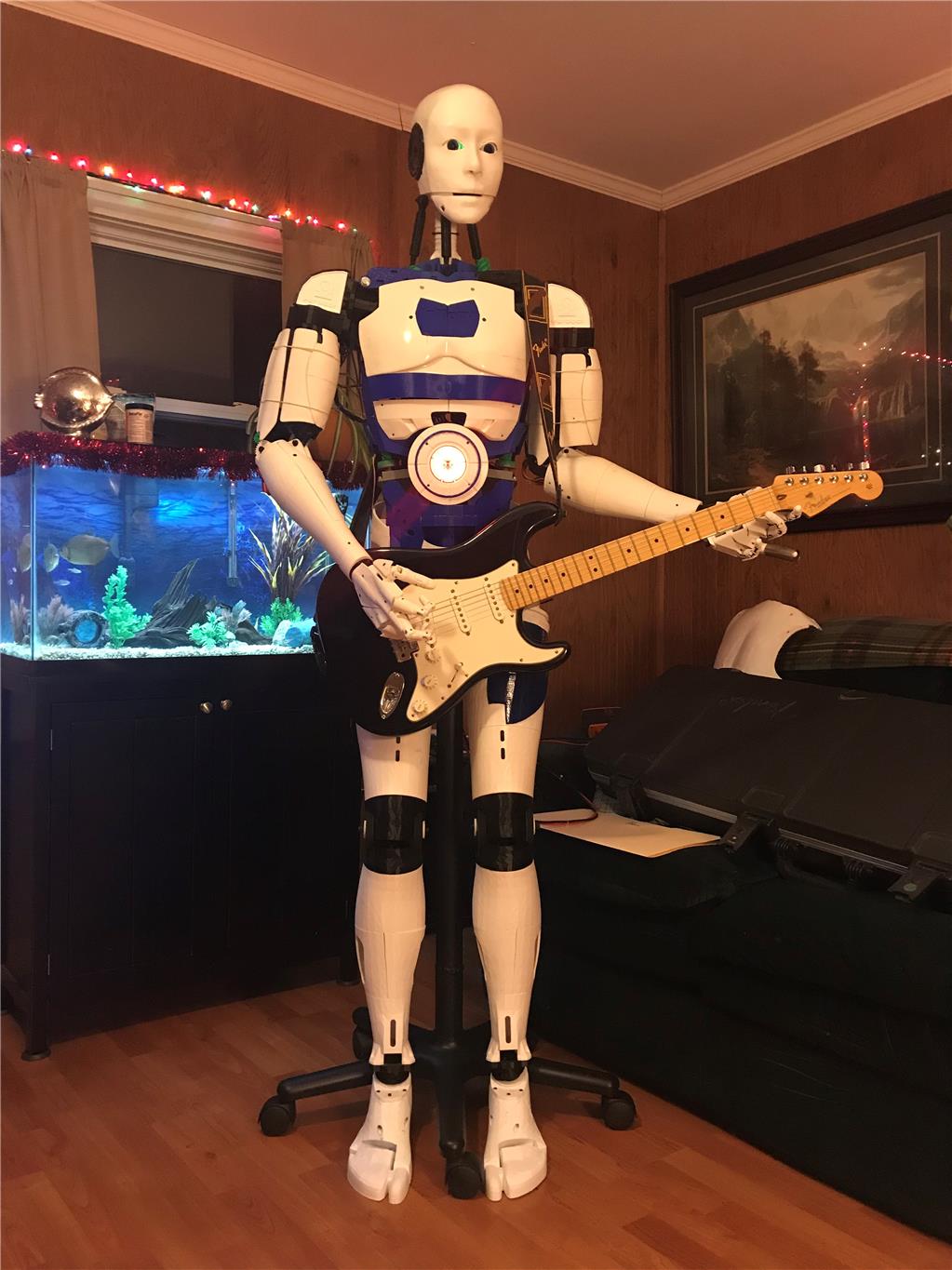
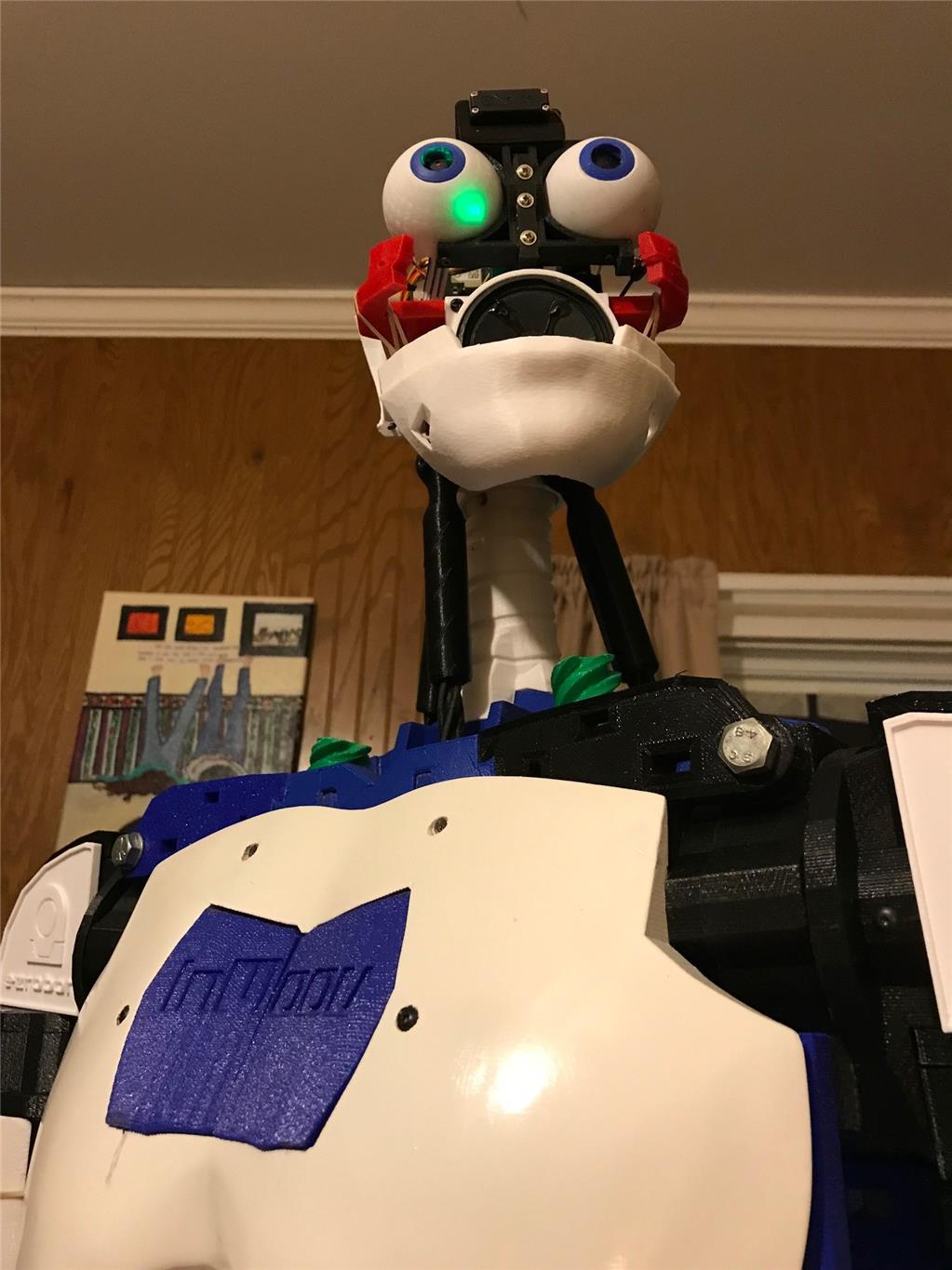
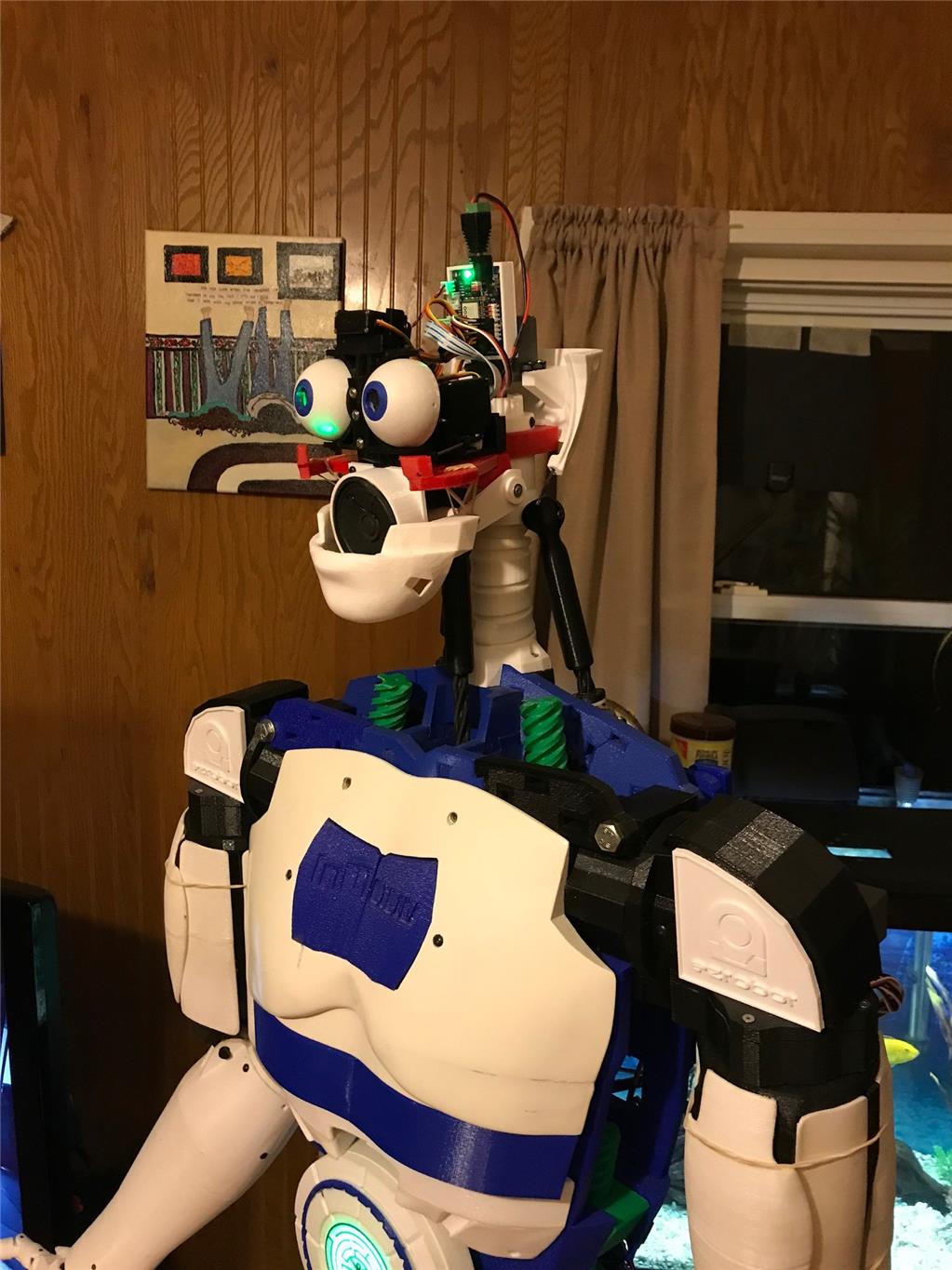
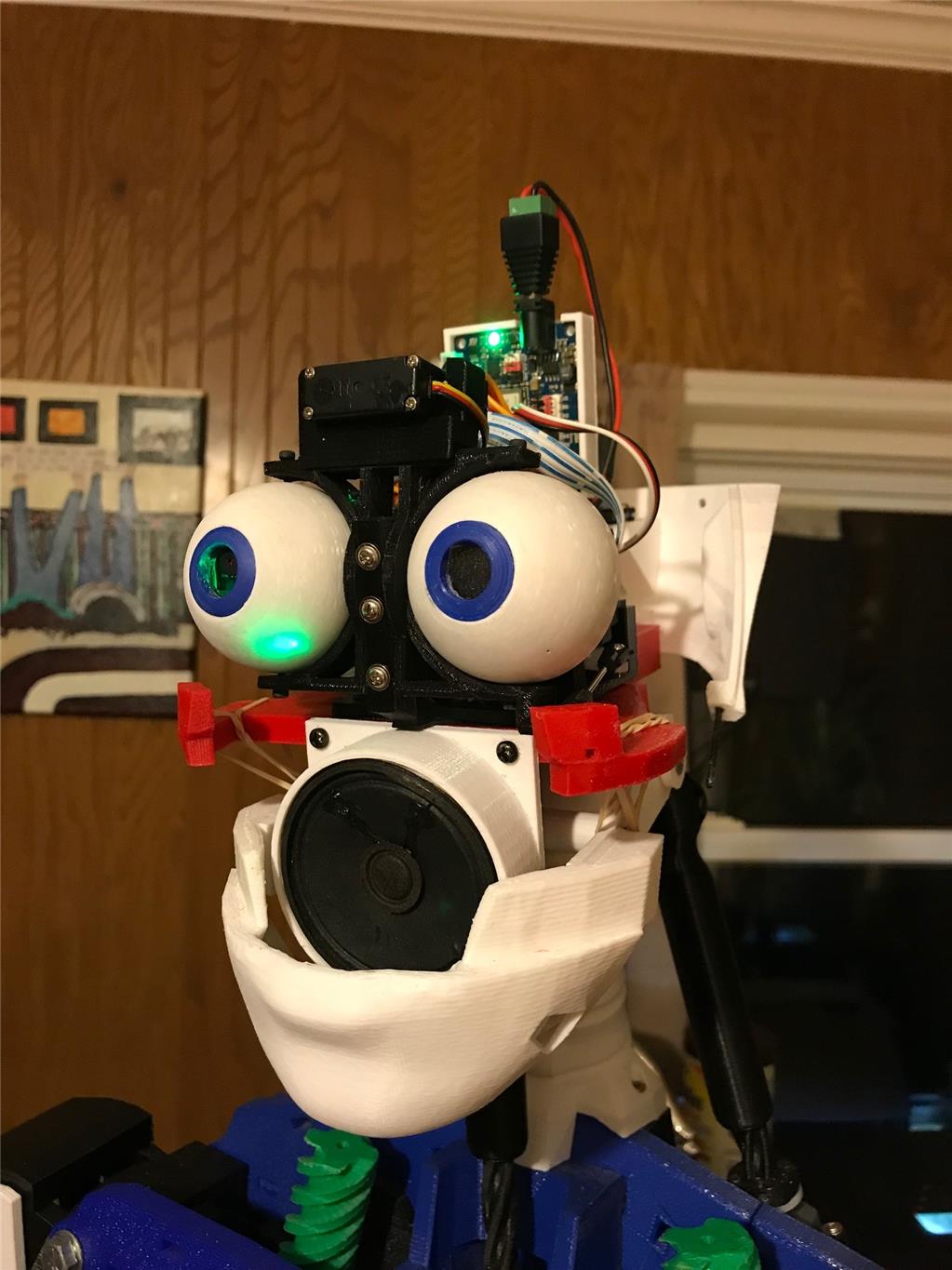
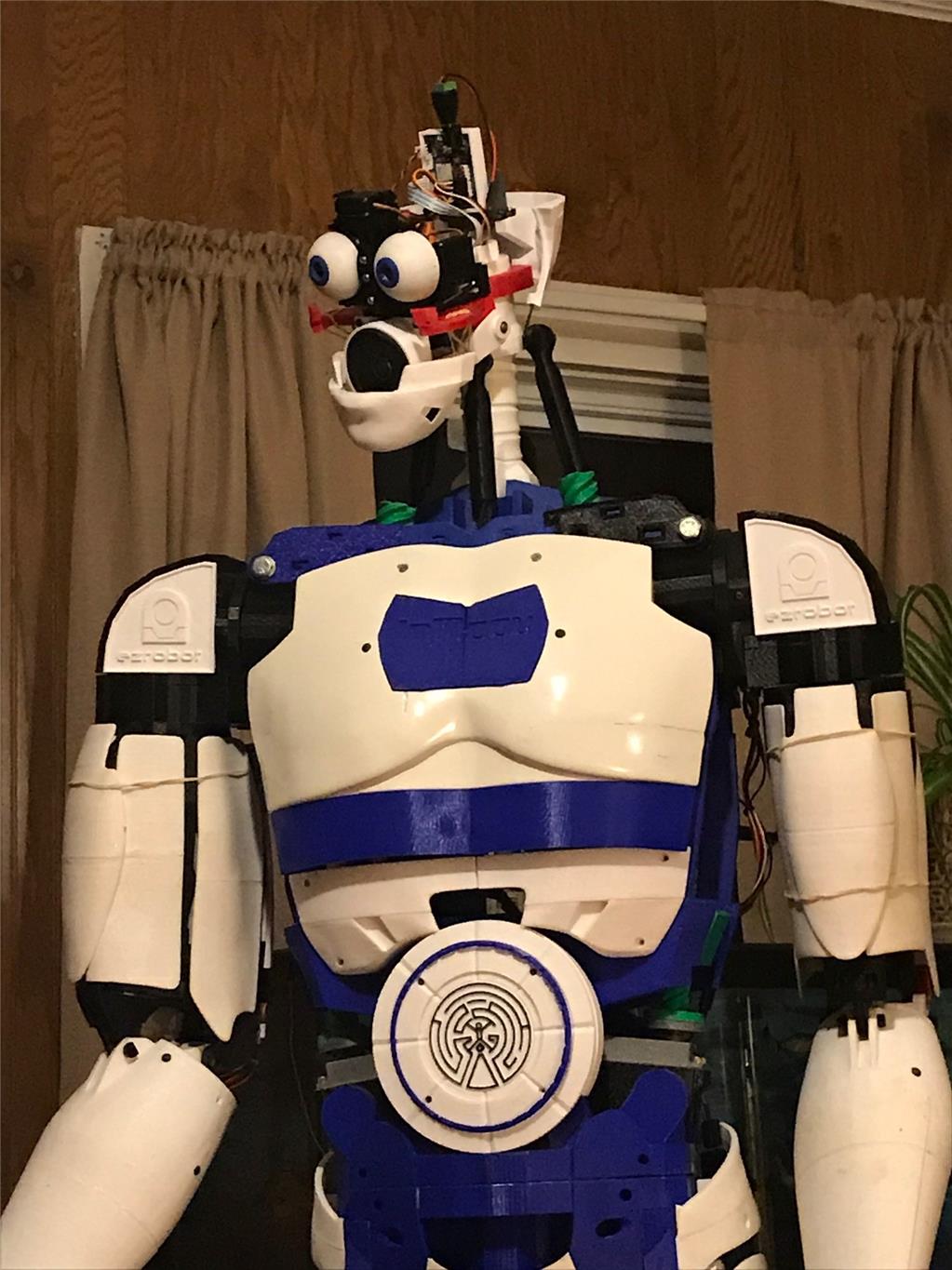
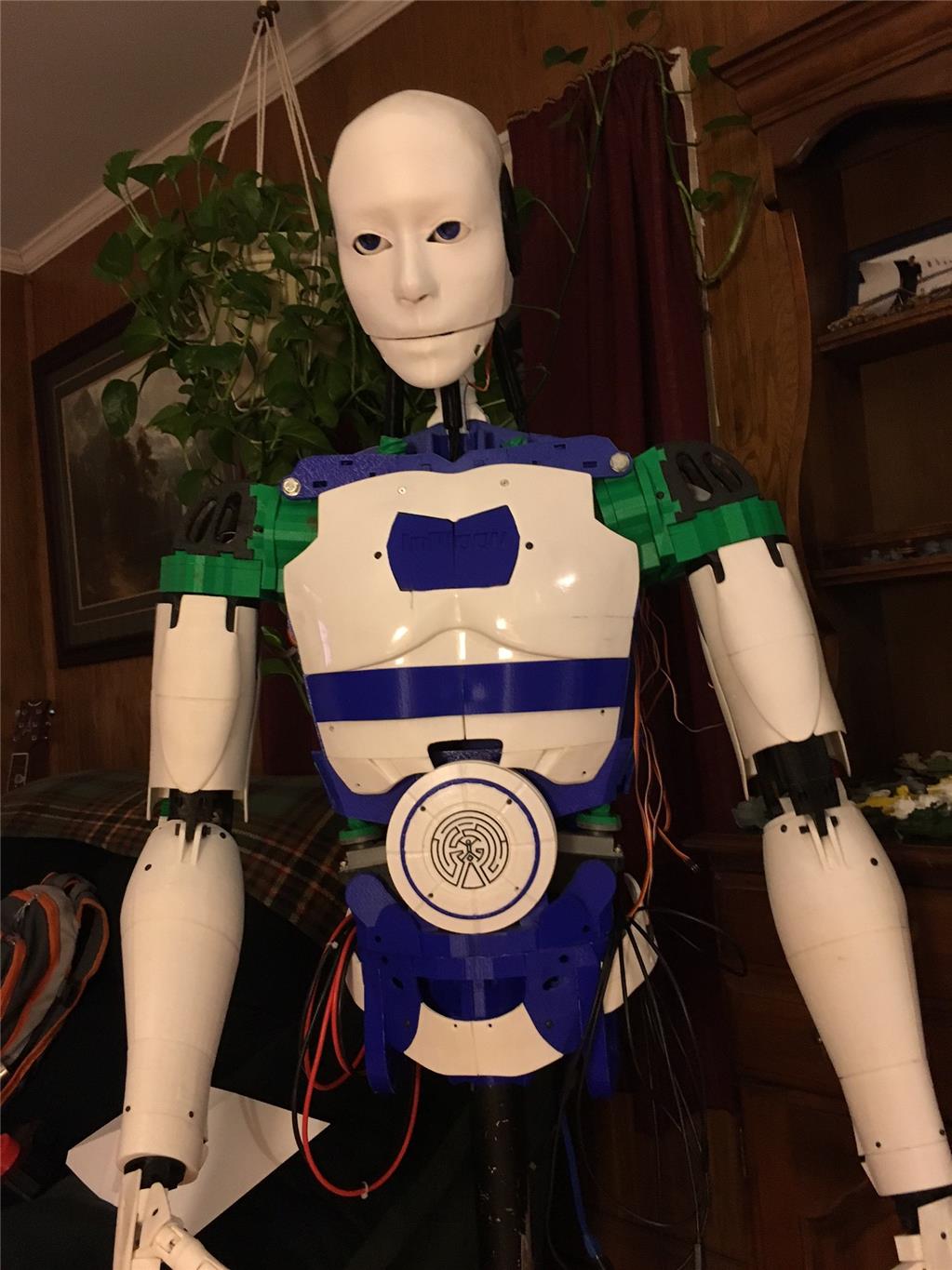
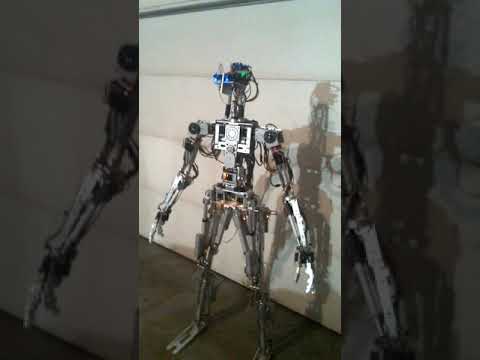
So here is my guy. Pretty standard build as far as inmoov's go.
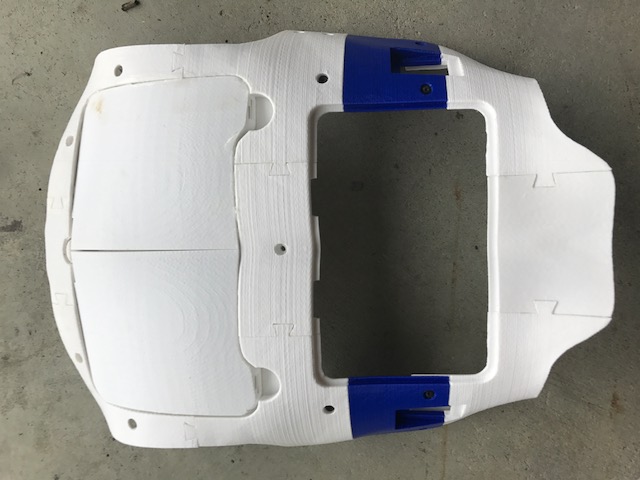
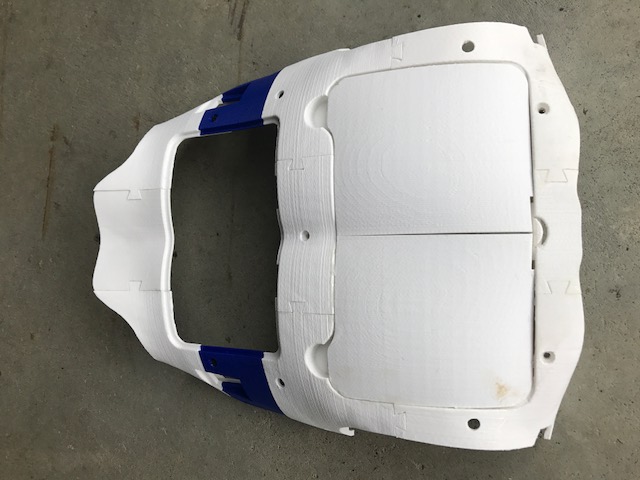
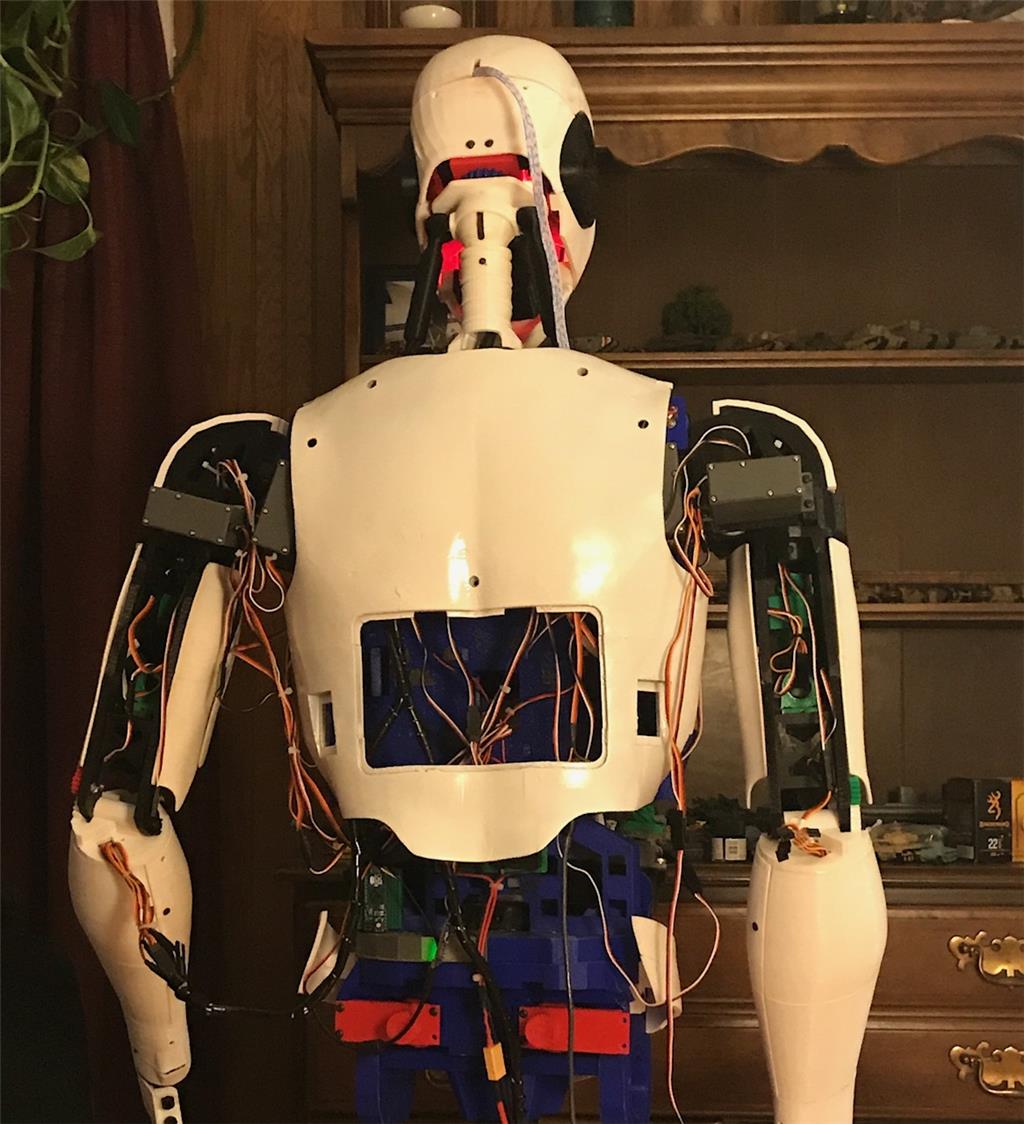
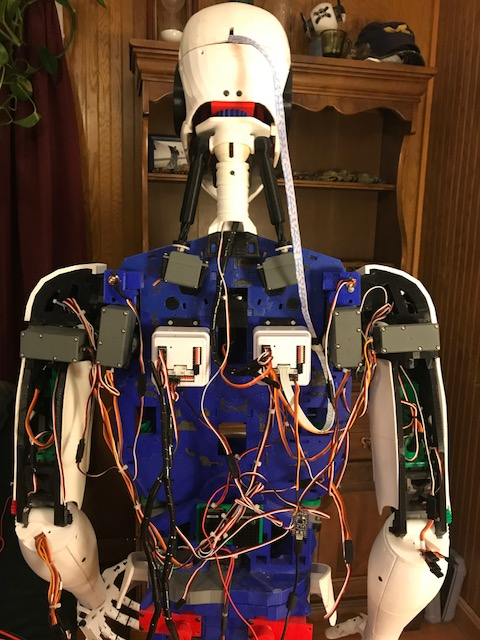
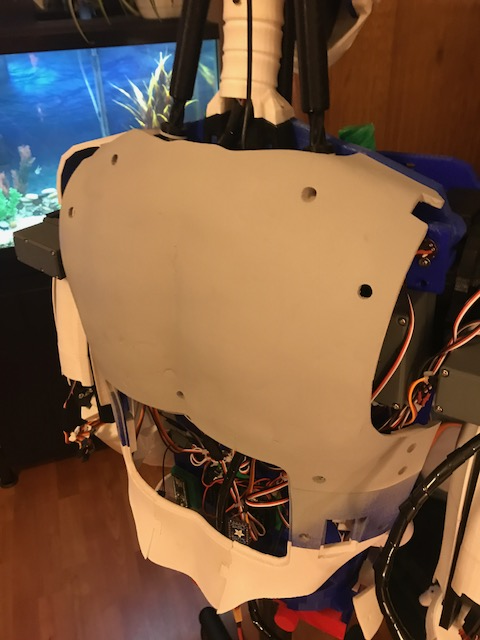
Here's the back. All the standard inmoov components. Dual 256 Megas, Nervo boards USB hub, Power supplys etc.
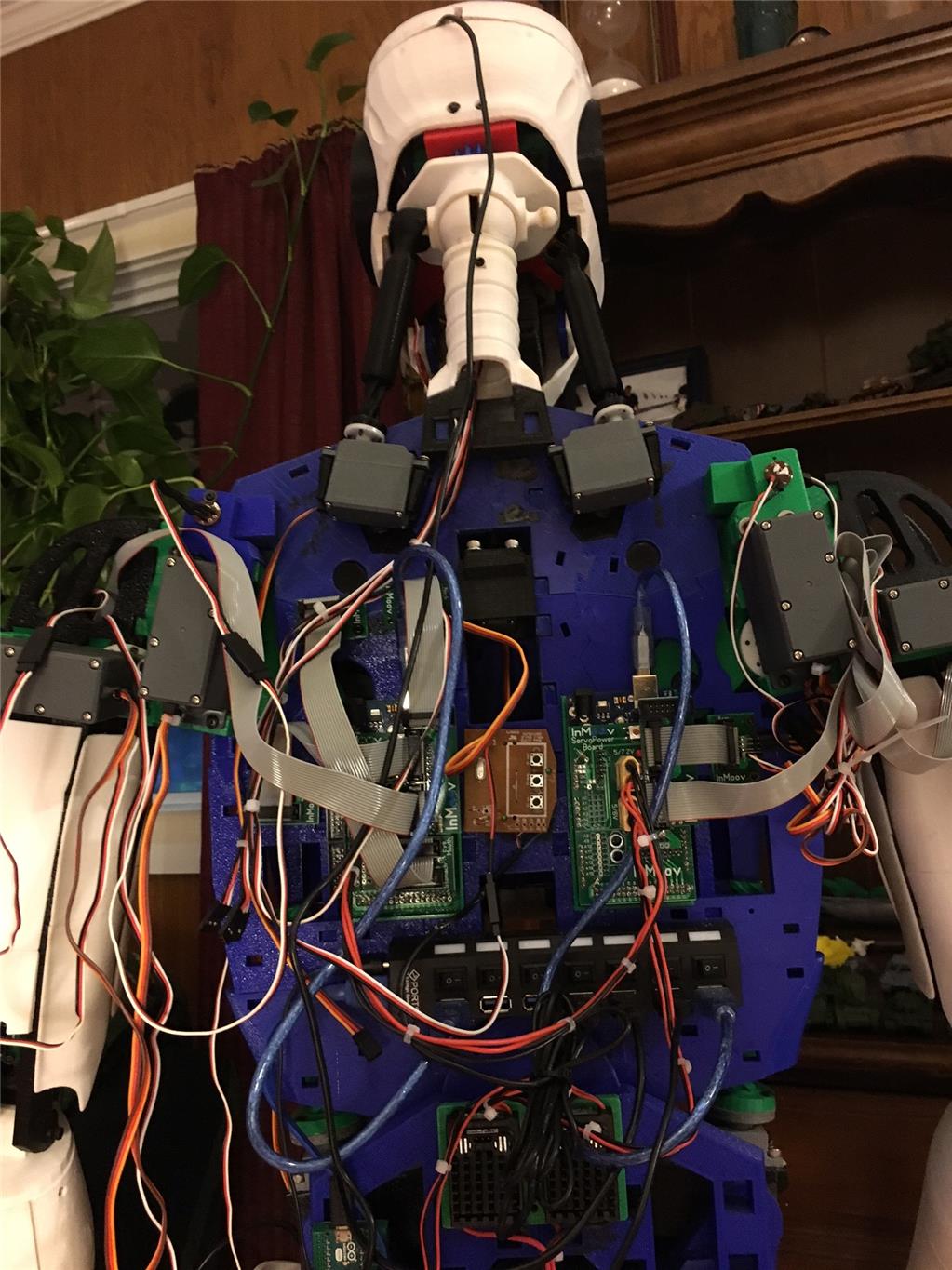
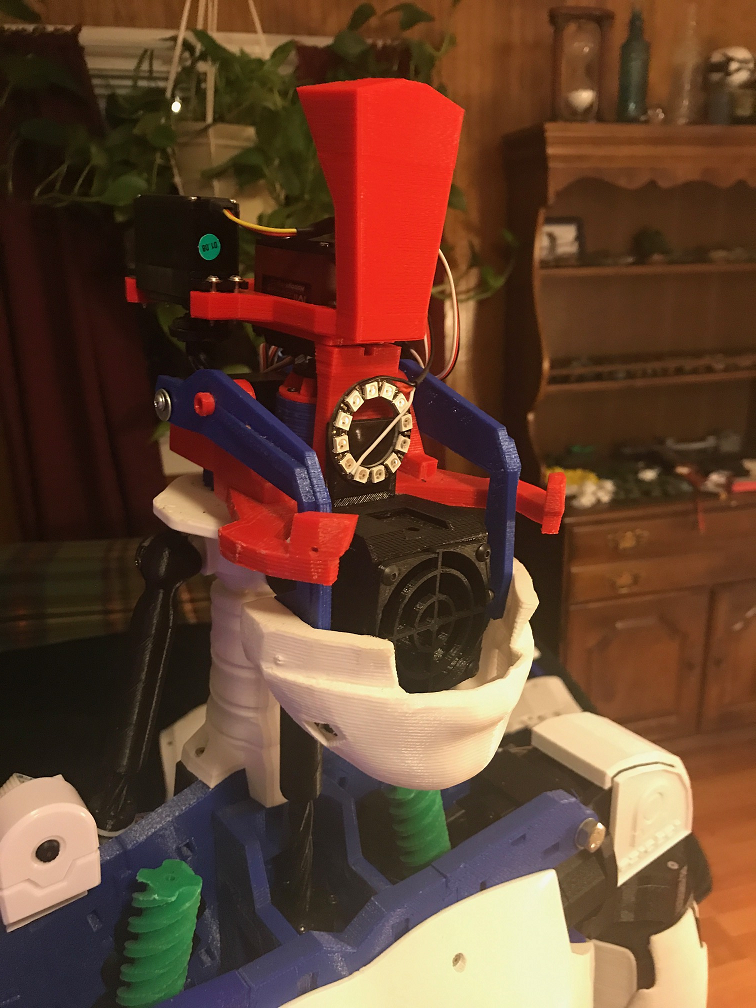
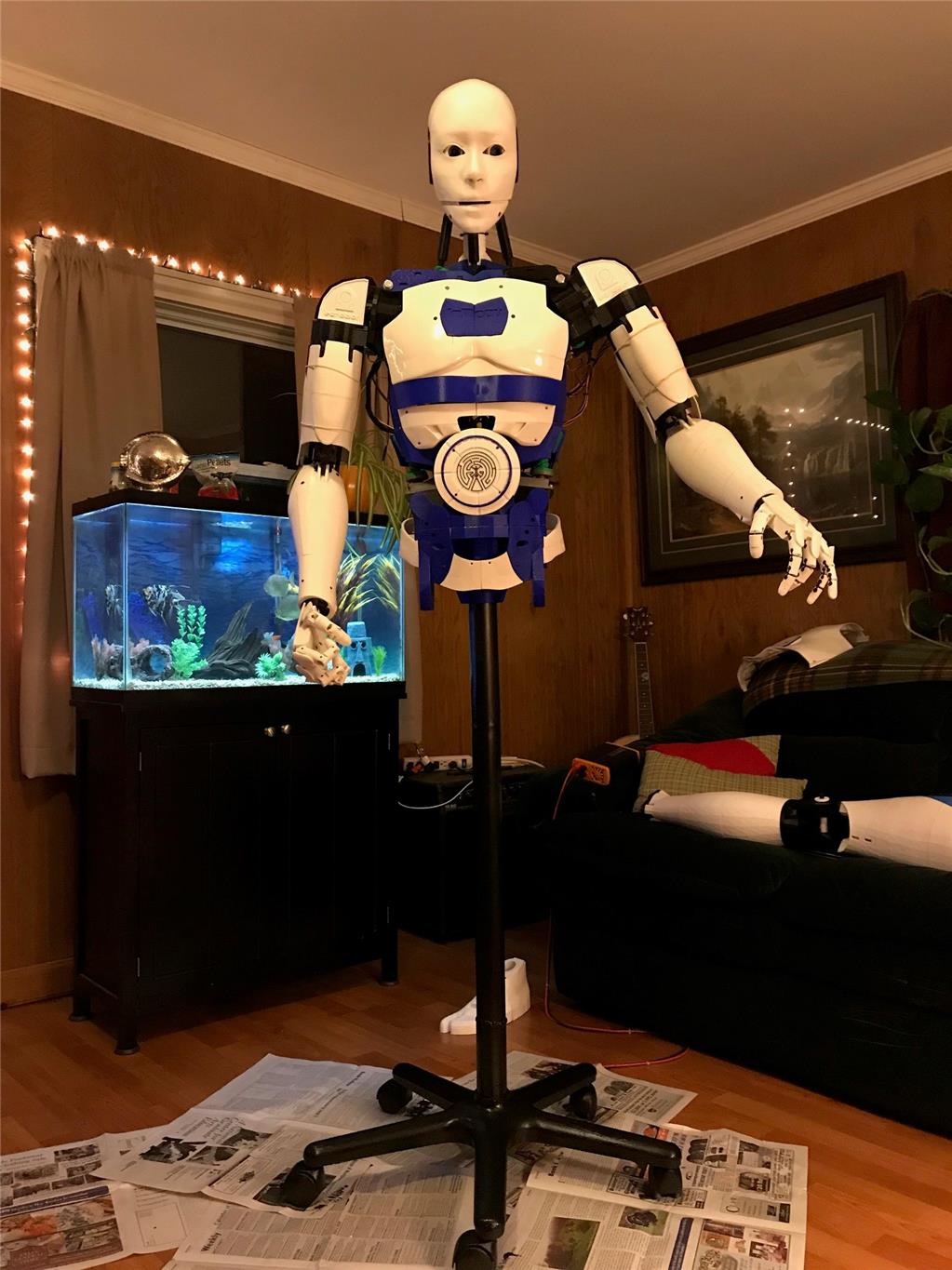
So the tear down begins. I need to clean up that wiring too. What a rats nest!
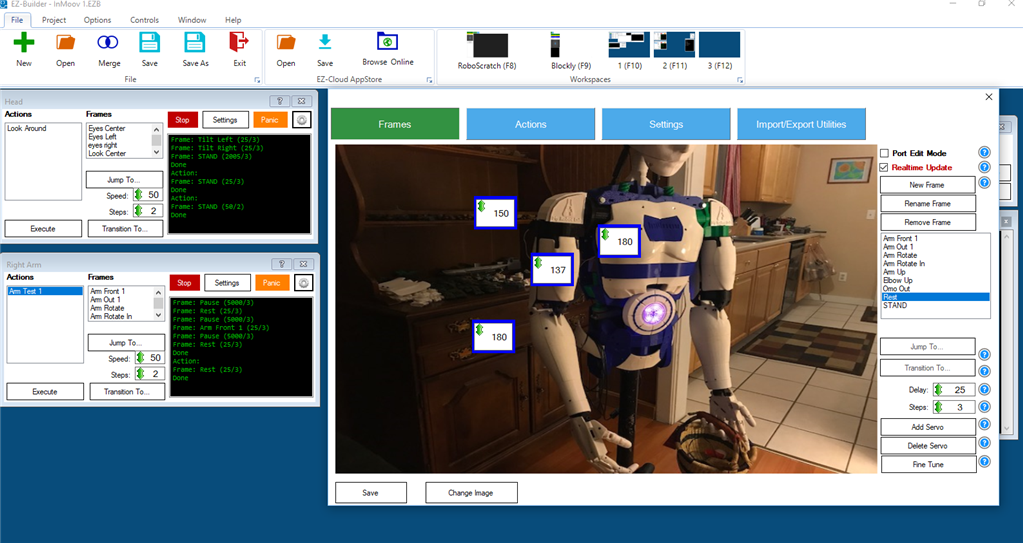
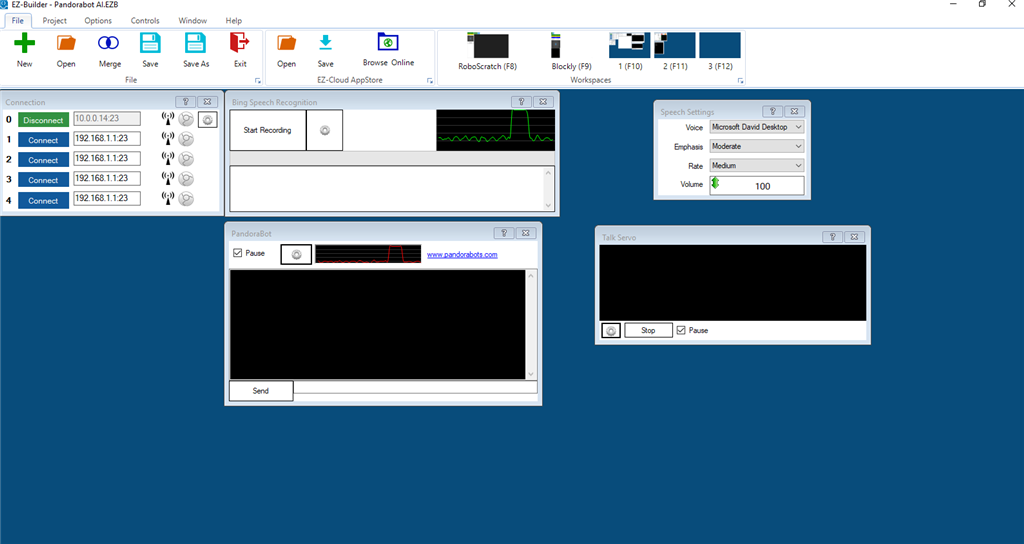
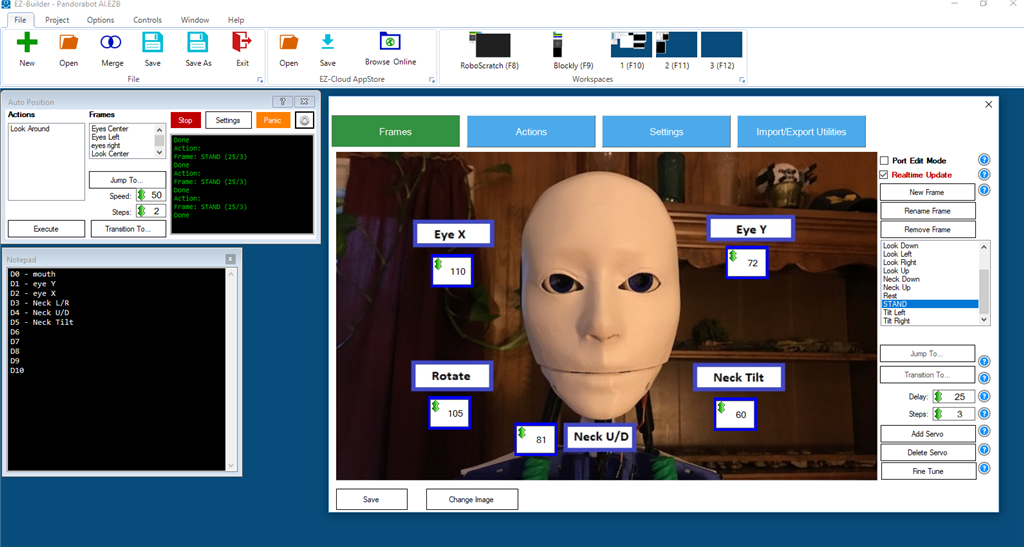
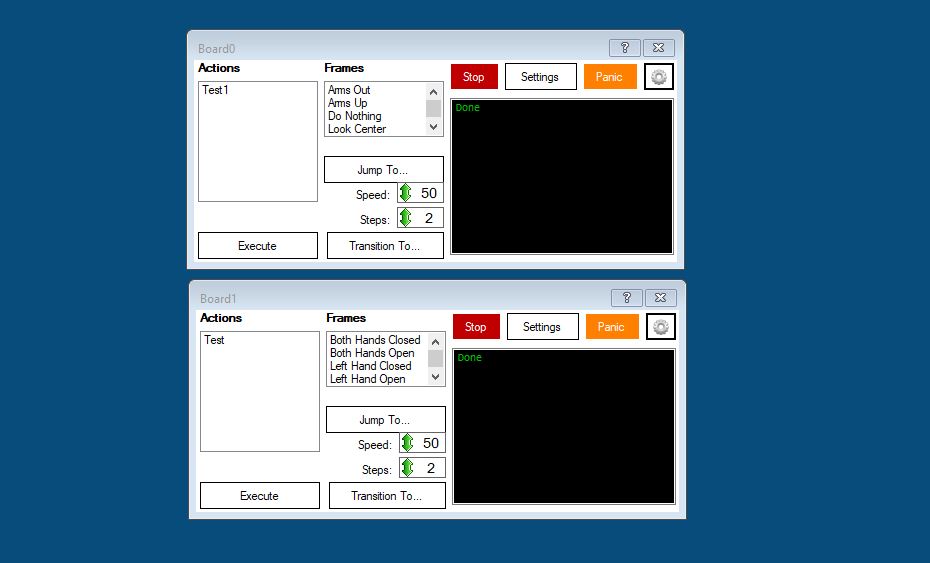
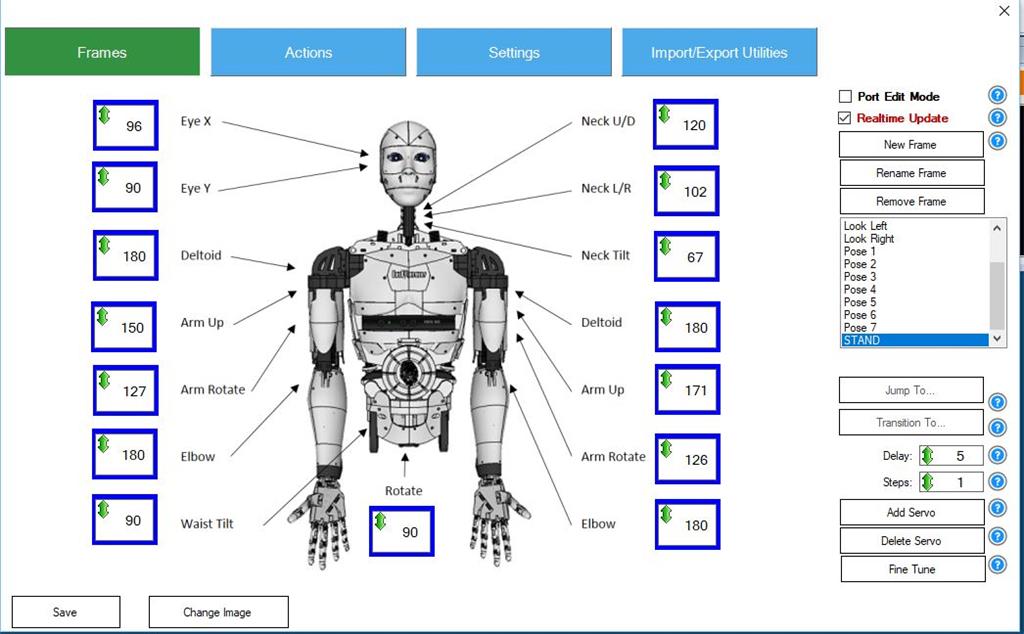
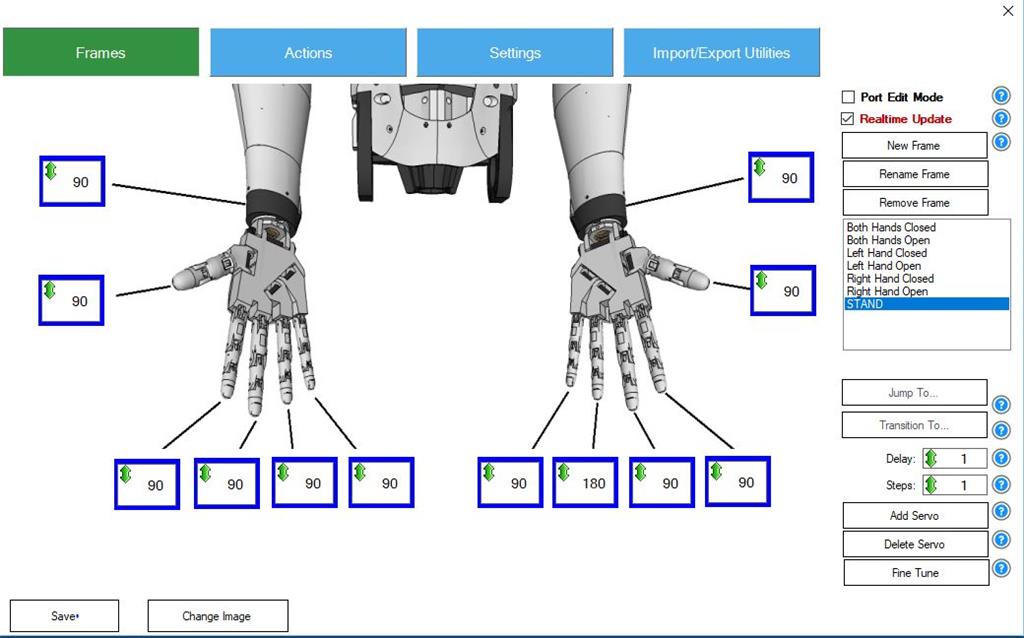
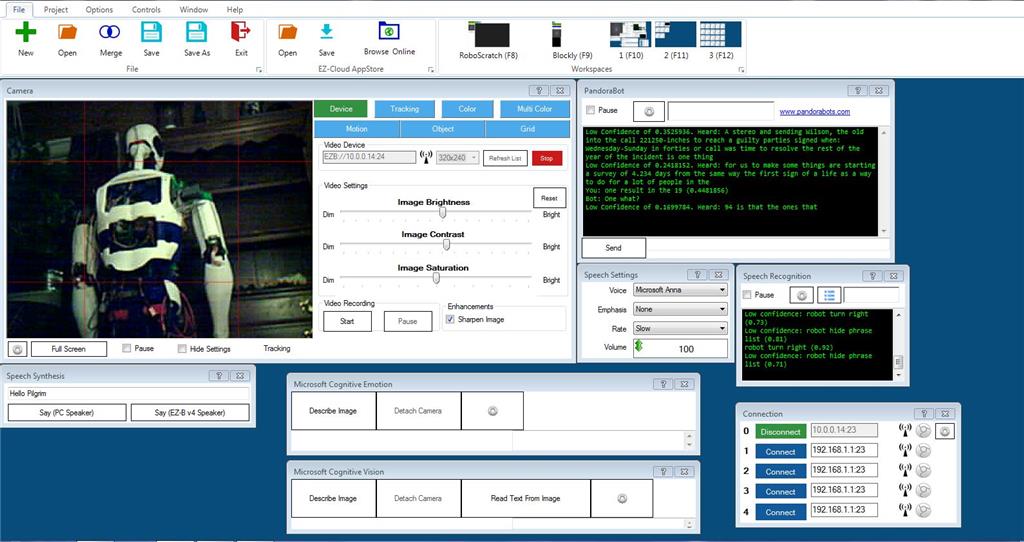
I just received my EZR controller and camera so I have no idea how to program it yet. I figured I would at least try to set up a GUI that allows me to manually move the servos like the MRL swing GUI. Five or six hours later and a few tutorials and I have this three screen model. I was easily able to add way more than basic servo control.
Here is the main control screen. Contains the face tracking speech functions and a custom Pandorabot for AI. Some MS cognitive stuff as well.
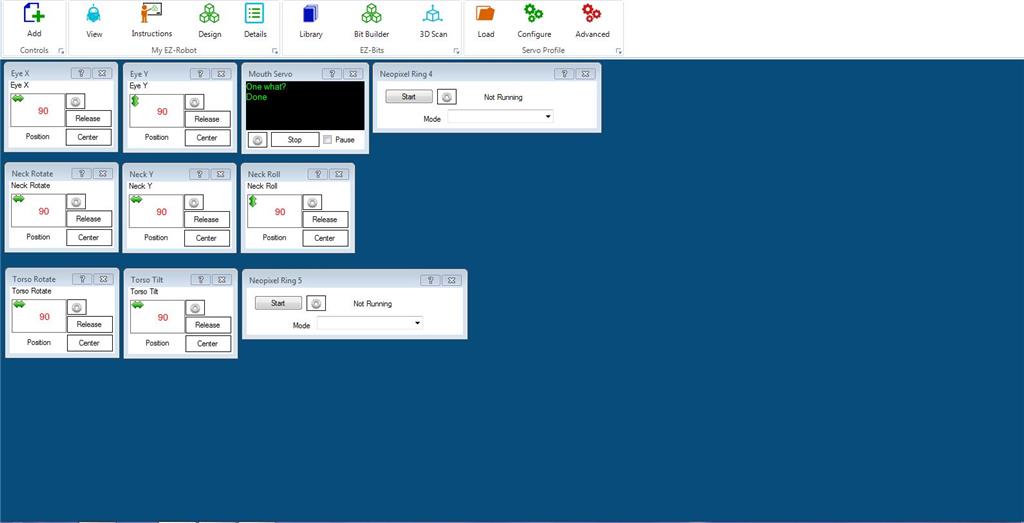
Here is the second screen. Head functions with a mouth control servo, neck, torso, and the 2 neopixel rings I have.
Third screen is for the arms and hands
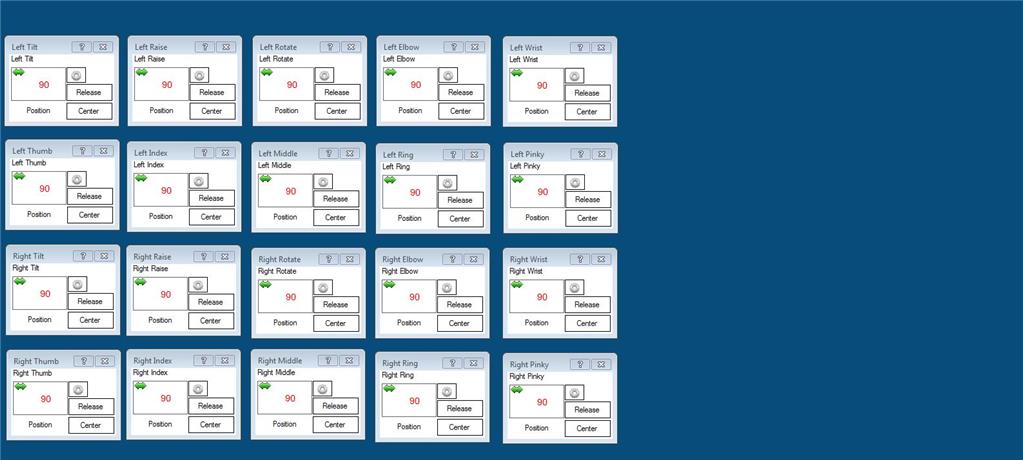
So now I pretty much have all the same functionality I had in MRL give or take. I am pretty sure I am not doing this entirely correctly but it will come with time. Need to get into the scripting. I guess there are some tutorials to watch. So far my experience has been pretty good and in a day eclipsed my MRL progress of the last 6 months.
I'll update this thread with my progress and appreciate any feedback.
Discover more robots
Jer361's Romni The Omnibot/Roomba Hack
Ericez's Mini Chappie Project

EZ-Robot - ARC makes all things servo related easier. You can download ARC software for free and mess around with it. Super easy to learn and lots of examples and videos.
See this EZ-Robot Tutorial about initializing servos: https://synthiam.com/Community/Tutorials/155/1
The short answer is YES! I converted from MRL a year or so ago, and after getting over the first few bumps of the learning curve with help from everyone on the blogs here, and help & other EZ resources I had my InMoov doing more in a couple of weeks than after a year of fiddling with MRL... who are great bunch of talented guys, volunteering their efforts to an on-going open source exploration of running things InMoov and etc...
Thanks 3dGuy and mayaway. Mr. mayaway I have used some of your improvements that are on thingiverse, in particular the square pot holder for inmoov's shoulder.
Toby looks great! I like the color scheme.
I would say it is a little easier to configure the servos. More importantly for me it is a stable platform that is backward compatible for the most part. When I used MRL there would be a code update and endpoints or scaling had errors and I would burn servos.
Thank you Perry_S, I admired your bot and all of the work you put into it.
Great work Perry, where are you in USA?
Wow...I am so envious. I started printing one of these years ago and then got sidetracked focusing on my little red bot.
I can't imagine the effort required to build something this big and get it functioning. It is beautiful and your perseverance is commendable.
Thanks Martin, This was quite a thread back when I started it. As you can see I came here looking for a better means to run my bot and I found it in ARC. I am nowhere the programmer you are so the community played a big role in getting it running.