

What is the ezplugin file in virtual reality robot?

hymecer
Unknown Country
Asked
1 Participant
What Is The Ezplugin File?
Related Hardware (view all EZB hardware)
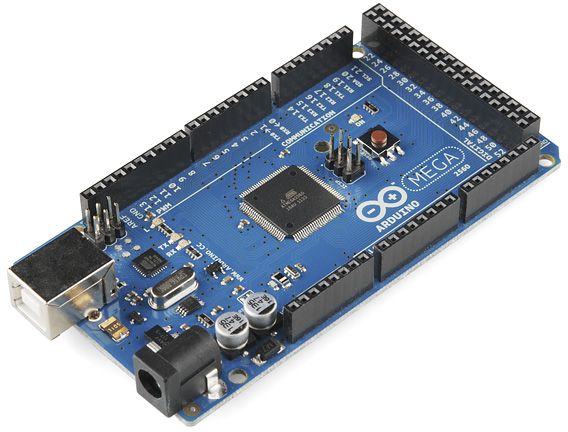
Arduino Due/Mega
by Arduino
Arduino Mega with Synthiam ARCx controls 24 servos, 13 PWM, sensors and serial modules via EZB firmware over USB.
USB
Servos
24
Camera
Audio
UART
3
I2C
ADC
8
Digital
21
Related Robot Skill (view all robot skills)
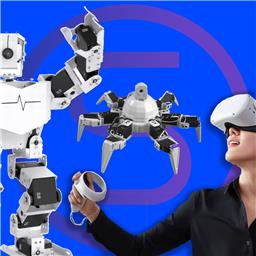
Oculus Quest Robot
by Meta
Immersive Meta Quest VR control for Synthiam ARC robots: stereoscopic camera view, map servos to hands/controllers, plus built-in remote desktop.
Requires ARC
v11

The ezplugin file is a type of file used by Synthiam ARC to install robot skills. When you download a robot skill from the Synthiam website, it comes in the form of an ezplugin file. This file contains all the necessary code and resources for the robot skill to function within the ARC software.
To install a robot skill using an ezplugin file, you simply need to open the file with the ARC software. ARC will automatically install the robot skill and make it available for use in your projects.
Please note that you should only download and install ezplugin files from trusted sources, such as the Synthiam website, to ensure the safety and functionality of your robot projects.