



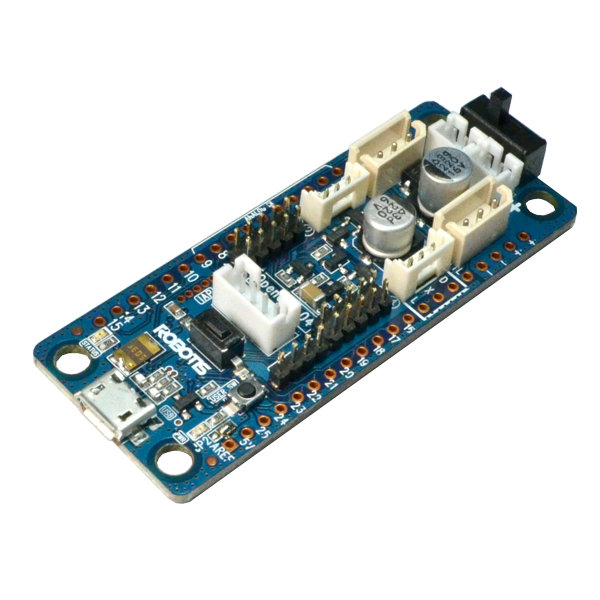
I’ve got an OpenCM 9.04-C on USB with an XL-320 (ID 1) and ARC is talking to it fine with the Robotis DYNAMIXEL robot skill. I can jog the servo and run a simple wave motion, so the hardware/firmware side looks good on Windows.
I’m trying to pull an RSS feed and trigger a gesture + speak the latest headline. I added the GetRSS robot skill and can see items come in (its log shows fetched entries). In the Variables tab I also see $RSSTitles[0] populated after a query. But when I try to read those variables from a JavaScript skill, I’m getting empty values. Here’s the minimal JS I’m running:
ControlCommand("GetRSS", "https://news.google.com/rss/search?q=robotics";);
Sleep(2000);
var ok = getVar("$RSSSuccess");
var t0 = getVar("$RSSTitles[0]");
print("ok=" + ok + " t0=" + t0);
Most runs print ok=1 t0= (blank). Occasionally I’ll see t0 filled, but it’s inconsistent even though the Variables tab shows $RSSTitles[0] has a value right after the same query. I’ve tried longer Sleeps (up to 5s), calling the ControlCommand from a separate Script control first, and refreshing variables. Same behavior. I was planning to match keywords and then call my DYNAMIXEL servo move from JS, but I’m blocked on reliably accessing the arrays.
- Is the ControlCommand syntax correct for GetRSS from JavaScript, or should there be a verb like "Get" before the URL?
- In JavaScript, is getVar("$RSSTitles[0]") the right way to index the array, or do I need a different pattern to read array elements from global variables?
- What’s the recommended way to wait until GetRSS is fully populated before reading so I can trigger my XL-320 gesture reliably?
What is the correct ControlCommand syntax and the reliable JavaScript approach to wait for and read $RSSTitles/$RSSDescriptions from GetRSS so my OpenCM 9.04-C controlled XL-320 can react to new feed items?



Yes - there are two issues in your example:
ControlCommand()syntax for GetRSSCorrect
ControlCommand()syntaxFor the GetRSS robot skill, the command is:
So yes, it does need the verb
"get"before the URL.Your current line:
is missing the command name.
Reading array variables in JavaScript
Yes, this is the correct pattern:
That is the right way to access the first item of the array in ARC JavaScript.
If you want to be safe, you can also check the array directly:
That often makes debugging easier because you can inspect the whole array.
Why you’re seeing blank values
ControlCommand()is non-blocking, so the script continues immediately after sending the command.That means this:
is still a race condition if the feed takes longer than expected or if ARC hasn’t updated the globals yet.
Also, RSS fetching is network-dependent, so timing can vary.
Reliable way to wait for GetRSS data
The most reliable approach is:
getcommand$RSSSuccessis populatedHere’s a safer JavaScript pattern:
Even better: read the array after success
If you want the most consistent result, read the array object after the request completes:
Triggering your XL-320 gesture
Once you have the text, you can match keywords and then move your DYNAMIXEL servo. Since you already have the OpenCM 9.04-C working with ARC’s Robotis DYNAMIXEL skill, you can just call the servo/motion commands from the same script after the RSS values are ready.
Example:
If your XL-320 is bound through the DYNAMIXEL skill, just make sure you’re using the correct virtual servo port for that servo.
Best practice for this case
For this workflow, I’d recommend:
ControlCommand("GetRSS", "get", url)$RSSSuccess$RSSTitlesand$RSSDescriptionsOne more tip
If you’re doing a lot of scripting like this in ARC, the built-in AI Assistant can help rewrite and debug your JavaScript directly in the editor: https://synthiam.com/Products/AI-Assistant
If you want, I can write you a complete ARC JavaScript example that: