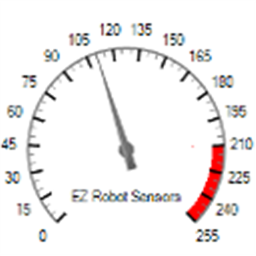


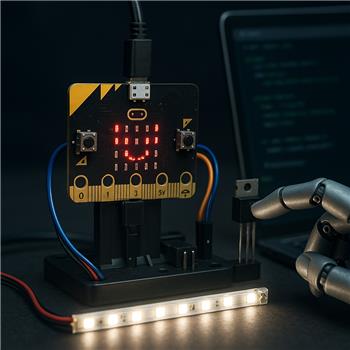
I’m trying to do live brightness control of a small 12V LED strip segment from a BBC micro:bit connected to ARC over USB. I flashed the micro:bit firmware for ARC, added the Micro:bit board, and I’m driving the strip through a logic-level N-MOSFET on P1 (common ground between the 12V supply and the micro:bit). I’m using the Slide Script skill with Min=0, Max=255, and the variable name set to $led_level. In the On Value Changed script I’m simply doing:
# Slide Script On Value Changed
$level = $led_level
PWM(P1, $level)
If I set a single value from the EZ-Script Console, like PWM(P1, 180), the brightness is steady and looks fine. But when I drag the Slide Script slider, I see noticeable flicker and sometimes lag (it feels like commands queue up). Also, when I originally tried P0, I got audible chirps from the built-in speaker and weird ghosting on the 5x5 LED matrix; moving to P1 mostly fixed that, but the flicker while sliding remains. I’m assuming the rapid On Value Changed callbacks are spamming PWM updates.
A few specifics I’m unsure about: is the PWM() range truly 0-255 for the micro:bit in ARC, or should I be using 0-100? Is there a way to change PWM frequency on the micro:bit via ARC to reduce visible flicker, or is it fixed by the firmware? And is there a recommended way to debounce/throttle the Slide Script output (e.g., only send when the change exceeds a threshold or every X ms) without writing a separate background script?
How can I throttle or debounce Slide Script updates and ensure I’m using the correct PWM command/range so the micro:bit on P1 drives the LED strip smoothly without flicker or interference from the LED matrix/speaker?



Yes - what you’re seeing is very likely slider spam, not a wiring issue.
Key points first
On Value Set Scriptcan fire very quickly while you drag, which can cause visible flicker or lag if you send PWM on every tiny change.P0caused weird behavior.P1is a much better choice.Use the correct PWM range
If you’re using ARC’s
PWM()/PWM.set()style control, the expected range is:So if your slider is currently set to 0-255, you should change it to 0-100 unless you intentionally want to scale it yourself.
Better setup for Slide Script
Set:
$led_levelThen use:
If you really want the slider to stay 0-255 for UI reasons, map it before sending PWM:
Throttling the Slide Script updates
There isn’t a built-in debounce option in Slide Script settings, but you can throttle inside the script.
Simple threshold filter
Only send PWM if the change is significant:
Time-based throttle
Only update every 50 ms, for example:
If your environment doesn’t expose a simple time value the way you expect, the most reliable approach is usually:
Best practice for smooth brightness
For the smoothest result, I’d recommend:
For example, every 2-5 steps
Why P0 caused extra weirdness
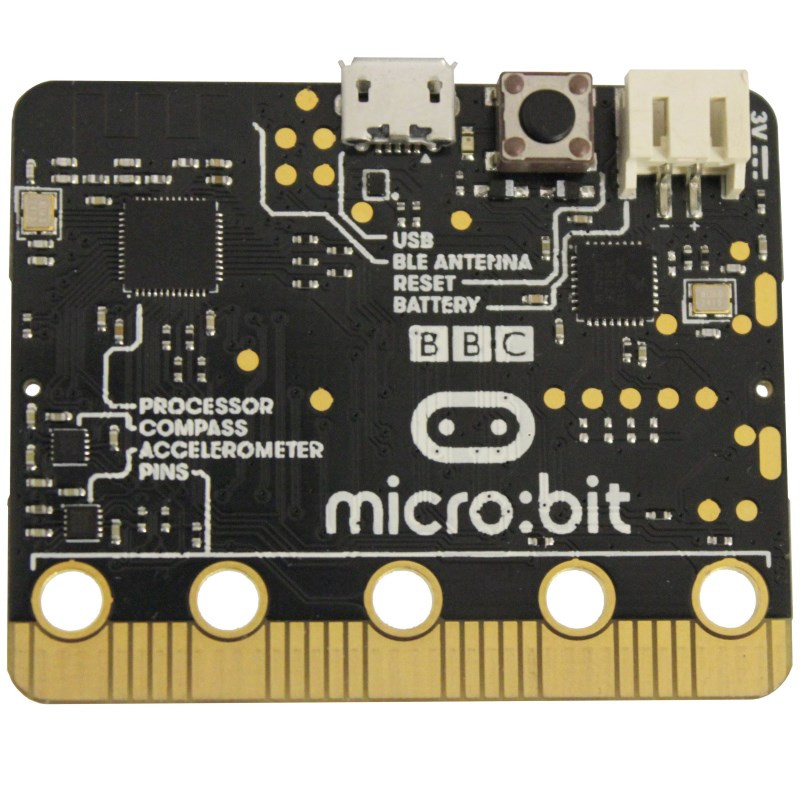
That makes sense on micro:bit because some pins are multiplexed with onboard features:
P0,P1,P2are the most common beginner-friendly padsAbout PWM frequency
For ARC’s micro:bit firmware, I wouldn’t expect a user-adjustable PWM frequency setting from the PWM command. If visible flicker remains after throttling, it’s usually due to:
Recommended ARC approach
If you want, I can help you build a clean ARC setup using:
PWM.set(P1, value)with proper scalingA couple quick questions so I can tailor the fix:
If you want, I can write you a ready-to-paste ARC JavaScript example that smooths the updates.