


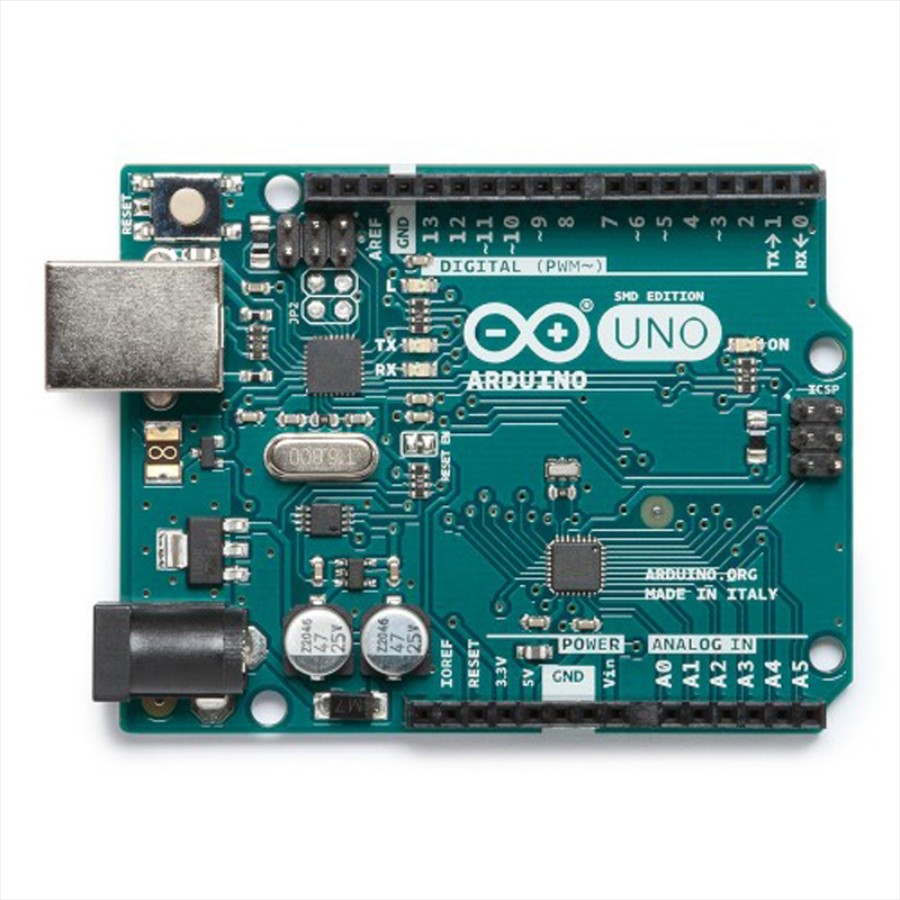
I’m using an Arduino Leonardo over USB with the EZ-Genuino_Leonardo firmware to drive two SG90 servos on D9 and D10 from ARC. Connection is solid (DTR Enabled checked in the Connection Config, baud per the tutorial). Servos have their own 5V BEC and share ground with the Leonardo; they move smoothly using the standard Servo() commands from the servo Controls.
I’m trying to trigger servo positions by scanning QR codes. I added the QR Code Generator skill to make two codes: LEFT and RIGHT. I then use the Camera Device skill set to track QR Codes. The detection works, but as long as the QR code stays in frame, the Camera script seems to fire repeatedly and my servos twitch because they keep getting the same position commands at a high rate. Sometimes the text variable is blank on the first frame, then populated on subsequent frames.
Here’s what I’ve got in Camera Device -> Scripts -> On QR Code:
# trying to debounce repeat scans
if ($CameraObject != $lastQR)
  $lastQR = $CameraObject
  if ($lastQR = "LEFT")
    Servo(D9, 60)
    Servo(D10, 120)
  elseif ($lastQR = "RIGHT")
    Servo(D9, 120)
    Servo(D10, 60)
  endif
endif
Questions: is $CameraObject the correct variable for the decoded QR text from the Camera control, or should I be reading something else for QR Code Generator output, and what’s the best practice in ARC to latch a QR detection so it only triggers once per unique code (or until the code leaves the frame) to avoid servo jitter on the Leonardo?



Yes - for QR Code tracking in ARC, the decoded text is stored in
$CameraQRCode, not$CameraObject.$CameraObjectis for object tracking data, not QR text.What to use
In Camera Device -> Scripts -> QR Code or QR Code Not Found, use:
Why it repeats
Camera QR detection can report the same code every frame while it remains visible. So if your script directly commands the servos every time, they’ll keep getting repeated position updates and can appear to twitch.
Best practice: latch the QR code
There are two common ways:
1) Trigger only when the QR changes
Use a global variable like
"$lastQR"as shown above.2) Reset the QR memory when you want re-triggering
If you want the same QR code to fire again after it leaves and re-enters the frame, use:
That clears the camera’s remembered last QR so the same code can trigger again later.
If you want "fire once until code leaves frame"
Use a pair of scripts:
QR Code detected
QR Code Not Found
That way, once the QR is gone, the latch clears and the next scan can trigger again.
About the blank first frame
That’s normal. On the first detection frame, the variable may not be populated yet, then it becomes valid on the next frame. A simple empty-string check avoids problems:
One more tip for the Leonardo + SG90s
If the servos are already at the commanded position, repeated identical
Servo.setPosition()calls usually aren’t needed. Latching the QR event will reduce unnecessary updates and help avoid twitching.You may also want to check the kebab menu on the Camera Device skill and confirm the QR scripts are set only where needed, since ARC can also fire detection scripts from the QR settings there.
If you want, I can help you rewrite your full QR script into a clean ARC JavaScript version with a proper latch and a "same QR only once until lost" behavior. That kind of script is also a great fit for the ARC AI Assistant built into ARC if you want to iterate quickly inside the editor:
https://synthiam.com/Products/AI-Assistant