

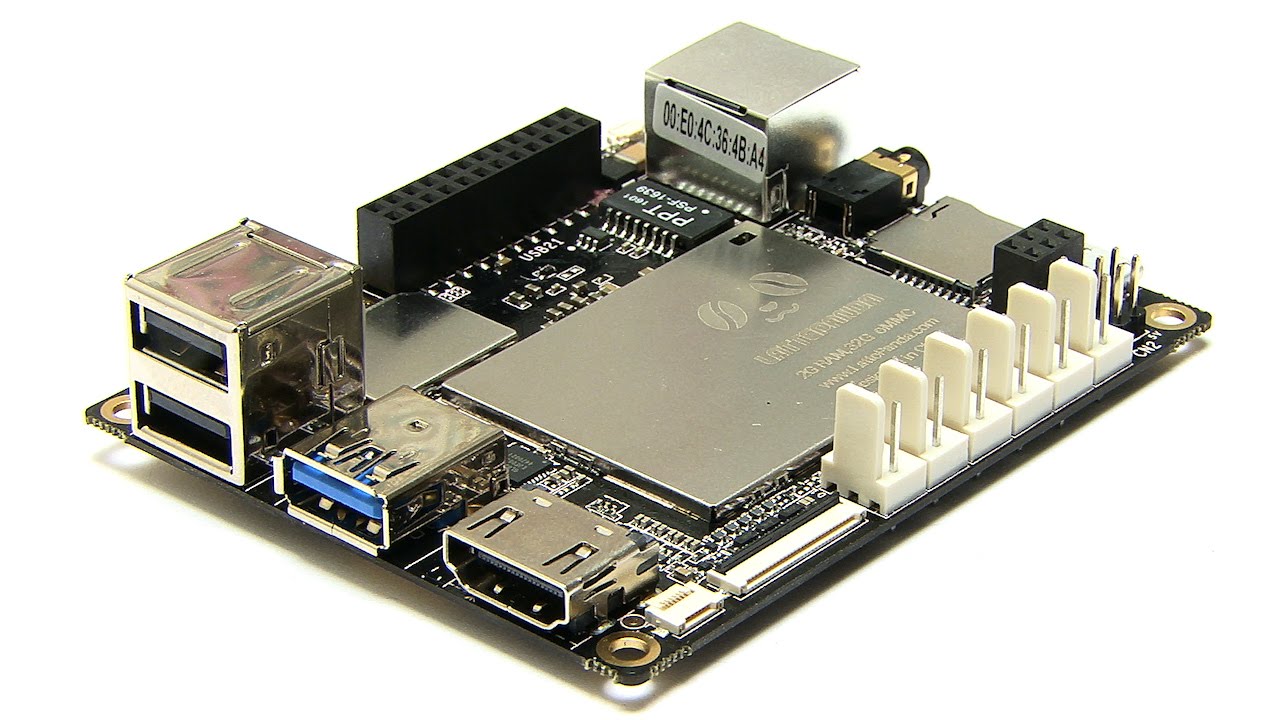
Running ARC on a DF Robot LattePanda (Windows), using the onboard Arduino Leonardo over USB with the EZ-Genuino firmware and DTR Enabled in the Connection config, I’m trying to give my bot some ambient behavior via the Personality Generator skill but I’m hitting a cancellation issue with longer routines. Two micro servos are on Leonardo pins D5 (head tilt) and D6 (pan), powered from a separate 5V regulator, grounds tied. Personality Generator Low=8s, High=25s. I added three personality actions: head_nod, look_around, and speak_greeting. Right now I have them coded inline in Personality Generator (EZ-Script), for example look_around sweeps the head for ~20-30 seconds while occasionally speaking via Speech Synthesis. The expected result is it finishes the sweep before the next random action, but the actual behavior is that when the next interval fires, the current script stops mid-motion or mid-sentence and the new one starts, which matches the note that the skill cancels the currently running script.
I tried: widening the interval to Low=20/High=60, adding a $busy flag around the long sequences, and even moving the routines into Script Manager and having Personality Generator just call them via ControlCommand("Script Manager", ScriptStart, "look_around") so I could gate with a $busy check. But the moment the next Personality Generator interval hits, it seems to interrupt anyway. Here’s a simplified snippet of the inline version that gets cut off:
$busy = 1
FOR($i=1; $i<=40; $i++)
  Servo(D5, Random(40,120))
  Servo(D6, Random(30,150))
  Sleep(500)
NEXT
Say("Scanning complete")
$busy = 0
Is there a recommended pattern (queueing, pausing the Personality Generator, or a ControlCommand to defer new triggers) so a Personality Generator action on a LattePanda/Leonardo can complete without being cancelled by the next randomized interval?



Yes - what you’re seeing is expected behavior for Personality Generator. It runs one personality script at a time, and when the next randomized interval hits, it cancels the currently running script and starts the new one. So a long routine like your 20-30 second sweep will get interrupted unless you design around that behavior.
Recommended pattern
Option 1: Keep Personality scripts short and non-blocking
This is the simplest and most reliable approach.
Instead of one long script that "does" the whole sweep, make the Personality Generator trigger small actions only:
Then let the next trigger handle the next small step.
This works well because Personality Generator is meant for spontaneous, short behaviors, not long routines.
Option 2: Use a state machine with short scripts
If you want the bot to appear to do a long routine, break it into phases and store the phase in a global variable.
For example:
head_state = 0start scanhead_state = 1continue scanhead_state = 2finish scanEach Personality Generator trigger runs only one phase, then exits quickly.
That avoids cancellation issues because each script is short.
Option 3: Have Personality Generator call a Script Collection script that only starts if idle
If you want to keep using Script Collection, the key is:
But note: if the Personality Generator itself fires again, it can still cancel the current running script if that same script is still executing. So this only helps if the triggered script is very short.
What won’t solve it by itself
These approaches usually won’t prevent cancellation:
$busy = 1ScriptStartWhy? Because the Personality Generator doesn’t wait on your
$busyflag - it simply starts a new script when its timer fires, and the currently running personality script gets cancelled.Best practical workaround
If you want long ambient behavior, use Personality Generator only as the "starter", not the executor.
Example pattern:
Personality Generator runs a tiny script:
$lookState = 1ControlCommand("Script Collection", "ScriptStart", "LookAroundWorker")The worker script should be designed to:
If you need a long-running routine, it’s better to trigger it from a different control than Personality Generator, or convert it into a repeatable state machine.
Example pattern
Personality Generator action
Worker script
This is still not a perfect "queue," but it keeps the Personality Generator from being responsible for the entire long routine.
Important note about speech
If you’re using speech in the same long script, that also increases the chance you’ll see interruption. A better pattern is:
Relevant docs
My recommendation for your LattePanda/Leonardo setup
Since you’re already on ARC with Windows and the onboard Leonardo, I’d recommend:
If you want, I can help you rewrite your current
look_aroundroutine into a non-blocking state machine in JavaScript or Python for ARC, which is usually the cleanest way to do this.