

lmrobot
USA
Asked
— Edited
 Resolved by Dave Schulpius!
My Robot Is Too Loud.
Hey! I was testing my speech recognition and my robot won't respond to 'robot stop'. I know there's nothing wrong with the command because it recognized my speech when it was stationary but when it's rolling it seems to not pick up my voice over it's own motors. So how do I make them more quiet?
Edit: I forgot to mention that I'm using a head set with a microphone attached.
Related Hardware (view all EZB hardware)
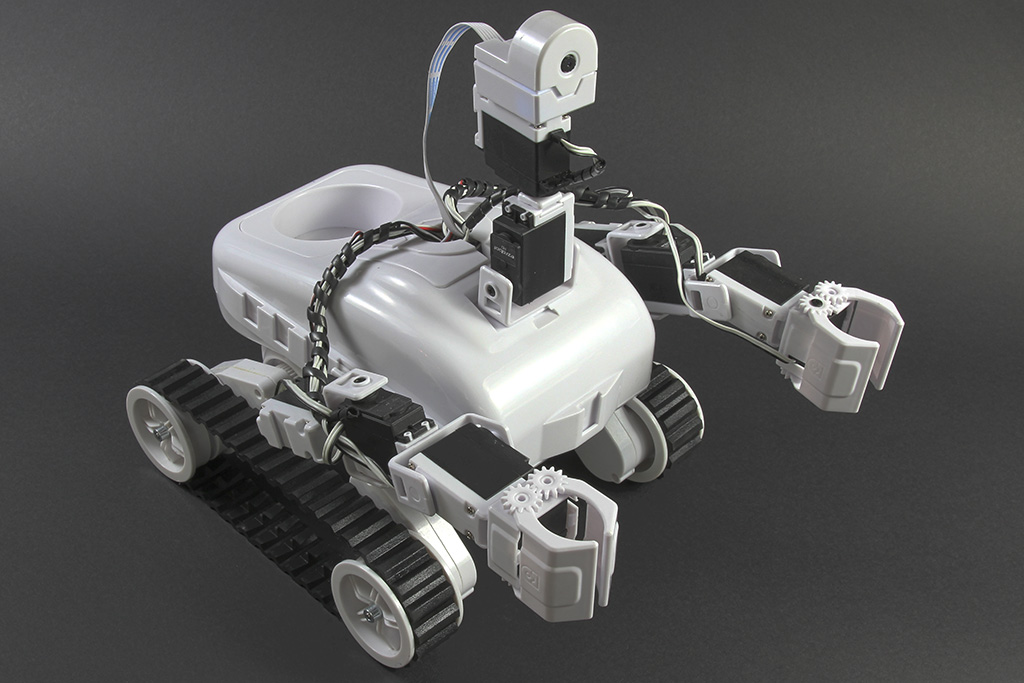
Roli Rover
by EZ-Robot
Roli WiFi planetary rover kit, customizable with 13 ez-bit ports for add-ons, built to traverse varied surfaces. Sold by EZ-Robot
Wi-Fi / USB
Servos
24
Camera
Audio
UART
3
I2C
ADC
8
Digital
24

Check the manual for the speech recognition robot skill. The microphone isn’t in the robot. It’s in the computer. The manual will explain more: https://synthiam.com/Support/Skills/Audio/Speech-Recognition?id=16118
There are ways to quite a motor down but they are hard to do and not very effective. You can cover them with a sound dampening material like Dynamat. It works a little and makes the noise a little more tolerable. I don't think it will help much in your case.
You say you are using a headset with a mic attached. I assume it's linked to your "off robot" computer? You could try to go into windows microphone settings and adjust the volume and sensitivity levels of the headset you are using. Sometimes those levels are turned way down. This will probably help a lot and is much easier then trying to quiet your motors.
Lastly you may need to get a better headset with a better mic. I love the Plantronics - Voyager 5200 UC (Poly) - Bluetooth Single-Ear (Monaural) Headset. It's made for using in a PC with a USB port. I get almost 99% recognition. However it's very expensive at almost $180 USD.
Thanks Dave, I made my microphone more sensitive and now Roli is understanding me perfectly.