

PRO
Herr Ball
USA
Asked
— Edited
 Resolved by Rich!
Http Server
Is it possible to change or update a script through the HTTP Server? I can control the software but unable to make changes to any scripts.
Thanks ... Herr

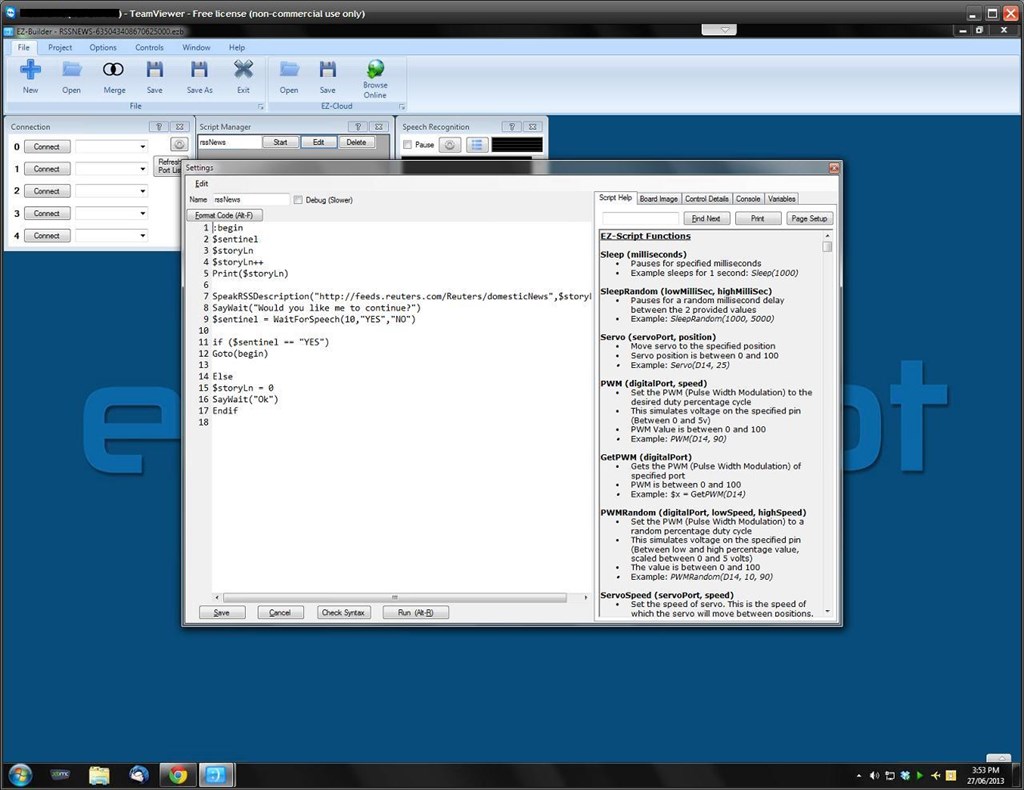
Unfortunately not, at least I can't seem to edit a script. The dialogue will pop up but it will not allow text input, selection etc.
However, using software such as TeamViewer you can have remote access to your desktop and do it that way.
RGR that, thanks for checking, now I know it just wasn't me ...
Forgot to note: Thanks Rich for resolving this for me.