


SSC-32 Servo Controller icon SSC-32 Servo Controller — ARC integration for SSC-32 servo controllers via PC COM or EZ-B/Arduino UART; maps V0-V31, configurable baud, enables servos in ARC skills. Try it →
Canada
Asked
Hello All,I have not b

Hello All,I Have Not B

Hello All,

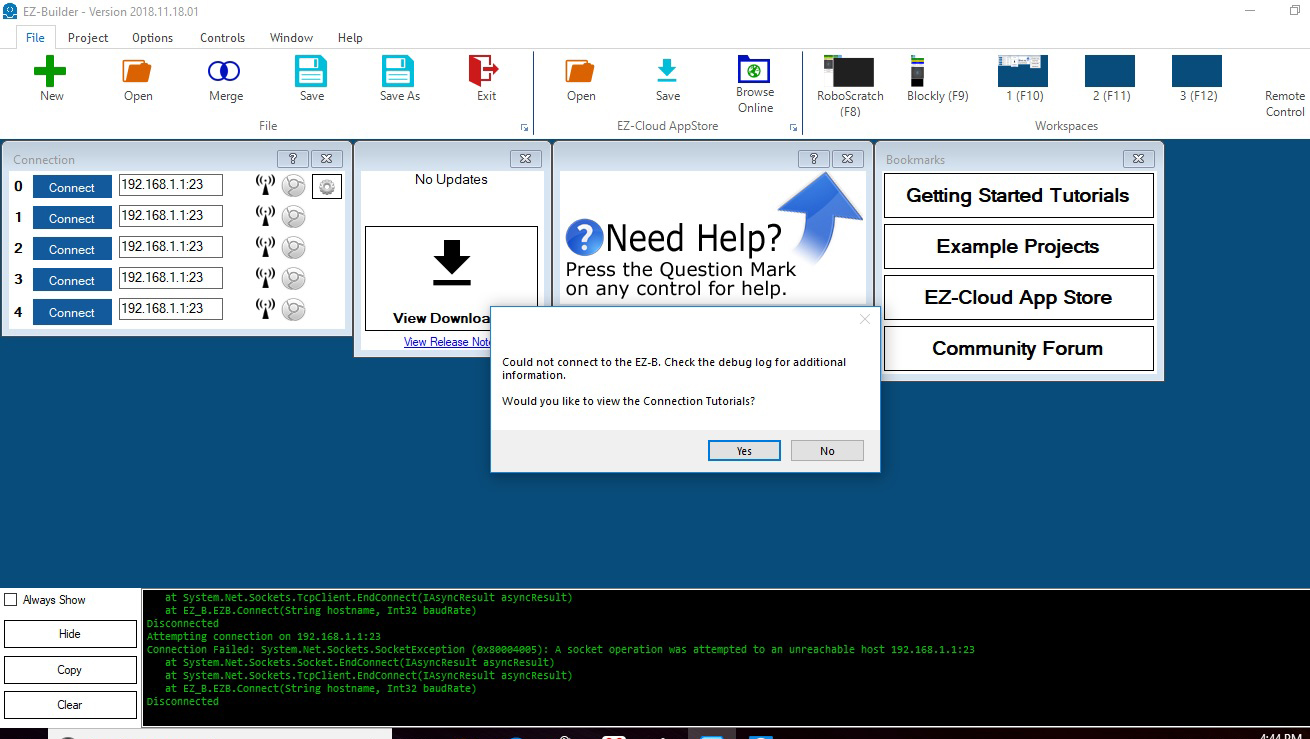
I have not been able to connect to the ez b v4 from the ARC app.  My computer recognizes it as a wifi source and I can connect to it but thats as far as I can go. When I open ARC and try to connect it fails every time. I have disabled the firewall on the computer but still no luck. Attached is an image of the error message I get. Any thoughts?
User-inserted image

Best,

Tim


ARC Pro

Upgrade to ARC Pro

With ARC Pro, your robot is not just a machine; it's your creative partner in the journey of technological exploration.

Author Avatar
PRO
Synthiam
LinkedIn Thingiverse Twitter YouTube GitHub
#17  

Haha okay - well, welcome back to Windows:D 

  1. Press the windows button

  2. Type CMD (press enter)

  3. A command window will open

  4. Now type IPCONFIG in the command window
