
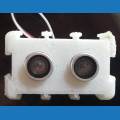





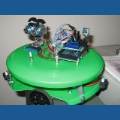
I see the cameras are working for me again. I also see the printers are working in the Engineering Area. I wonder what they're printing? Any one have any inside info?
Asked
— Edited
4 Participants

Prototypes
We are printing a variety of parts. Including a 22hr print that has most of JD's plastic parts.
Very cool. Thanks for the picture
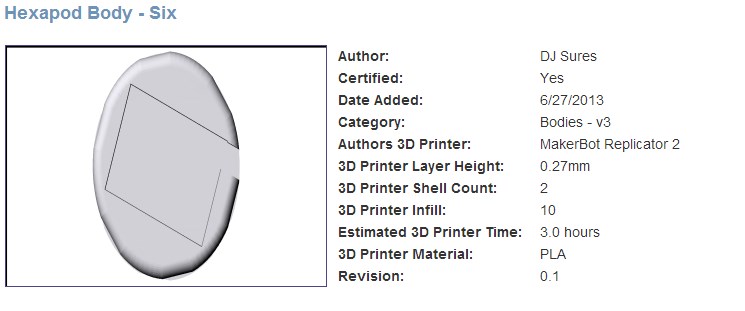
I just finished printing all of JDs parts, took around 55 hours in total at 100 microns on a makerbot rep2
Cory Blair,
Could you go over the settings (infill,temp,etc.) with me. When I print these, they come out very weak and flimbsy.
thanks,
I have two default settings that I typically will use.
#1. For Medium Resolution Prints
Infill 10% Shells 2 Layer Height 0.2 mm Temp 230c Extruding Speed 90mm/s Travel Speed 150mm/s
#2. For High Resolution Prints
Infill 15% Shells 2 Layer Height 0.1 mm Temp 230c Extruding Speed 90mm/s Travel Speed 150mm/s
Be sure to use rafts and supports also
The g-code that we generate will only be useful for people with Makerbot Replicator 2's. There are 100's of different printers and each one will be a little different. For example, build plate size, heated build plate, nozzle diameter, material, multiple extruders, etc. STL files allow's us to release a universal file that is compatible with nearly all CAD and slicer software. Allowing anyone with any software and printer to modify and print our parts.
We also list the printer setup that we find to work best. Even with all the different printers available this should get you close leaving only small adjustments.