

Hi does anyone know why the Six Hexapod might not be connecting to a computer? I've put a new, working battery in the robot. When it turns on, there is no botting up noise and also doesn't flash blue but instead stays green before saying "I am unable to connect to your network". After that the light remains red. If anyone can help, that would be greatly appreciated, thank you.

Paul B
Australia
Asked
 Resolved by DJ Sures!
Connecting To Six's Wi-Fi
Related Hardware (view all EZB hardware)
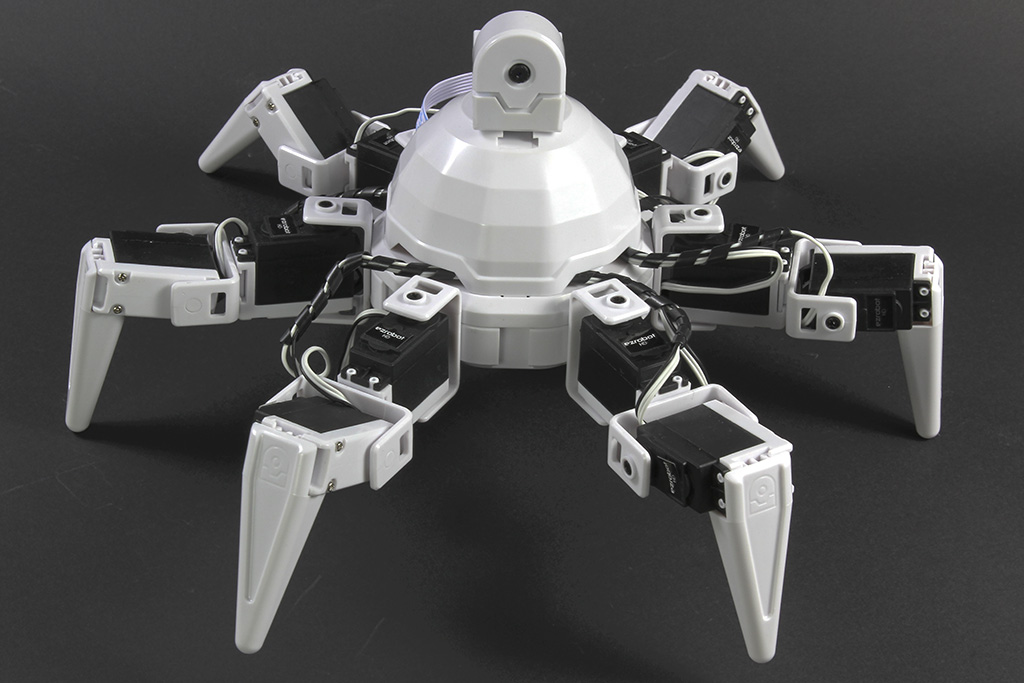
Six Hexapod
by EZ-Robot
Synthiam ARCx controls Six Hexapod with Auto Position gaits, joystick, voice, AI, vision tracking, and browser access.
Wi-Fi / USB
Servos
24
Camera
Audio
UART
3
I2C
ADC
8
Digital
24

Well, if it is an Ezbv4 there is a reset pin hole at the top you can try a hard reset and see if it can connect to robot or Wi fi router,you may need to go to client mode web site for EZ robot to put back your Router name and password.Usually the pin hole reset should have a connection to robot right away since EZB has it's own server connection to robot.Look for EZBv4 to show up on your P.C.or lap top and you can connect directly with Ezb.
Try resetting the EZ-B v4. From: https://synthiam.com/Community/Tutorials/16?courseId=4
That fixed it right up. Thank you DJ Sures and robo rad for your help.
Thank you for the help.