


Asked
— Edited
 Resolved by Proteus!
Connecting The Ln Motor Board
hi
i read this tutorial,i wanna connect motor board with 1pwm.
witsh port do i use to set the pwm ? and where does the power come from to power the motor board ?

ok it doesn work.on witsh need the pwm be? the white D16 ?
the board lids up red led.i used rich tutorial.not one direction works.
i try dj config,stil not moving.do i need a script ot adjust init ? the board lids up,but see no movement on the boards from leds.
any one thank you
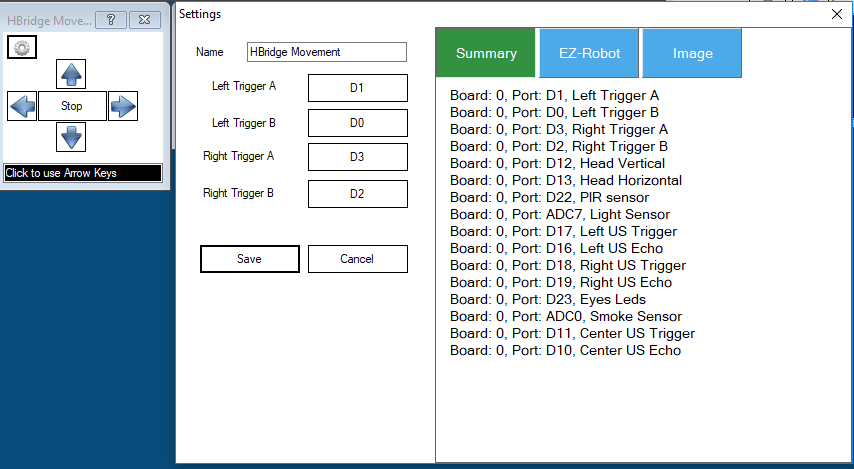
I just use the H-Bridge Movement Panel and have my digital outputs conected. Then you can use the arrows to move the motors.
ah good info.problem i have is am using a second ezbv4.
its very confusing cause diff colors are used.for now i have only backwarts.
diff colors
found it,got all direction correct.
thank you very much proteusy