


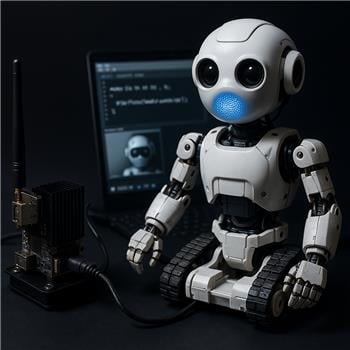
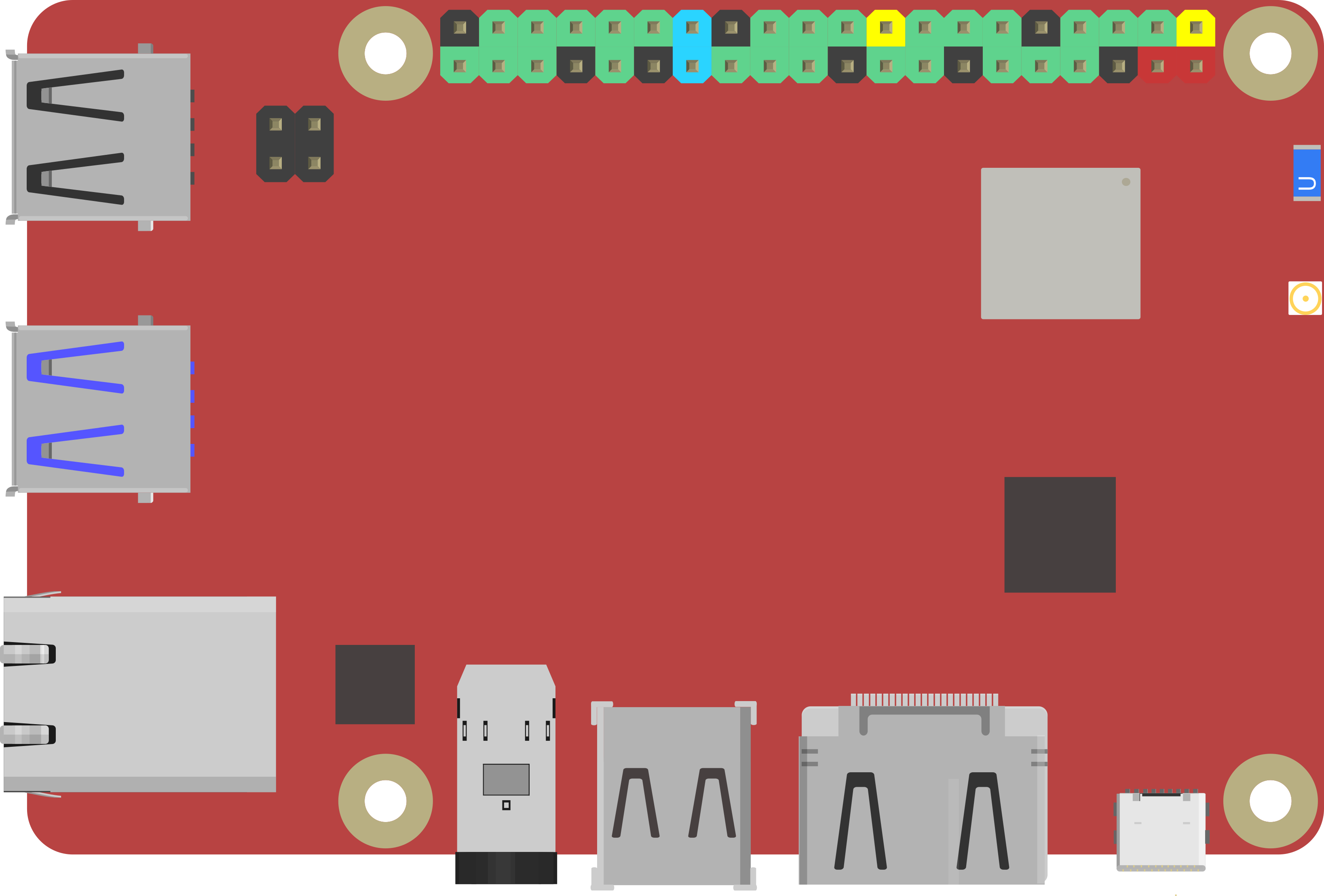
Running ARC directly on a Rock Pi X (Windows) mounted in my bot, streaming audio to an EZ-B v4 over WiFi using the Audio File Out EZB skill. The EZ-B is set as my primary #0 and joined to my home WiFi (Client mode). I want voice lines and effects to come from the robot’s speaker, not the Rock Pi’s 3.5mm jack. Simple JavaScript triggers play fine sometimes, but get choppy or cut off when other skills are active:
ControlCommand("Audio File Out EZB", "Play", "c:\\robot\\audio\\hello.mp3");
Observed behavior:
- With only Audio File Out EZB running, most MP3s play clean.
- As soon as I enable Camera Device (Logitech C920 via USB) at 640x480/15fps, or start a movement script (PWM servos on EZ-B), audio starts stuttering, and occasionally the skill log shows "Streaming: c:\robot\audio\hello.mp3" followed by a brief pause and then nothing until I hit Stop/Play again.
What I tried:
- Switched from MP3 to WAV (16-bit PCM, tested 44.1 kHz stereo and 16 kHz mono). WAV mono 16 kHz is better but still hiccups when the camera is on.
- Reduced Camera Device resolution to 320x240 and 10 fps; helped a bit but not fully.
- Tried EZ-B AP mode (Rock Pi X connects directly to EZ-B) vs EZ-B Client mode on my router; AP mode slightly smoother but still drops under load.
- Placed the Rock Pi X and EZ-B within 1 meter of the router, and also tested with minimal 2.4 GHz interference; no big change.
- Verified full file paths and escaping. The skill log never shows "Unsupported audio file type."
- CPU on the Rock Pi X spikes when decoding MP3s; WAV reduces CPU but still stutters with simultaneous camera.
Is there a recommended encoding format/bitrate and any ARC or Audio File Out EZB settings (buffering, queueing, thread priority) to get reliable, low-latency playback from the Rock Pi X to the EZ-B over WiFi without stutter when Camera Device and basic servo movement are active?



Yes - what you’re describing is very consistent with real-time audio streaming over WiFi being interrupted by competing CPU/network load, especially with:
640x480 @ 15fpsWhat’s happening
Audio File Out EZBstreams audio continuously from ARC to the EZ-B speaker. If the stream gets delayed even briefly, you can hear:Streaming: ...That behavior is usually caused by WiFi congestion, CPU load, or both - not a bad file path or unsupported format.
Best format to use
For the most reliable playback, use:
That’s the best starting point for lower bandwidth and lower decode overhead.
If you need better voice quality, try:
MP3 is usually worse here because it adds decode overhead on the Rock Pi X before streaming.
ARC-side recommendations
1) Reduce camera load
Your biggest improvement will likely come from the camera skill.
Try these in Camera Device:
You can also use the kebab menu on the Camera Device skill to adjust settings and tracking behavior.
2) Keep movement bursts short
Servo/movement scripts can add timing pressure. If you’re running lots of servo updates, try reducing update frequency or spacing actions out with
sleep().3) Don’t rely on simultaneous heavy tasks
On smaller Windows SBCs like the Rock Pi X, ARC + camera processing + WiFi audio streaming can saturate the system faster than a desktop PC would.
Practical workaround: pause camera while audio plays
If the voice line is important, pause camera processing while the clip plays:
If you only want to pause tracking and keep the stream visible, that’s usually the cleanest approach.
If you want cleaner handling, add a small audio queue
ARC can do this with a simple script-driven queue so audio lines don’t overlap. If you want, I can help you write a JavaScript queue that:
About buffering / thread priority
Audio File Out EZBdoes not expose user-adjustable buffering, queue size, or thread priority settings in the skill UI. So there isn’t a hidden bitrate/buffer knob to tune inside ARC for this skill.Best overall fix order
One thing to verify
Since you said the EZ-B is in client mode on your home WiFi, are the Rock Pi X and EZ-B both on 2.4 GHz, or is one of them on 5 GHz?
Also, what exact camera tracking modes are enabled in Camera Device when the stutter happens?
If you want, I can suggest a more robust ARC script pattern for playing robot speech reliably while camera and movement are active.