

Is any one have been successful setting up "Speech recognition" from US to french Canadian or other language in ARC.
(French Speech synthesis is working fine)
When I add the "speech recognition" feature in EZ-Buider, I always receive the message in debug:
2015-01-01 10:07 - Speech Recognition Culture: en-US 2015-01-01 10:07 - Loaded speech recognition successfully 2015-01-01 10:07 - Set Dictionary Error loading phrases (Custom): La langue de la grammaire ne correspond pas à celle du module de reconnaissance vocale. 2015-01-01 10:07 - Set Dictionary Error loading phrases (Custom): La langue de la grammaire ne correspond pas à celle du module de reconnaissance vocale.
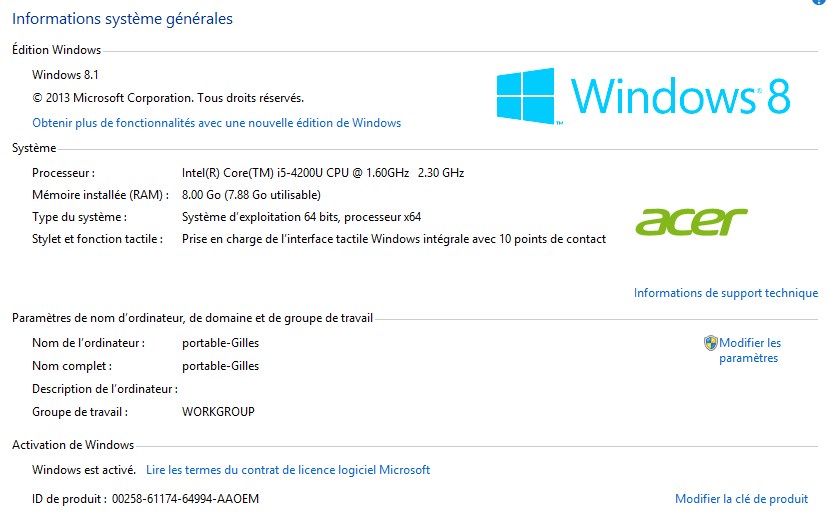
French Speech rec. and speech synthesis are working fine under windows 8.1
I have remove and re install ARC several time with no success. I also had the same error trying on an other PC.
I know this issue have been address before and ARC is suppose to switch automatically to the right language.
Would it be a good idea to allow the user to change some variable manually?

I could be wrong, but I thought voice rec only worked with English....
Once DJ mention it should switch automatically to any culture installed on PC