


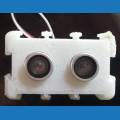
Hi, I would like to know how to access the files of another user to print their 3d ez bits
Basically I want to get Nieks Rollie to JD adaptor.
I can access the printable (jd sures) ez bits in ARC but not sure how to get other users bits
Thanks
 EZ-Script Console
— Real-time EZ-Script console for ARC: enter and execute single-line commands, view output, clear display, and recall history with UP/DOWN.
Try it →
EZ-Script Console
— Real-time EZ-Script console for ARC: enter and execute single-line commands, view output, clear display, and recall history with UP/DOWN.
Try it →

 Resolved by coryBlair!
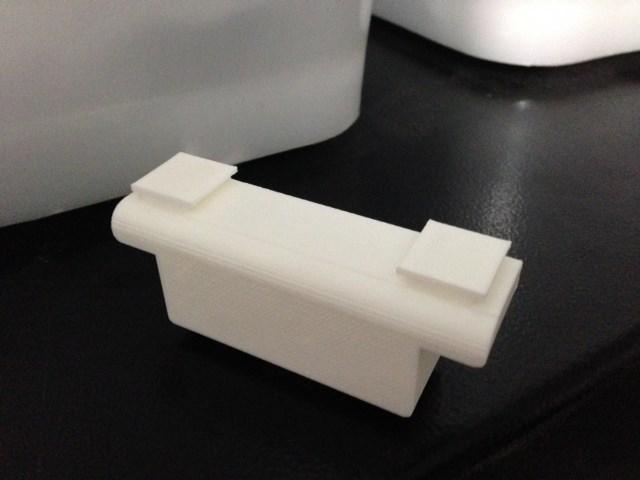
Hi, I would like to know how to access the files of another user to print their 3d ez bits
Basically I want to get Nieks Rollie to JD adaptor.
I can access the printable (jd sures) ez bits in ARC but not sure how to get other users bits
Thanks

Anyone know that can help? Ta
I'm not sure if that part was ever published. I can have Cory publish the STL file here for you... One sec - he's still at the office with me
Sync your EZ-Bit Library. Nieks adaptor will be on there now.
Awesome, I'll try that.
Thanks
Wow, cool to see my adapter in the library!
Not too long ago, I actually published the second version, which has a female EZ-Bit slot in the front
@Niek, Any Idea when that new one will be added? Also I have the version of the old/current one you shared on the forums not to long ago so my library now has 2 of them. In the details, on says its 3 shells and another says 2 shells. Which one is yours and which one is the "official" ARC version?
@EZ-Robot staff, any plans on putting the long extension block in the library? I ordered one to come with my Roli, I'd like to have the part in the library to experiment with in the design page.
HI Neik, I printed your adapter today, took 4 hours at 50 microns, looks good. Thanks mate..
Cool!
You should be able to get the second version by clicking on 'User Details' beneath my profile picture. It's under the EZ-Bits tab