




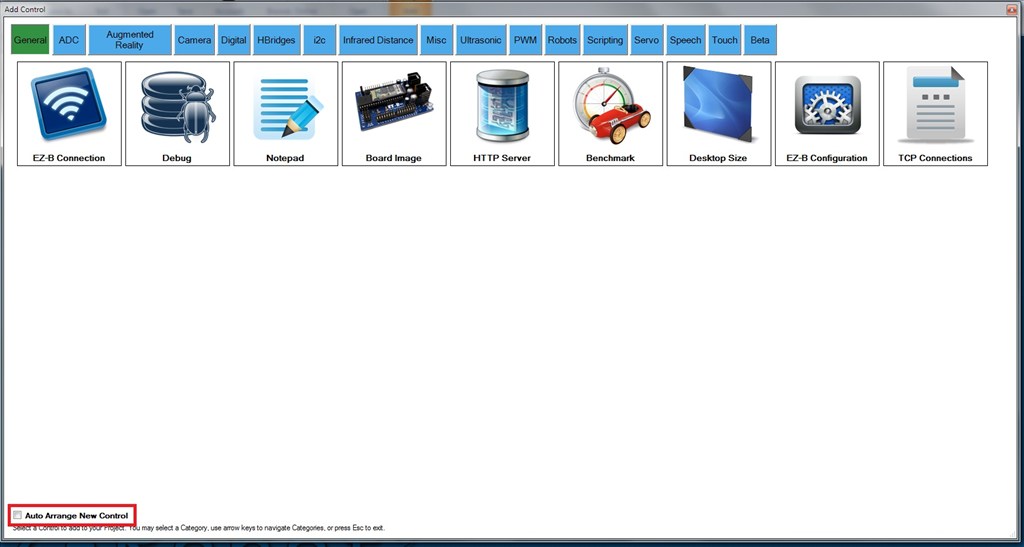
Window Pinning: I set placement of my controls. I open the window to add a control and it throws my existing control placement on the desktop to the wind. I'd like to lock the windows/controls so nothing can move them implicitly.
Digital Set control: Instead of "off" and "on" change to D1 - OFF, D1 - ON... Or Just use "D1" because the green and red are good indicators of activity
Virtual Robot control: Change image using a script command that points to a file location. This control has some interesting possibilities for animation if you could just point to a file via script.

Turn off auto arrange to stop new controls moving old ones.
Thanks, RickMR2! Didn't even see that little guy hiding out in the corner...