


I'm upgrading the servos in JD's feet to HDD and I think I remember seeing detailed step by step instructions on how to replace the servos.... but after extensive searching I can't find them
Any idea if such instructions exist?
Thanks, Frank
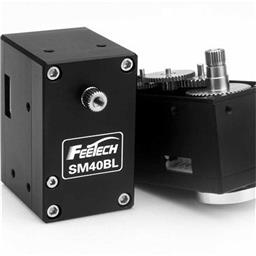 Feetech Serial Bus Servo
— Control Feetech SC serial bus smart servos via EZB UART or PC COM port with ARC virtual ports, speed, position, release, and acceleration.
Try it →
Feetech Serial Bus Servo
— Control Feetech SC serial bus smart servos via EZB UART or PC COM port with ARC virtual ports, speed, position, release, and acceleration.
Try it →
I'm upgrading the servos in JD's feet to HDD and I think I remember seeing detailed step by step instructions on how to replace the servos.... but after extensive searching I can't find them
Any idea if such instructions exist?
Thanks, Frank

The learn section includes links to tutorials for each robot. Click on learn and select your robot (in this case JD). In there you will find jd's feet calibration, which includes instructions at the end for servo calibration and replacing.
Here's a direct link: https://synthiam.com/Tutorials/Lesson/29?courseId=1
Have fun!
@DJ, Thanks... that's the one I was looking for
I didn't look far enough in the calibration video
Frank
No prob!