


In the Arc, I'm tryring to use virtual reality robot skill. I connected single camera and follow the every step of your instruction. But when I start to run oculus robot skill in Oculus, I encountered 'client disconnected' error message. What I have to solve this problem?

hymecer
Unknown Country
Asked
I Have Some Error Message.
Related Hardware (view all EZB hardware)
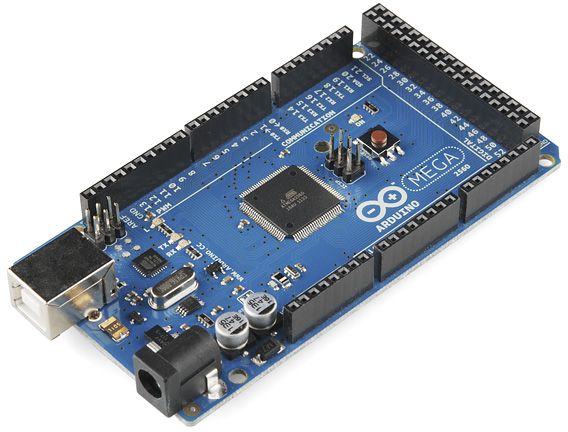
Arduino Due/Mega
by Arduino
Arduino Mega with Synthiam ARCx controls 24 servos, 13 PWM, sensors and serial modules via EZB firmware over USB.
USB
Servos
24
Camera
Audio
UART
3
I2C
ADC
8
Digital
21

The 'client disconnected' error message typically indicates a connection issue between your Oculus device and the ARC software. Here are a few steps you can take to troubleshoot this issue:
Check your network connection: Ensure that both your Oculus device and the computer running ARC are connected to the same network.
Firewall settings: Sometimes, firewall settings can block the connection. Check your firewall settings to ensure that ARC is allowed to communicate with your Oculus device.
Update software: Make sure that both your Oculus software and ARC are up-to-date.
Reconnect: Try disconnecting and reconnecting your Oculus device to ARC.
If you're still having trouble after trying these steps, you may want to check out the support section on the Synthiam website for more detailed troubleshooting guides.
You can check the log message on the robot skill to see what the error is.