

Hello,
I'm wondering if I could use the microphone on the Respeaker 2 mics pi hat (https://wiki.seeedstudio.com/ReSpeaker_2_Mics_Pi_HAT_Raspberry/) on a Raspbery Pi Zero. So far I can only find information on using microphones on the platform running ARC. If there are ways - how do I pass the recorded audio file through speech recognition? Thanks.
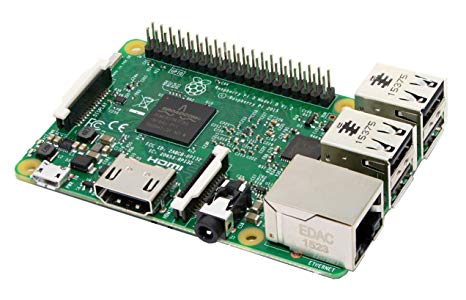

Hmmmm that’s an interesting question. I’m guessing the easiest way would be to link the two devices as a Bluetooth input device. So set the raspberry pi’s Bluetooth to be broadcasting as a microphone input device. Then add it to the ARC device’s Bluetooth. Finally, set the pi to pass through all mic input out the Bluetooth using the mixer.
Oh and I just thought of another way that would require more work. You could create a robot skill that has a tcp listener. All data from the tcp stream gets pumped into the input device mixer.
then, on the pi you can pipe the wav audio from the microphone into nc (netcat) which is set to connect to the ARC robot skill ip and tcp port