




i am trying the multiple color . does it need a script ? the robot doesn say the color
Asked
 Resolved by DJ Sures!
Robot Doesn Mention The Color
Related Hardware (view all EZB hardware)
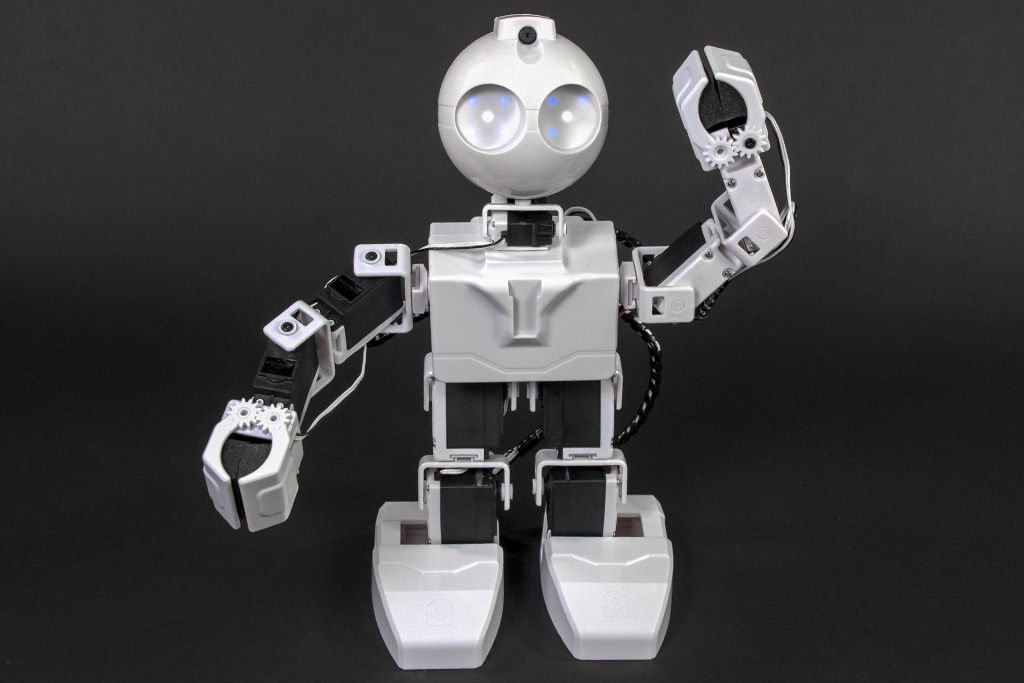
JD Humanoid
by EZ-Robot
JD Humanoid with Synthiam ARCx: pose, animate, walk, voice, vision, and AI control from any browser.
Wi-Fi / USB
Servos
24
Camera
Audio
UART
3
I2C
ADC
8
Digital
24
Related Robot Skill (view all robot skills)

Camera Device
by Synthiam
Use PC or robot cameras for vision tracking: color, QR, glyph, face, object, motion; record video/data, control servos and movement, run scripts

I can’t find the tutorial on ezrobot website anymore. But there used to be a learn section for each robot. And in the jd robot learn section was a video tutorial that showed how to have the robot speak the color
you Just need to add the color variable to the say command. Contact ezrobot and ask where they moved the robot program episodes
hi dj
found it on ez robot .here's the link .
multiple color tracking thank you
Glad you found it @Nomad
The learn section is still on the website: https://www.ez-robot.com/robotics-courses.htmlhi jermie
i need some more light . and alot of testing see how all works.
thanks for the link .