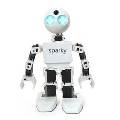

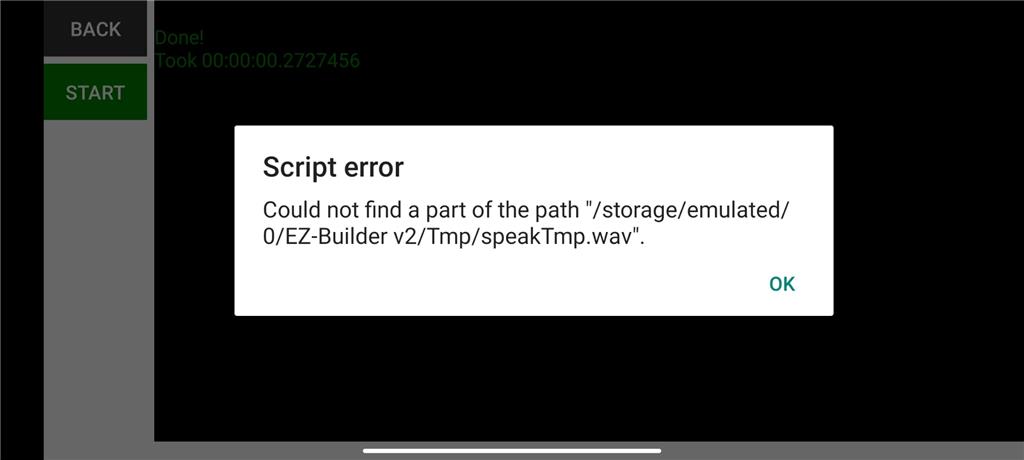
Hi, From the mobile application I try to make my robot speak in Blockly with the SayEZB block but I get the error that you see in the image Does anyone know how to fix it or what is happening, it is with a JD Humanoid robot? Thanks
 Speech Recognition
— Windows Speech Recognition skill: detect custom phrases via PC mic, trigger configurable scripts/actions with adjustable confidence.
Try it →
Speech Recognition
— Windows Speech Recognition skill: detect custom phrases via PC mic, trigger configurable scripts/actions with adjustable confidence.
Try it →

Hi, From the mobile application I try to make my robot speak in Blockly with the SayEZB block but I get the error that you see in the image Does anyone know how to fix it or what is happening, it is with a JD Humanoid robot? Thanks
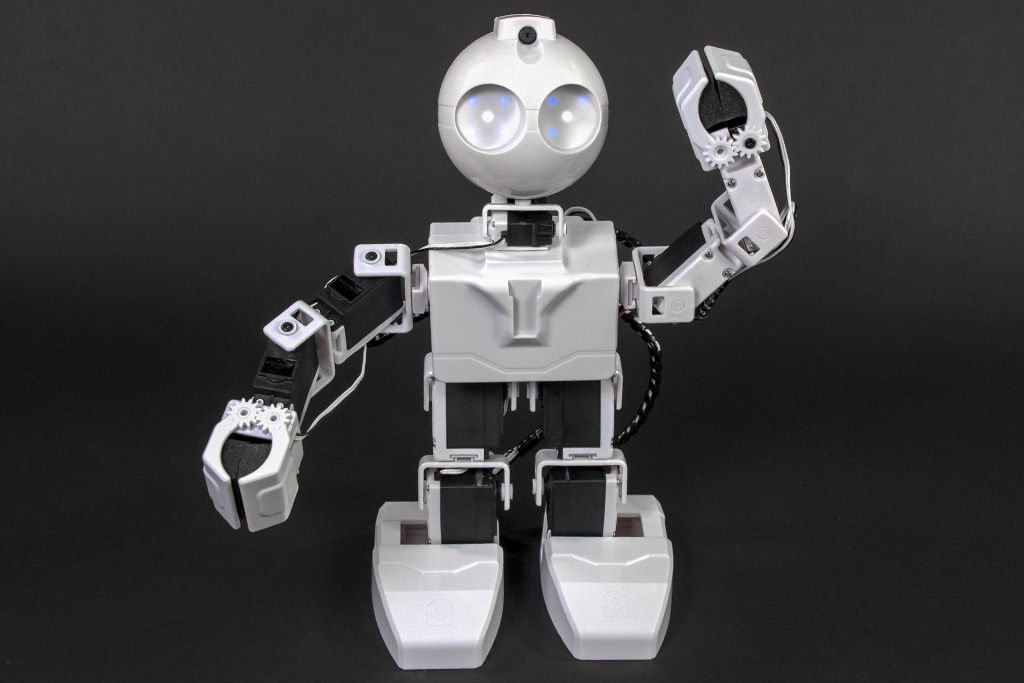


i believe the speech in mobil app doesn come out the robot but out the your tablet.
Make sure the path is correct to your sound file.
Yes the speech should work ,make sure the google voice is updated on your mobile device, My mobile phone has a cool modified British/Cylon type voice that I also use on Google home app for Google mini speaker. Then that same voice is coming out of my robots when using Mobile Synthiam Arc.