

So, after I'd connected to my robot I pressed the start button on the camera device but, nothing happened. I'd checked my robot and it was all right. I just can't find the problem. What is it and what should I do?

lmrobot
USA
Asked
 Resolved by Athena!
1 Participant
Help! Camera Won't Start!
Related Hardware (view all EZB hardware)
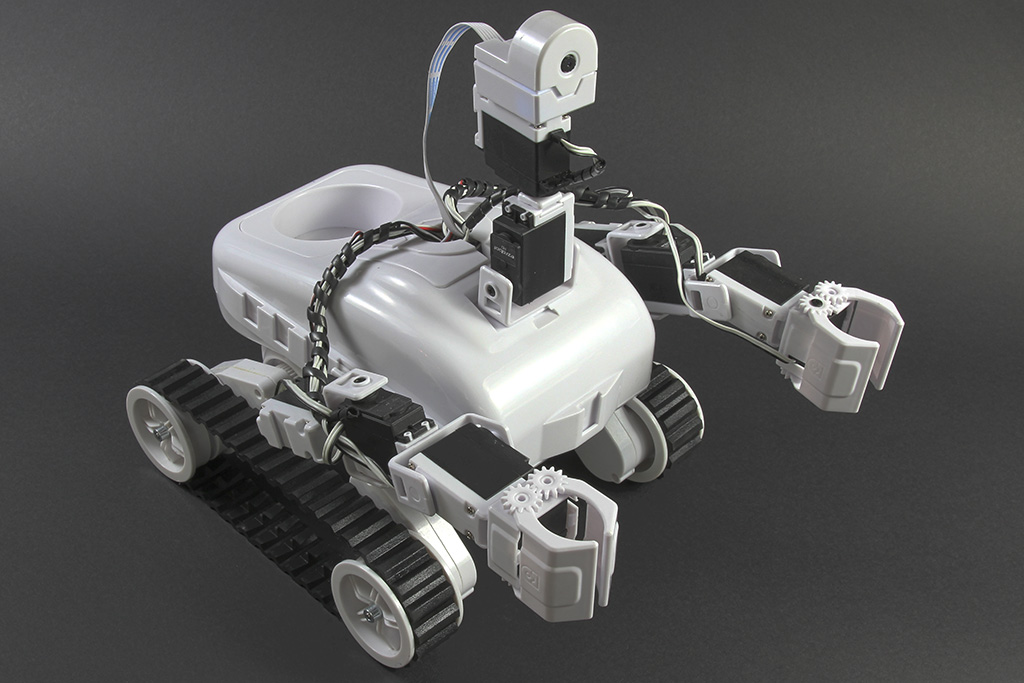
Roli Rover
by EZ-Robot
Roli Rover with Synthiam ARCx: drive with live video, control arms, follow faces, patrol, and program with Blockly or Python
Wi-Fi / USB
Servos
24
Camera
Audio
UART
3
I2C
ADC
8
Digital
24
Related Robot Skill (view all robot skills)

Camera Device
by Synthiam
Use PC or robot cameras for vision tracking: color, QR, glyph, face, object, motion; record video/data, control servos and movement, run scripts

It seems you have an EZ-Robot Roli Rover as selected in this post.
Have you checked the manufacturer's website for their manual on using the product? Which is here for Roli: https://synthiam.com/Community/Tutorials/131?courseId=3
Follow the manual on how to use their product (I even star in some of the robot program episodes, sorry in advance HAHA). If you have problems with their product, contact support on their website.
If there's software programming questions with Synthiam ARC on your PC, then you can reach us here . But for hardware product questions, you'll get the answer from the manufacturer.
I actually just deleted the camera control device and reinsert it in my project. I guess it was just too old.
Great to hear!
It might have also been the IP address in the camera control. It’ll have to be the same address as the robot. have fun!