
Sorry but I believe I found what I'm looking for. I was unable to delete post, only edit it.
blush Herr
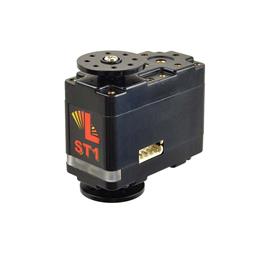 Lynxmotion Smart Servos
— Compact Lynxmotion Smart Servos with position feedback, safety features and UART TX/RX for Arduino/EZ-B v4; scriptable temp, load, load-dir and ping.
Try it →

Sorry but I believe I found what I'm looking for. I was unable to delete post, only edit it.
blush Herr

Check in the setting, under scripts there are scripts to run on detection of each of the glyphs.
So basically, if it detects Glyph 1 it will run the script set in settings for Glyph 1. This script can be anything.
In your case, I assume it would just need to be;
or
And you found that before I finished replying... it's here for future users to find though .
Thanks Rich
I didn't really see anything on the Glyphs in the manual but looked closer at the QR codes and put 2 and 2 together and there it was