ARC 2026.05.19.00 (Pro, Runtime And Free)
Change Release Notes
The AI Robot Software Era Has Officially Begun
This ARC update introduces something we believe is a major step forward for robotics software: an AI Agent embedded directly inside ARC.
- Not next to ARC.
- Not in another browser tab.
- Not in a generic coding tool that has never met your robot. Inside ARC.
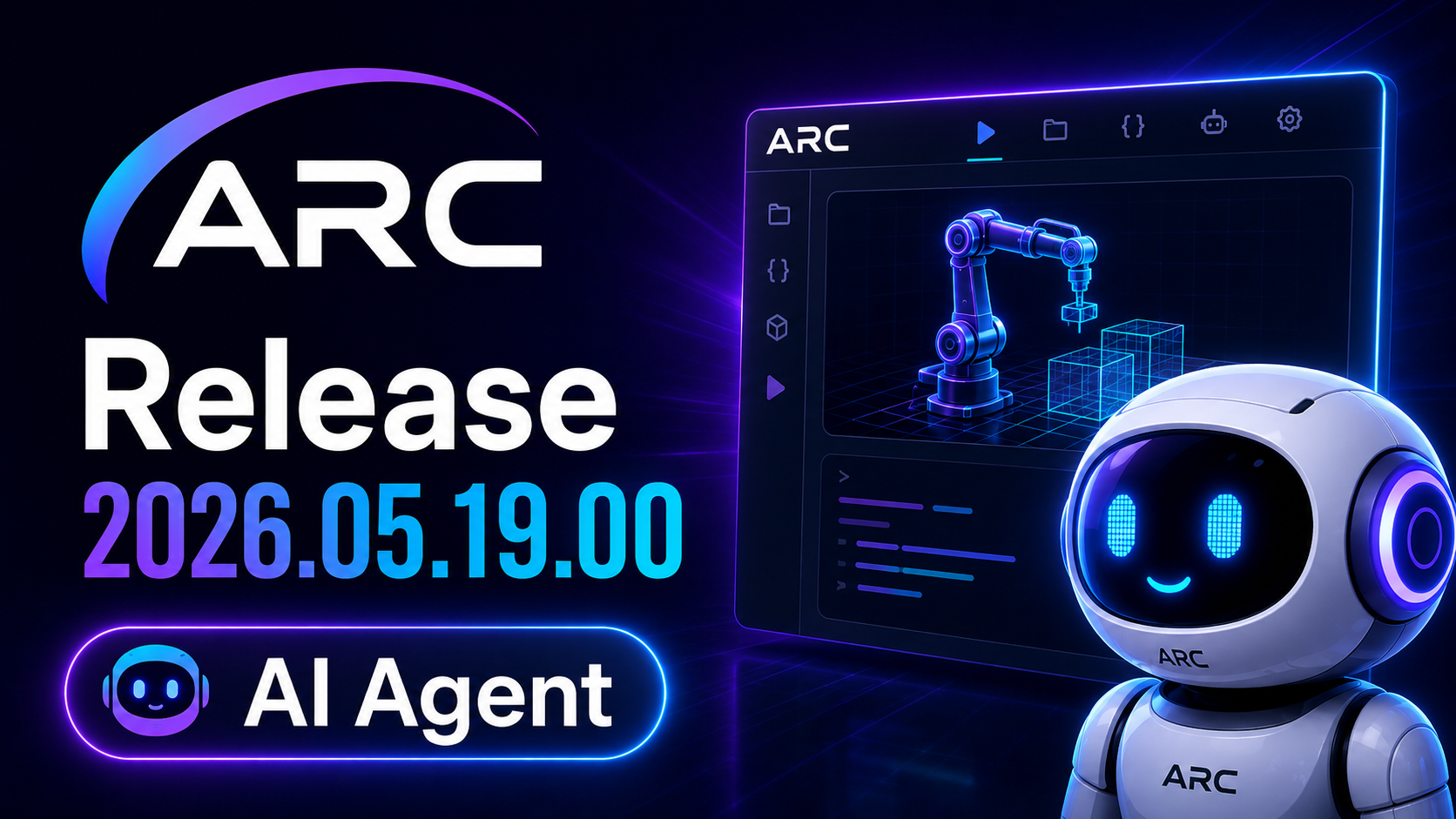
The new AI Assistant gives robot builders the ability to chat, ask questions, generate scripts, fix code, refactor logic, and explain JavaScript or Python robot scripts using the real context of their ARC project. That means it can understand your project’s global variables, EZB ports, robot parameters, and available controlCommand() targets from your Robot Skills.
More about the AI Agent on its product page here.
In other words, it is not just writing "robot-ish" example code. It is helping write code for your actual robot project.
We are calling this a proof of concept for now because, like every good robot, it still has some growing to do. But this is the first public step toward what we believe becomes a new category of robotics software: project-aware AI robot development.
Or, said less formally: your robot now has a coding buddy. Try not to let it get smug.
New AI Chat Assistant Workspace
A new AI Chat Assistant workspace has been added between Blockly and the first desktop.
This gives ARC users a dedicated place to chat with the integrated AI Agent while working inside ARC. The assistant is designed to help with robot scripting, debugging, code explanation, and general ARC development guidance.
The AI Script Assistant can generate JavaScript or Python scripts, explain existing code, help fix broken scripts, and continue multi-turn conversations so users can refine behavior step-by-step instead of starting over every time. It is also designed around ARC-specific context, including project globals, EZB port information, robot parameters, and robot skill commands.
Why This Matters
Robotics has always had a gap between imagination and implementation.
A user knows what they want the robot to do:
- "Wave when you see my face."
- "Move the head slower."
- "Check the battery before running this behavior."
- "Fix this script because it stops after the second loop."
But turning that idea into working robot code usually requires digging through APIs, remembering port names, checking control commands, and hoping the script matches the actual robot configuration.
The ARC AI Assistant begins closing that gap.
Because the assistant is built into ARC and receives project-aware context, it can help generate code that is grounded in the robot project instead of guessing with generic examples. The result is a faster path from idea to working robot behavior.
This is important for hobbyists, educators, researchers, makers, and commercial robot developers because it reduces the friction between designing robot behavior and actually making it happen.
Also, it means fewer "why did this servo just do interpretive dance?" moments. Not zero. Just fewer.
SpeakingDepthTracker Added
A new SpeakingDepthTracker helper module has been added for Robot Skills and speech engines.
This module helps track when the robot is speaking so speech recognition systems can pause and resume more intelligently. The goal is to prevent the robot from listening to itself while it is talking.
Because yes, robots interrupting themselves is funny once. After that, it is just a meeting.
Speech Recognition Improvements
- The following speech recognition systems now implement SpeakingDepthTracker:
- Bing Speech Recognition
- Windows Speech Recognition
This improves coordination between robot speech output and speech recognition input. When the robot is speaking, recognition can be paused. When the robot is finished, recognition can resume.
This creates cleaner voice interaction behavior and reduces false recognition caused by the robot hearing its own speech.
Navigation2DV1 Messenger Scan Point Improvements
The Messenger system in Navigation2DV1 now deduplicates scan points by degree.
Previously, scan points were stored in a
ConcurrentQueue<ScanPoint>, which allowed repeated readings at the same degree to accumulate between location updates. This could cause unnecessary growth and duplicate scan data.The backing store has now been replaced with a
ConcurrentDictionary<float, ScanPoint>keyed by scan degree. When a new scan arrives at an existing degree, it replaces the previous reading.Latest value wins. Memory growth loses. Navigation data gets cleaner.
DequeueAllScanPointsnow atomically swaps in a fresh empty map usingInterlocked.Exchange, so scan points arriving during a drain operation are retained in the new map instead of being dropped.Clear()has also been updated for the new storage type.
Robot Skill Update Check Adjustment
The behavior that ignored GUIDs during robot skill update checks has been disabled due to a plugin loading issue reported in the Synthiam community.
This change helps address cases where Robot Skills could fail to load correctly when update detection did not properly account for GUID behavior. The related issue is documented here: here
Camera Device Textbox COM Port Fix
Fixed COM port parsing in the camera device textbox.
ARC now correctly handles COM port entries that include a baud rate using a colon separator.
Example:
COM2:115200
This format has also been verified to work as expected.
Summary
ARC 2026.05.19.00 is more than a routine update.
It introduces the first version of an embedded, project-aware AI Agent inside ARC, adds a new AI chat workspace, improves speech recognition coordination, cleans up navigation scan handling, fixes robot skill update detection behavior, and improves camera COM port parsing.
The AI Assistant is still early, but this release marks an important shift in how robot software can be built.
Instead of only programming robots by manually writing every command, ARC is moving toward a future where users can describe what they want, collaborate with an AI Agent, and generate robot behavior using the real context of their project.
That is a big deal.
And yes, the robot still needs you.... For now.
ARC Downloads
ARC
FREE- 1 third-party plugin skill per project
- Trial cloud services
- Personal, DIY & education use
- Updated every 6–12 months
 Download
ARC
PRO- Use on 2+ PCs simultaneously
- Unlimited robot skills
- Cloud backup & revision history
- Weekly features & bug fixes
- Business use permitted
ARC
RUNTIME- Load & run any ARC project
- Read-only mode
- Unlimited robot skills
- Includes early access fixes & features
- Minimum requirements: Windows 10 or higher, 2 GB RAM, 500 MB free disk space.
- Recommended: Windows 10 or higher, 8 GB RAM, 1 GB free disk space.
- Prices are in USD.
- More about each edition: Download & install guide.
- Latest changes: Release notes.
Compare Editions
| Feature |
ARC
FREE
|
ARC
PRO
|
|---|---|---|
| Get ARC Free | View Plans | |
| Usage | Personal · DIY · Education | Personal · DIY · Education · Business |
| Early access to new features & fixes | — | ✓ |
| Simultaneous microcontroller connections * | 1 | 255 |
| Robot skills * | 20 | Unlimited |
| Skill Store plugins * | 1 | Unlimited |
| Cognitive services usage ** | 10 / day | 6,000 / day |
| Auto-positions gait actions * | 40 | Unlimited |
| Speech recognition phrases * | 10 | Unlimited |
| Camera devices * | 1 | Unlimited |
| Vision resolution | max 320×240 | Unlimited |
| Interface builder * | 2 | Unlimited |
| Cloud project size | — | 128 MB |
| Cloud project revision history | — | ✓ |
| Create Exosphere requests | — | 50 / month |
| Exosphere API access | — | Contact Us |
| Volume license discounts | — | Contact Us |
| Get ARC Free | View Plans |
* Per robot project
** 1,000 per cognitive type: vision recognition, speech recognition, face detection, sentiment, text recognition, emotion detection, azure text to speech

Upgrade to ARC Pro
Get access to the latest features and updates before they're released. You'll have everything that's needed to unleash your robot's potential!
I'm excited for this implementation. Looking forward to testing it out. I'm going to add a video section in my outro on this subject, for the final module for the Mecha Morphix course.
Wicked! It’s been a ton of work to get to this moment and we have a lot more features planned for it. We got a bunch of new servers which were hoping will be enough - so far with stress tests it’s been fine. The models and embedding is just huge for the amount of data - and ram and gpu costs today aren’t very friendly for things like this
OML the RAM and GPU costs are insane RN, trying to price a new desktop...going to have to take out a second mortgage on my house...lol. I couldn't imagine a bank of servers...\(\)
Ha yeah - you don't even wanna know, but I think you have an idea! The positive is that we should be able to use this to help enhance the software as well. So it should give us insight into bug prevention and perhaps even some new features. Good luck with the new computer build! I'm due for a new laptop soon, too, and the prices are ridiculous.
Doesn't seem like computers have improved much since my last laptop, though
AI Script Assistant: Reading the page now. So this is a credit tokens system, a pay as you go if you will. So maybe if you had an issue where you couldn't get something coded right, you could have the agent create some or all of the code. Interesting.
What about the AI chat feature is it using tokens as well? If so is it based on words or characters?
They certainly haven't!!! I need a Nvidia RTX 4090 (hard to find ) or pay through the nose for an RTX 5090. I need lots of vram for the AI I'm working with...cuda cores are breaking the world thanks Nvidia.
Chat and code is the same thing - as you're querying the system which uses the same pipeline. It's for code, explanations, etc... The credits are based on tokens / calls. So if you're using it as a chatbot, you'll be wasting credits. Don't ask it to make memes lol or don't tell it how your day is. This is similar to how the other coding agents work where it queries a data resources and spawns agents to provide an outcome. The chat works the same way - but you'd use it a bit differently. You'd use the chat similar to how you use athena. The difference is this has access to your ARC project where Athena doesn't.
Think of it as Cursor for programming ARC robots
I should add: when I said "Chatbot," I meant "this isn't ChatGPT." It's not gonna make a picture of Steve Martin riding a dolphin for you, haha. It's chat in the sense of the UI, not chat as in "how's your day going? write me a poem about banana soup". The chat part is in the UI format - you interact with it in a chat-like UI with input and conversation log.
The AI Scripting component has a shorter life cycle, and even though it has a chat-like UI, it does not need to maintain chat history. Well, sort of. All your chats and token usage are stored here, and you can view them in your account page.