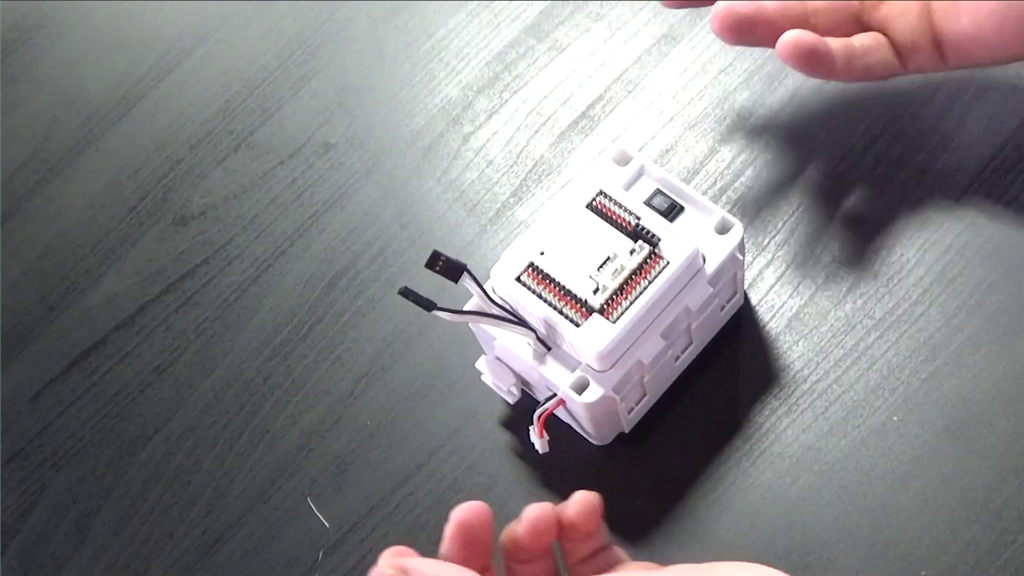


If the stickers that label JD's shoulder servos have fallen off, this lesson will show you how to figure out which is left and right for making the proper connections. The reader will learn a technique for determining the left and right shoulder servos. Follow along with The Robot Program Episode 004: Identify JD Shoulder Servos.
View the video episode here: https://www.ez-robot.com/Tutorials/Lesson/84
Professor E's Overview
This lesson outlines the steps for determining which shoulder servo is right and which shoulder servo is left. This tutorial is only necessary if the identifying servo stickers have fallen off.
Right Shoulder Servo (D2) and Left Shoulder Servo (D3) should be connected in a specific way. Use the Horizontal Servo control to identify which servo moves when the cables are connected to each port.
Follow along to identify the JD Shoulder servo Cables.