Tutorial

Jlucben
France
Published
— Updated
Steps
- Introduction : Discover Synthetic Intelligence Network Bot development framework
- Step 1 : Install Synthetic Intelligence Network software
- Step 2 : Create a SIML project and install SIML example files
- Step 3 : Install , configure and use the Synbot Plugin in EZ Builder
- Step 4 : Manage the dialog with the Bot
- Step 5 : Working with Synbot SIML variables
- Step 6 : Working with SIML Events
- Step 7 : Accessing in SIML to EZ Builder variables and EZ Builder Command
- Step 7 bis : Working with Bot Emotions
- Step 7 Ter: Bot Save Directory and Learning Models
- Step 8 : Advanced Plugin Configuration options
- Step 9 : Adding new SIML Tags to the language
- Step 10 : New SIML Tags added in the Plugin - Wikipedia Search , Translate , Twitter , Mail , .......
- Step 11 : Pattern Reductions
- Step 12 : SIML Tips and Tricks
- Step 13 : EZ Robot Commands SIML Framework
- EZ Robot Commands SIML Framework - Configuration
- EZ Robot Commands SIML Framework - Configuration - Managing movement speed and duration
- EZ Robot Commands SIML Framework - Configuration - Verb
- EZ Robot Commands SIML Framework - Configuration - Complement and Attribute
- EZ Robot Commands SIML Framework - Configuration - Position
- EZ Robot Commands SIML Framework - Configuration - Authorized Combination
- EZ Robot Commands SIML Framework - Configuration - Free Attribute
- EZ Robot Command SIML Framework - Configuring the Bot Response Message
- EZ Robot Commands SIML Framework - New command creation step to step
- Plugin and Framework Roadmaps
Step 2 of 26
Step 1 : Install Synthetic Intelligence Network software
You need first to download and install Syn Bot Studio software which include the Tools used for creating and updating Bot Dialogs.
Download here simlbot.com/
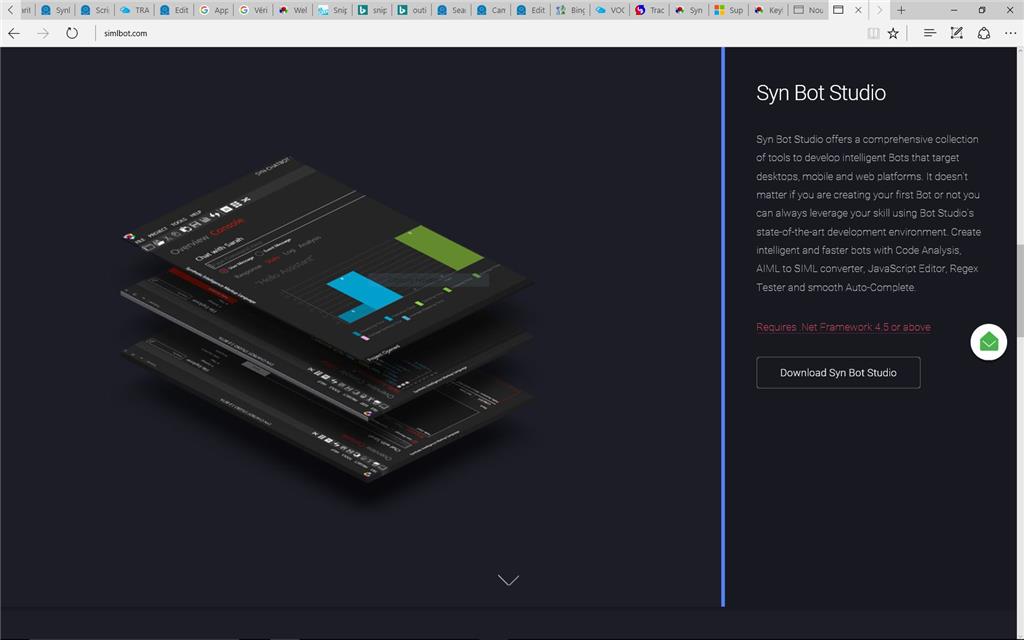
Install the software
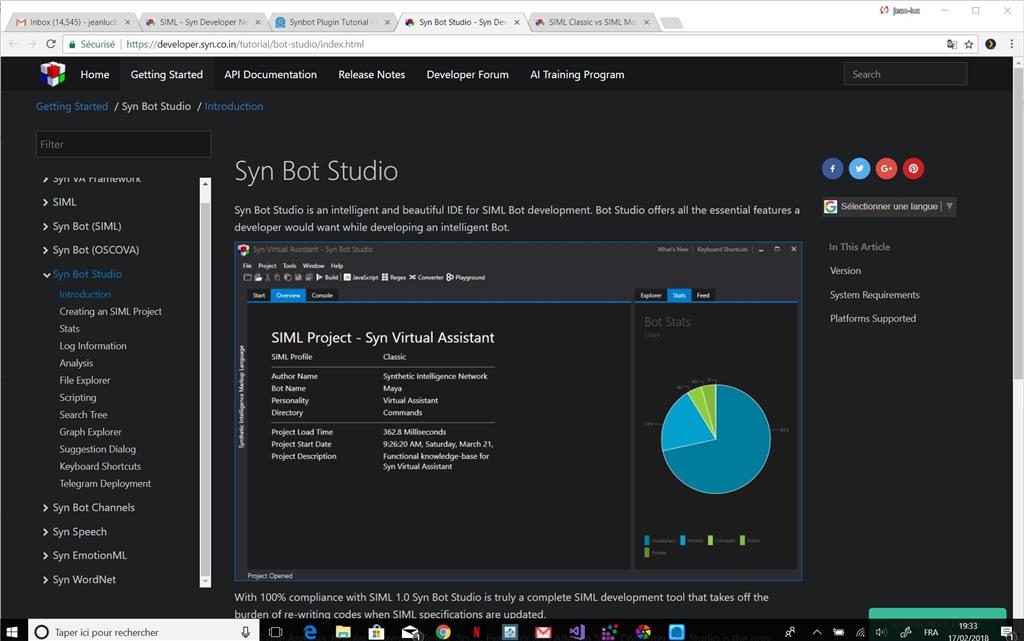
Read the tutorial on Syn Bot studio here : developer.syn.co.in/tutorial/bot-studio/index.html
On this page you can access to all the tutorials including a full description of SIML language used to create Bot dialogs