

What can I check to find why the microphone works in Bing Speech Recognition but not in the Speech Recognition skill?

PRO
rob.knight
France
Asked
1 Participant
Microphone Not Working In Speech Recognition But Does In Bing Speech Recognition
Related Hardware (view all EZB hardware)
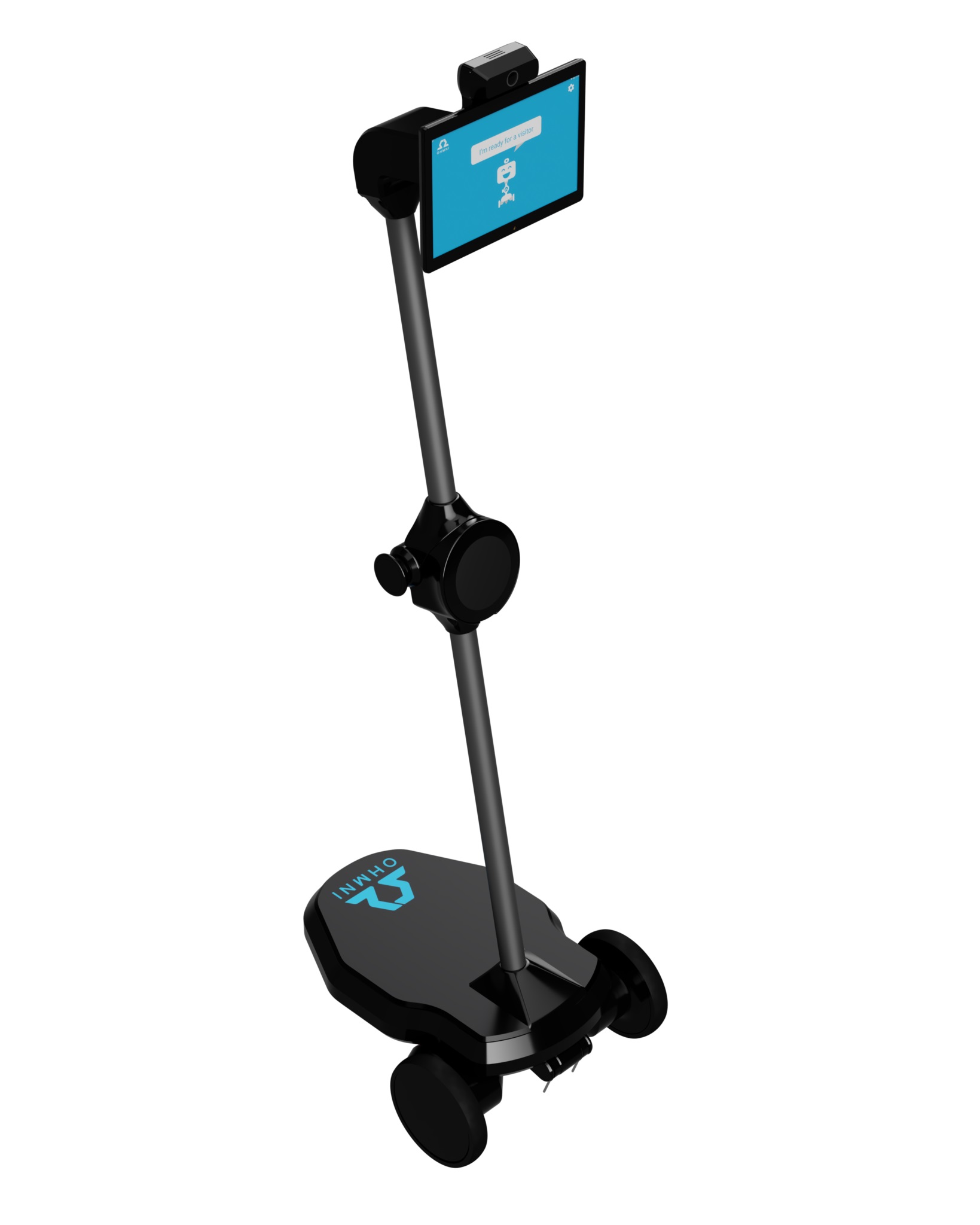
Telepresence Robot
by Ohmnilabs
Synthiam ARCx turns Ohmni into a programmable telepresence robot with remote driving, vision, AI, battery, dock and light ring control.
Wi-Fi
Servos
1
Camera
Audio
UART
✕
I2C
ADC
✕
Digital
✕

There’s a few places in the manual for diagnosing how to configure windows speech recognition and setup in the robot skill’s manual here: https://synthiam.com/Support/Skills/Audio/Speech-Recognition?id=16118
some things to note
microphone has to be setup as default input device before ARC is started
there’s a setup microphone button on the configure screen
make sure windows speech works first because that’s what it uses
You’ll find instructions for 2 and 3 in the speech recognition manual. I’m sure Athena will have more to add and details.