

Asked
— Edited
 Resolved by thetechguru!
Video Camera Image Quality
I carefully removed the protective plastic yet the image looks unfocused, even at 640*480
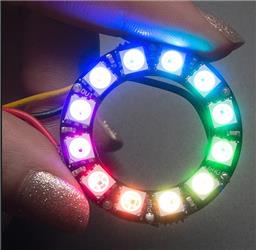 Neopixel Ring
— ARC UI for onboard computers to control NeoPixel rings via serial: test/run patterns, preview and copy Arduino serial commands, includes sample code.
Try it →
Resolved by thetechguru!
Neopixel Ring
— ARC UI for onboard computers to control NeoPixel rings via serial: test/run patterns, preview and copy Arduino serial commands, includes sample code.
Try it →
Resolved by thetechguru!
I carefully removed the protective plastic yet the image looks unfocused, even at 640*480

The camera can be focused, see https://synthiam.com/Community/Tutorials/41
However, be aware that if you are using it to record video, the quality will not match a decent web cam. It is designed for good object tracking and recognition, which requires different qualities than good visual video. It should be focused, but contrast and color rendition may not look like you expect.
Alan
Thanks
There is no need to run 640x480 - use the default value as specified in your robot's project. To find out more, every control has a ? (question mark) next to the X (close) button. In this case, press the ? question mark on the Camera Control to view the manual page where you will find information regarding video resolutions and what that means to vision processing and recognition. Here's a direct link: https://synthiam.com/Tutorials/Help.aspx?id=80