


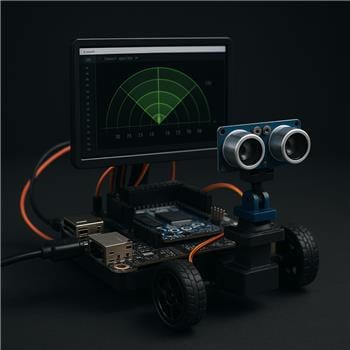
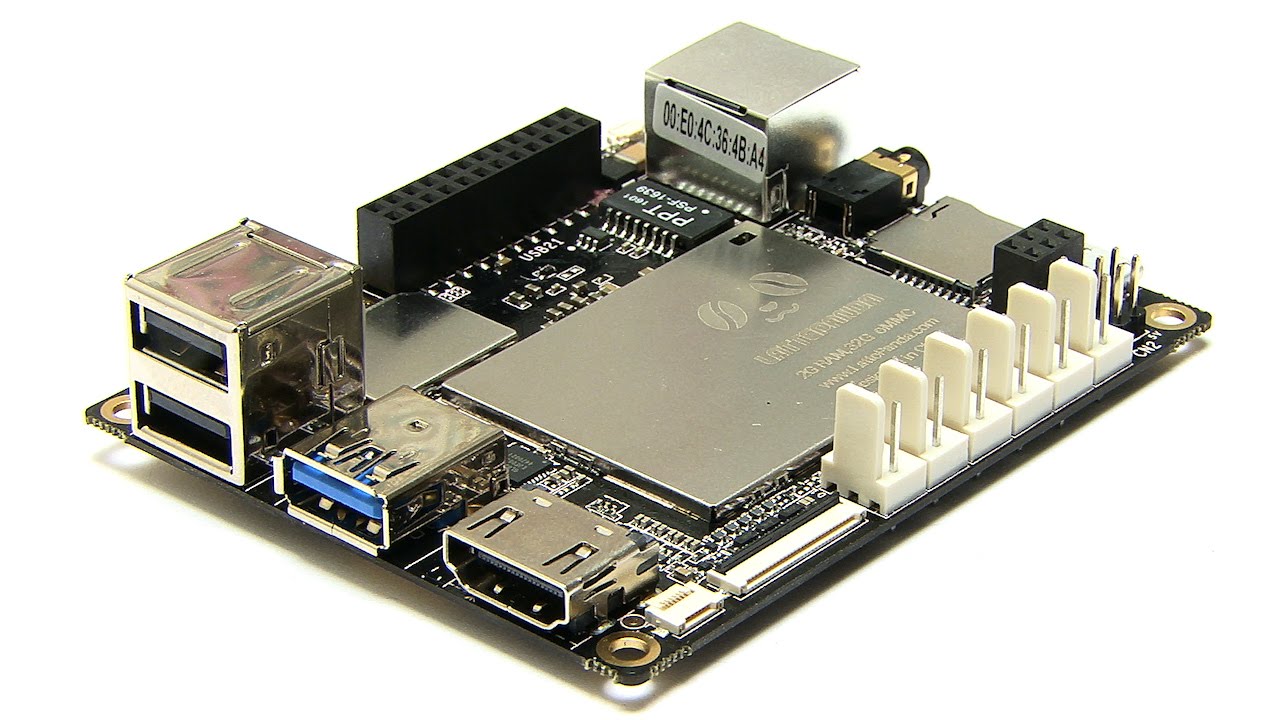
Running ARC on a LattePanda (Windows 10) using the onboard Arduino Leonardo with the EZ-Genuino_Leonardo firmware (Dec 11, 2022). Connected over USB and I did check DTR Enabled in the Connection config so the serial events fire. I’ve got an HC-SR04 on Trig=D7, Echo=D8 and a micro pan servo on D5 (servo powered from a 6V BEC, grounds tied). In the Ultrasonic Radar skill I set servo Port=D5, Trigger=D7, Echo=D8, sweep 30 to 150 with step=2. The sensor works (verified distances with the basic Ping skill), but the radar display seems mirrored: an obstacle physically on the robot’s left shows on the right side of the radar, and when I enable Movement Panel integration (H-Bridge PWM Movement Panel) the robot turns into the obstacle instead of away from it.
What I tried: swapping the min/max sweep values (150 to 30), flipping the servo horn orientation so forward is at roughly 90, toggling the servo reverse option in the skill, and re-centering the bracket so 90 is straight ahead. I can make the display look correct, but then the Movement Panel avoidance still chooses the wrong side, and vice versa. I also added a small delay between steps in my project to let echoes settle, but it didn’t change the left/right logic.
What’s the correct way to calibrate the Ultrasonic Radar skill so that the on-screen left/right matches my servo orientation and the Movement Panel’s auto-avoid turns the correct direction on a LattePanda/Leonardo setup?



What you’re seeing is usually servo direction calibration, not a LattePanda / Leonardo bug.
In Ultrasonic Radar, the radar display and the Movement Panel avoidance logic both use the sweep direction of the servo. So if the sweep is mirrored, the avoidance decision will also be mirrored.
What to do
1) Pick one physical "truth"
Decide what servo position = 90 means physically:
That’s the key reference.
2) Set the servo so the sweep matches that reference
In the Ultrasonic Radar skill:
If your scan appears correct visually when you swap min/max, that usually means the servo direction is reversed and the display is simply following that reversed scan.
Important: don’t "fix" the display one way and the avoidance another way
If the radar display is correct but avoidance turns the wrong way, it means the servo orientation is not aligned to the skill’s left/right interpretation.
The correct fix is to make the sweep direction itself correct, not just the on-screen appearance.
Recommended calibration process
Goal
When the obstacle is on the robot’s left, it should appear on the left side of the radar.
Once that is correct, re-enable Movement Panel integration.
Best practice for your setup
Since you’re on a LattePanda / Arduino Leonardo and the sensor itself is working with Ping, your wiring is fine. The issue is almost certainly one of these:
Suggestion for your exact case
Try this sequence:
If you need to swap min/max to make it look right, that often means the servo direction is still logically reversed. The radar may look right, but the avoidance logic will still be wrong because the skill is now interpreting left/right opposite to your robot.
Also check this in Movement Panel integration
For avoidance, make sure:
If the robot turns into the obstacle after a detection, that usually means the sweep-side decision is reversed relative to the robot’s movement orientation.
Helpful docs
Ultrasonic Radar skill:
https://synthiam.com/Support/Skills/Ultrasonic/Ultrasonic-Radar?id=16101
Movement Panels overview:
https://synthiam.com/Support/ARC-Overview/movement-panels
Servo controls overview:
https://synthiam.com/Support/ARC-Overview/Servo-Controls
Quick question
When you move the sweep servo manually in the skill, does increasing the servo value move the sensor toward the robot’s left or right physically?
That answer will tell us whether the fix is: