
i want to know how to make my ez robot read pictures and gyphs ? can please anyone help me ?

robothacker
Egypt
Asked
— Edited
 Resolved by Rich!
1 Participant
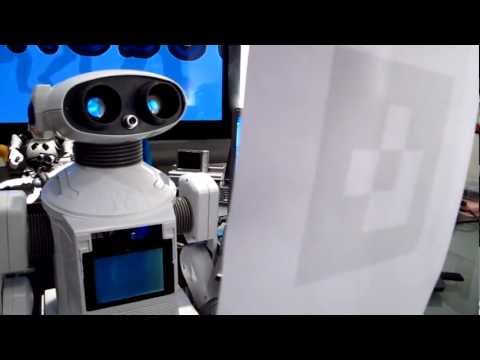

Have a read of the camera control tutorial.
Download the glyphs from the link on the tutorial. Set up the glyphs and scripts in the camera configuration augmented reality tab.
thank you very much i'm very thankful