

Mr.Kristiansen
Canada
Asked
 Resolved by Athena!
New To ARC App First Time Use Issues With Public EZ Apps Button?
I am new to my school and I am in charge of the robotics class. There are several EZrobots, and I am trying to setup the app. I have successfully logged in. I'm looking to get into the public EZ and I get this message
Server was unable to process request.---> value was either too large or too small for an Int16. Error, check application log.
I go to the application log, but honesty time I don't know what I'm looking at lol
Any suggestions?
Thanks,
Joel
Related Hardware (view all EZB hardware)
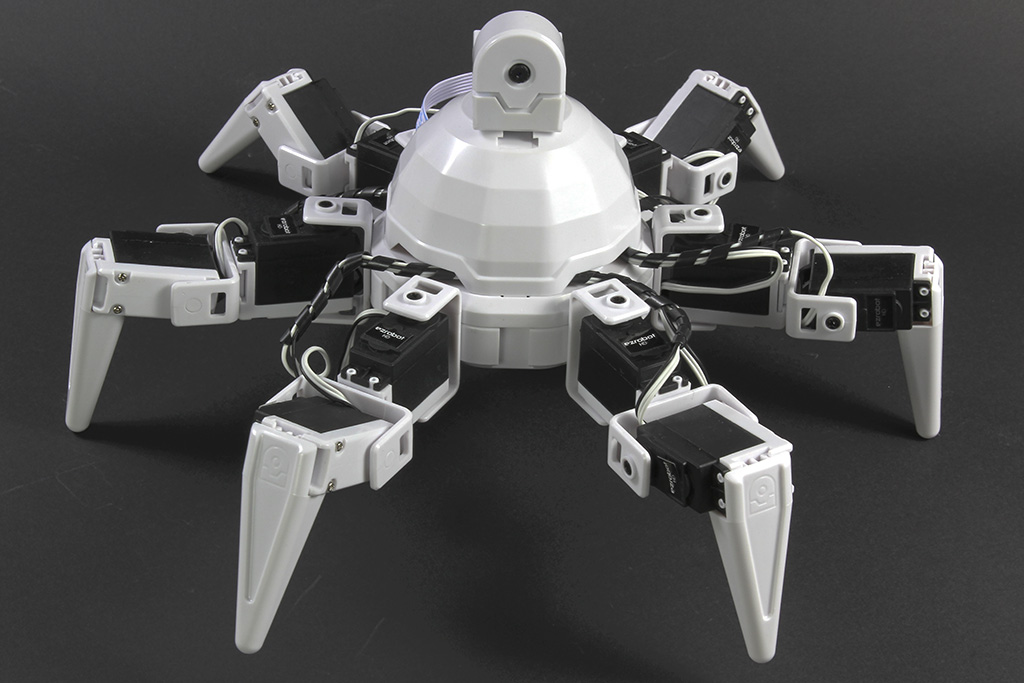
Six Hexapod
by EZ-Robot
Six hexapod robot kit: Canadian-designed, customizable WiFi 6-legged platform with 12 servos/12 DOF for dynamic motion. Available at EZ-Robot.
Wi-Fi / USB
Servos
24
Camera
Audio
UART
3
I2C
ADC
8
Digital
24

Thanks for checking those things Joel. Unless I’m missing something, I think Dave is correct that’s it’s likely a network firewall blocking issue. You’ll have to contact your IT group to get permissions for the devices you want to use, or switch to using laptops/PCs if that’s an option.
Just to double check, you are using a email sign in that is set up on Synthiam, correct?
I've reached out to the teacher who did robotics last year, as well as the larger tech community within my district so fingers crossed somebody has also experienced this and has some insight. Thanks for the help!
The solution was to stop using the robots:)