

jdubes8
USA
Asked
— Edited
Need Help With Led's And Temperature Sensor
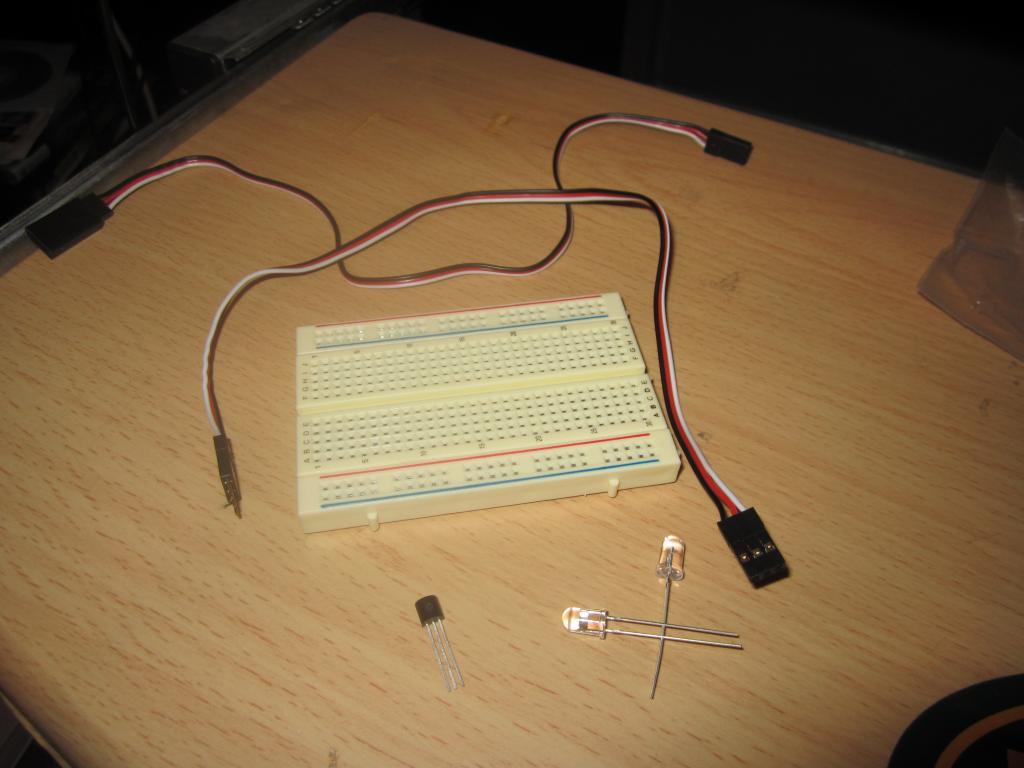
Ive got an EZ-B and servo cables and a small breadboard. I need to know exactly how to attach the temperature sensor and LED's.

That's EZ
Look at the datasheet of the temp sensor and locate the +5, GND and Signal pins. Connect the RED wire of the servo cable to +5, the BLACK to GND, and the WHITE to the Signal. Plug the female side into the EZ-B on any of the ADC ports. Make sure you pay attention to the GND and BLACK it's plugged in the right direction.
In ARC, load an ADC control and the value you see is the temperate presented in an ADC format (between 0 and 255). I have a version of the ADC control which allows you to specify multipliers and units. I'll throw that in the next release.
As for the LED. Just connect the GND and Signal wires of the LED and you're rock'n .. Attach the servo cable to any of the Digital Ports and use a Digital Control to turn the LED on and off
What if the temperature sensor did not come with a datasheet?
Google is your friend