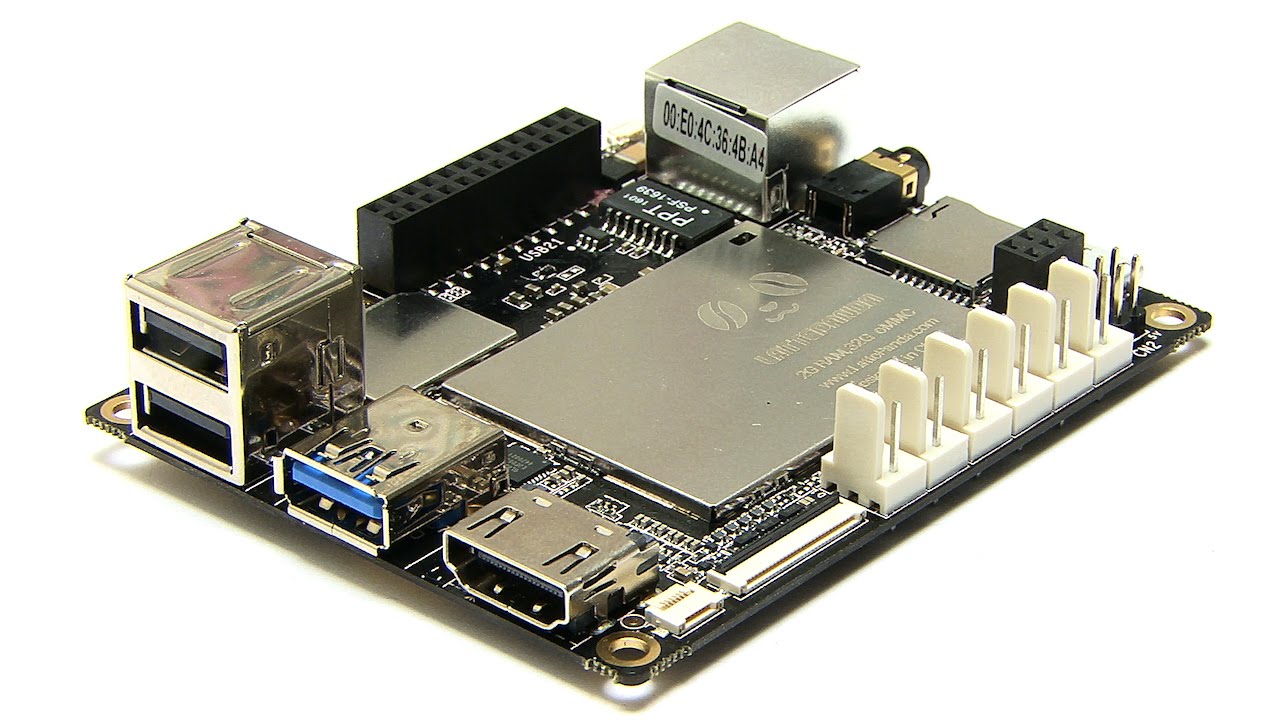

Running ARC on a DF Robot LattePanda (Windows) inside a small 2WD base, with an Intel RealSense D435i plugged into the USB 3.0 port. I’m using the Intel Realsense D435i robot skill to feed Navigation Messaging System data for obstacle mapping. The camera is mounted 120 mm forward of the robot’s center of rotation, at 280 mm height, with about a 5 downward tilt. I select the device by serial, hit START, and it streams reliably (30 fps, ~40% CPU on the LattePanda). However, in my NMS map, obstacles show up about 120-150 mm closer than tape-measure reality, and if the Image Align bottom bar is too low I get a "phantom wall" ~0.25 m from the bot due to the floor.
What I’ve tried: in the skill’s Configuration I set Mounted Radius Offset to -120 mm (since the tooltip says negative is toward the front), but flipping to +120 mm seems to shift the plotted returns the other way without actually fixing the absolute distance mismatch. I also adjusted the Image Align top/bottom bars; raising the bottom eliminates the floor but then I lose low obstacles like a 100-150 mm tall pet bowl. I confirmed the D435i is on a powered USB 3.0 hub to rule out power drops, and I’m viewing ARC over WiFi remote desktop to avoid bandwidth spikes.
What is the correct sign convention and reference point for Mounted Radius Offset in the Intel Realsense D435i skill (center-of-rotation to the camera’s optical center or the front face), and how should I set Image Align for a 280 mm height and 5 tilt so I avoid floor returns without losing low obstacles?