

We assembled the jd robot exactly as in the instructions, including servo alignment. When we turn it on, the camera works but there is no servo twitch. No actions from the app are executed. How can we figure out what is wrong?

rainapepke
USA
Asked
1 Participant
Camera Works But No Servo Movement
Related Hardware (view all EZB hardware)
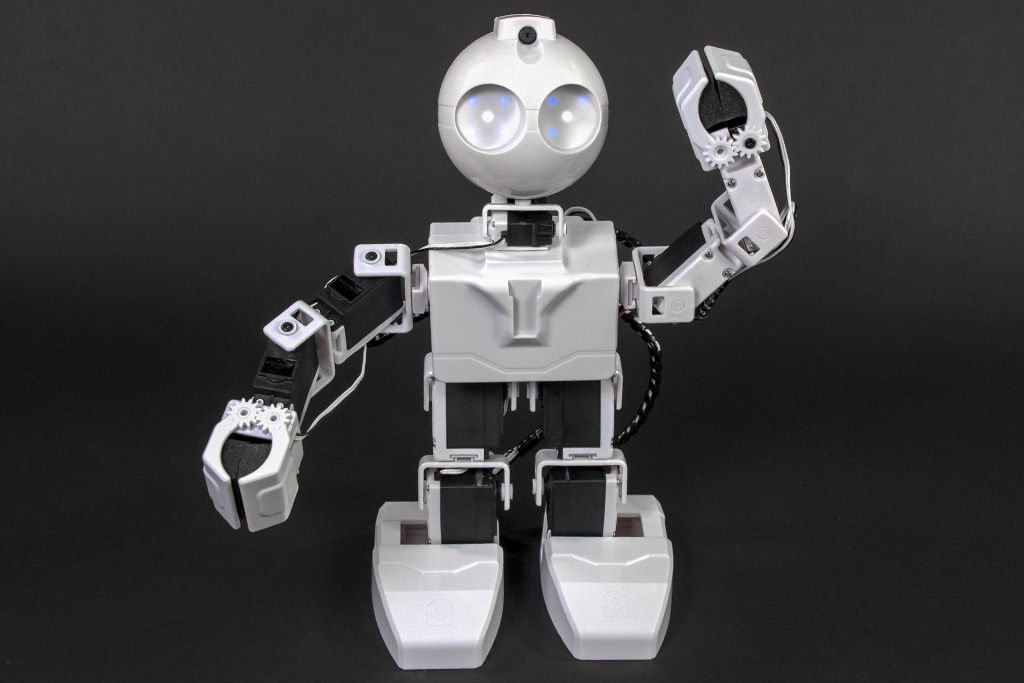
JD Humanoid
by EZ-Robot
JD Humanoid with Synthiam ARCx: pose, animate, walk, voice, vision, and AI control from any browser.
Wi-Fi / USB
Servos
24
Camera
Audio
UART
3
I2C
ADC
8
Digital
24

Please check out the FAQ page at manufacturers website (EZ-Robot), there's information there that will help you: https://www.ez-robot.com/Tutorials/Trouble-Shooting.aspx#11
Is there a Red LED that lights up and stays on, when trying to move your robot? If so, check out the FAQ.
Check if the servos have an HDD or an HD label on them. The HDD servos won't twitch as they are digital, the older version will twitch on power up due to being analog servos.
If all else fails, contact the manufacturer for product support.