


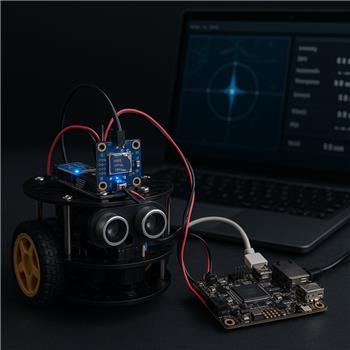
I’m trying to get the BN-880 GPS Compass robot skill running on a LattePanda (Windows, using the onboard Arduino Leonardo over USB) and I’m stuck on the compass part. GPS lock and coordinates look great in the skill’s map, but the heading stays at 0 or occasionally jumps erratically, and the Calibrate button doesn’t seem to take.
Wiring:
- GPS TX -> Leonardo D0 (RX), GPS RX -> D1 (TX)
- Compass SDA/SCL -> Leonardo’s SDA/SCL pins (the dedicated ones by RST, not A4/A5)
- 5V and GND from the LattePanda
ARC setup:
- BN-880 GPS Compass skill set to the Leonardo’s COM port
- Tried baud 9600 and 115200 in the skill
- Enabled DTR in the connection config (aware of the LattePanda Leonardo quirk)
What I see:
- Satellites and lat/long update at ~1 Hz, speed looks sane
- Heading in the skill stays 0.0 most of the time, doesn’t match reality
- If I move the robot, course-over-ground changes, but the magnetometer heading doesn’t
What I’ve tried:
- Moving SDA/SCL to A4/A5 (no change), then back to the dedicated SDA/SCL (works fine in an Arduino IDE QMC5883L test sketch)
- Verified the magnetometer outputs good values in a standalone test on the same Leonardo
- Flashed the Arduino firmware from the BN-880 skill page and also tried a minor tweak to use QMC5883L address 0x0D
- Confirmed COM port isn’t shared by any other skill
Is the BN-880 GPS Compass skill’s Arduino firmware compatible with the LattePanda’s Leonardo I2C pin mapping, and if so what exact wiring, baud, and COM/DTR settings should I use for the compass heading to appear correctly in ARC?
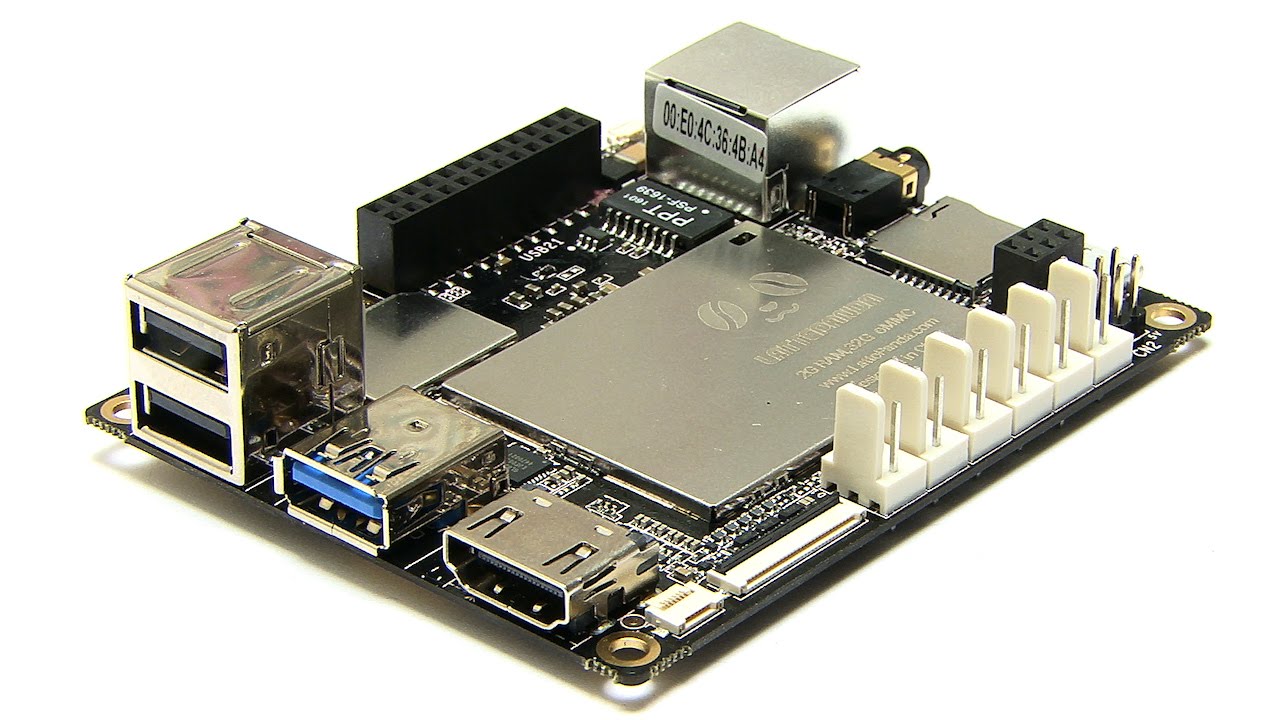


Yes - the LattePanda’s onboard Arduino Leonardo is compatible with the BN-880 skill’s Arduino firmware, but the important detail is that the BN-880 compass uses I2C on the Leonardo’s hardware I2C pins, not the serial pins, so your wiring and sketch must match that exactly.
What should work
For the LattePanda Leonardo, use:
So the fact that you used the dedicated SDA/SCL pins near RST is correct for the Leonardo. On the Leonardo, those are the hardware I2C pins.
ARC / COM / DTR settings
For the BN-880 skill in ARC:
Why the heading may stay at 0
What you describe usually means one of these:
Since your standalone QMC5883L sketch works, the hardware side is probably fine. That makes me suspect the BN-880 skill firmware is not matching your magnetometer variant or initialization sequence.
Very important BN-880 note
Not all BN-880 boards use the same compass chip behavior. Some boards are:
If the skill firmware was written for one chip but your module behaves like another, you can get exactly what you’re seeing:
What I’d try next
1) Confirm the Arduino firmware is loaded from the skill package
Use the exact firmware from the BN-880 skill page:
https://synthiam.com/Support/Skills/Navigation/BN-880-GPS-Compass?id=21348
If you modified it for
0x0D, make sure the rest of the initialization still matches the board. A partial tweak can sometimes break the startup sequence.2) Test with the board isolated from the robot
Run the BN-880 away from:
Even a working compass can look dead if interference is strong.
3) Verify the compass is really the chip expected by the firmware
Since you already have a working QMC5883L test sketch, that strongly suggests the module is QMC-based. If the ARC firmware is expecting a different chip or register map, the heading won’t behave.
4) Check whether the skill has a calibration flow that requires saving
Some skills show a Calibrate button but don’t actually persist calibration unless:
If the sensor isn’t initializing, calibration often appears to do nothing.
Bottom line
Best next step
If you want, I can help you narrow this down by checking one of these:
If you want, I can also give you a known-good Leonardo wiring and test sketch for the BN-880 so you can confirm heading before bringing ARC back into the loop.