

billplays
USA
Asked
— Edited
ARC On An Asus Slate Running Windows 10. Unable To Delete Slider Control
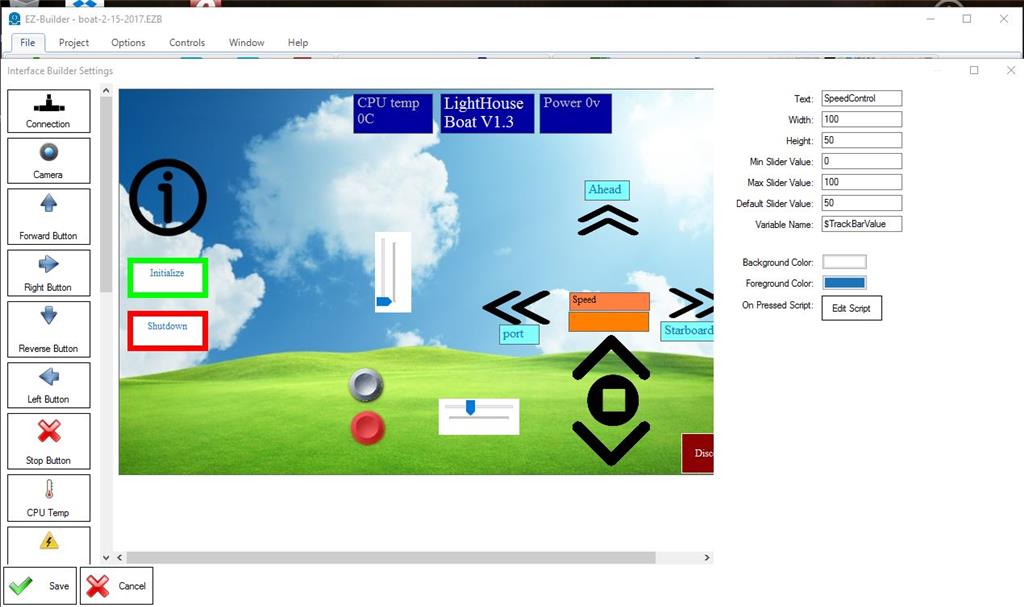
I am no sure if this i bug or I have something set wrong. I have three computers and two Android devices I amtying to use. this particular problem only shows on my ARC on an ASUS slate running windows 10. in my testing I installed two different slide controls an now cannot delete them. all the other controls right click and hold brings up a window and one selection is delete. But onthe slide controls no selection window appears.

I have a touch screen as well on my laptop - and the touch does work... To add to the confusion
You reminded me I also have a laptop with a touch screen. It is also an ASUS. And it exhibits the same symptom.
Watching it work. When I touch and hold any other object after about 2 seconds a square pops up around it. When I let go the menu pops up. But on the slider control no square ever shows up nor a menu when I release.
I will keep looking off and on and report here if I get any further clues.
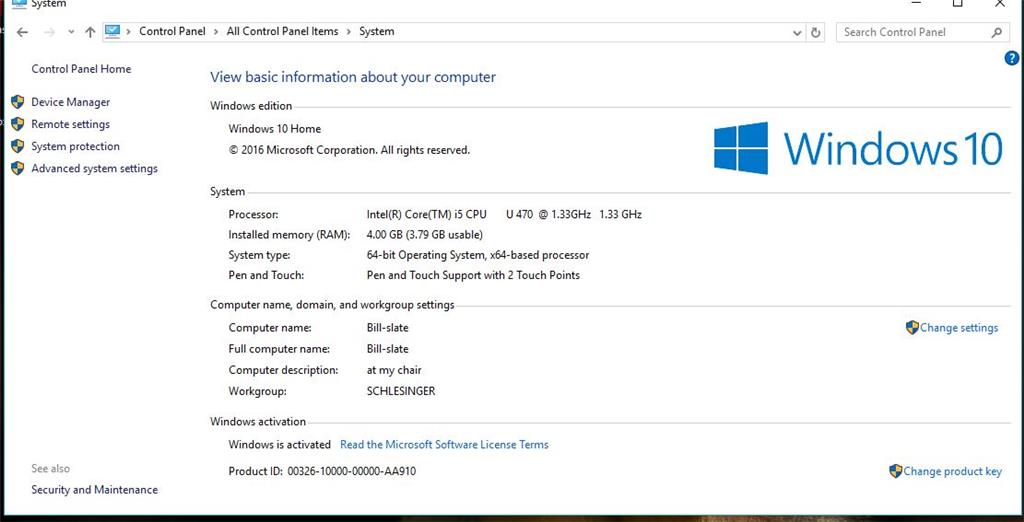
Description of my system.