




i dont know iff its normal that stl files are whithout the sizes. i just send the stl files to the chop for printing jd chest but i need sizes. am confuse now.
Asked
— Edited
 Resolved by Rich!
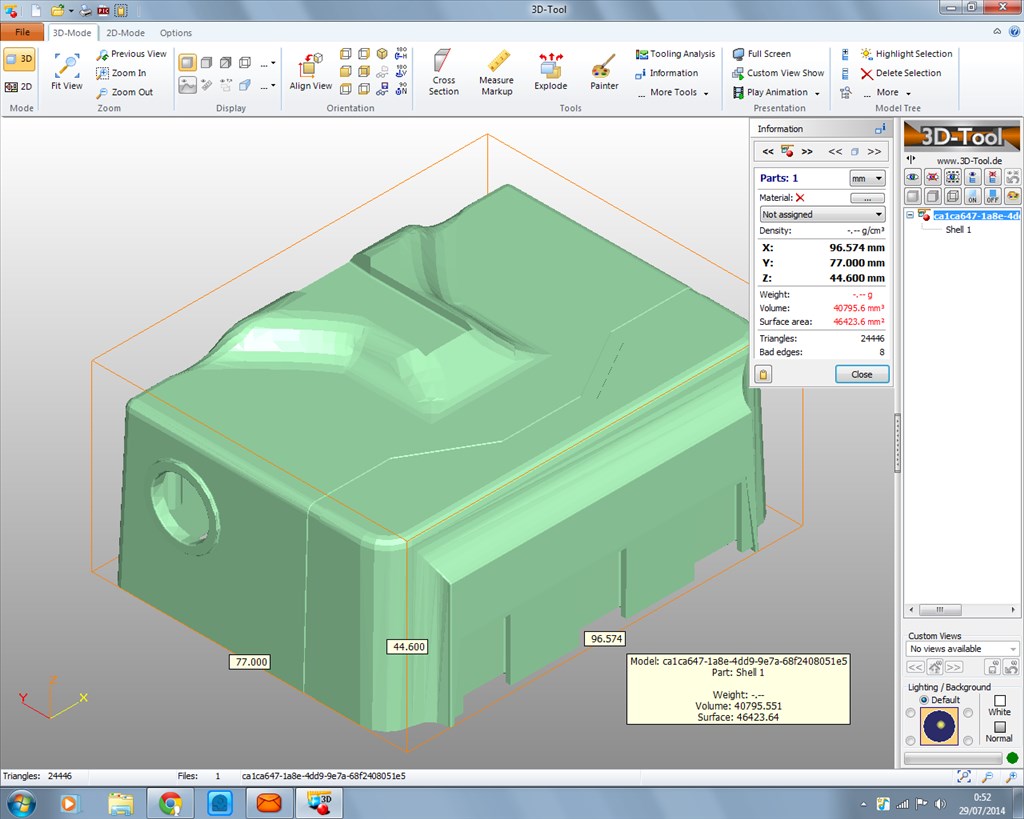

STL files should have the sizes. What are you opening them with?
Personally I use 3D-Tool's free viewer (second link down) which has a measuring abaility.
the man from the 3d chop say he cant find sizes?
thisone
Sorry, I misunderstood, you mean shop
Yes that one.
I expect he will require the scale at which you need them printing. From what I can make out from a quick measurement of the V3 top stl which shows the indent for the V3 EZ-B at 84 units, and the EZ-B V3 is 84mm long I guess scale should be 1:1
i wanted to let him print jd chest,but 1 cm weid each side..but female and chape from the ez-b4, keep desame.
i can see all sizes.i gave your link to the shop.so you helped hole belgium.and me.
thank you rich
STL files do not contain the units being used. Is that Maybe what they are asking for?
he cant import data from the stl in to the CAD program