

 Resolved by
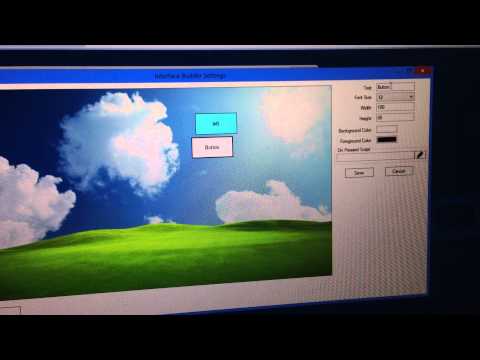
I am building a control interface for a custom quadcopter. when i call out the "custom movement panel" control, i notice there are only left/right/forward/reverse buttons, however they are no landing/take-off buttons. would like to seek assistance/tutorial to add new/additional buttons (scripting enabled type) to the "customer movement panel".
thanks.

This video will help you understand how to use the Mobile Interface Builder
hey sures.. thanks for the info. i have got the 1st cut out on my quadcopter -- based on walkera w100s fpv. all the controls seem fine, however it seems that the quadcopter is really not stable with no hovering mode, end up it drift "badly", response "slowly" to command, and the tracking object fall out of its frame before the quad can follow..
it seems that ar drone is a more stable version of quad, and noticed u support only ar drone version 1.0. is it possible to support ar drone 2.0, or do you want to share your .ezb file so that the community can help you upgrade it to 2.0 ?
thanks.
I have been working on the v2.0 support for a bit lately. I don't have a release date as of yet.
Can you set this question to resolved please? Thanks!
thanks man. feel free to let me know if you have stuff that needs help