



This is the second camera purchased from EZ robot in 2 months. First died after 2 weeks. One in video died after first time use. Will not stay on as shown in video. Tried holding different lengths of time 10 sec, quick, 20 secends. Any Ideas
Asked
— Edited
1 Participant
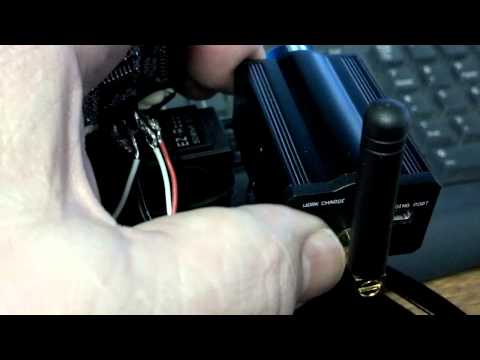

That's holding too long.. Try around 3 seconds, not 2 and not 10
I know it's a little quirky for the time length to hold the button - it takes some getting used too. Also, make sure the battery is charged... that is usually the problem I have.