

Change Release Notes
ARCx v2026.10.04.01 expands what it means to control a robot from anywhere. Your Browser Just Became Part of the Robot.
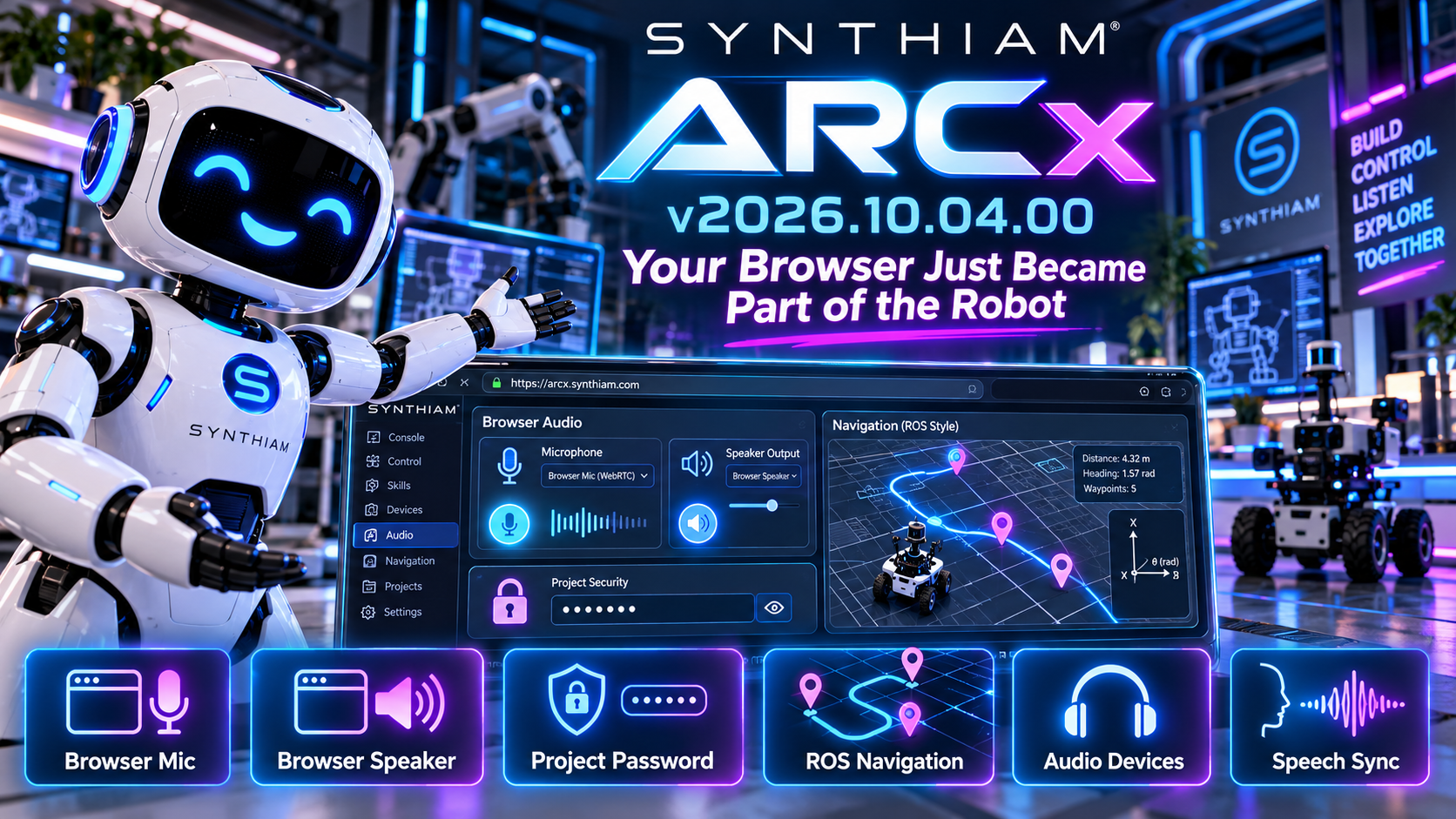
This release introduces browser-based microphone and speaker support, adds password protection for ARCx projects, improves audio-device handling, and brings ARCx navigation data closer to established robotics standards.
Your web browser isn't just displaying ARCx anymore.
Now it can become part of the robot.
Use Your Browser as the Robot's Microphone
ARCx can now use the microphone connected to your web browser as an audio input.
That means the computer, tablet, or other device you're using to access ARCx can provide microphone audio directly to the ARCx audio system.
New browser audio controls let you claim the browser microphone when you need it, giving Robot Skills another flexible source of live audio.
This opens up some very interesting possibilities for:
- Remote robot operation
- Speech recognition
- Telepresence
- Remote conversations
- Browser-based control stations
No microphone connected directly to the robot computer?
No problem.
Your Browser Can Be the Speaker Too
It works both ways.
ARCx can now route audio output through the browser you're controlling it from.
That means speech, sounds, and other ARCx audio can be played through the device sitting in front of you instead of requiring speakers connected directly to the robot.
Combined with browser microphone support, ARCx now has another powerful option for creating remote and distributed robot experiences.
Your browser can listen.
Your browser can speak.
And ARCx sits in the middle connecting everything together.
Password-Protected ARCx Projects
ARCx projects can now provide a proper password prompt when working with password-protected project files.
A new password interface handles entering and confirming project passwords while opening or saving projects.
This improves both security and usability while reducing the chance of accidentally entering a different password during confirmation.
Sometimes the robot project contains things you'd rather not leave lying around unlocked.
Now ARCx handles that a little more elegantly.
Navigation Moves Closer to ROS Standards
ARCx's Navigation and Mapping Service continues to evolve.
Pose and scan reporting have been updated to use conventions more closely aligned with ROS and modern robotics software.
Navigation values now use:
- Radians for angles
- Metres for distances
The navigation API has also been updated with clearer terminology such as Yaw, Angle, and Range. Existing members have been marked obsolete where appropriate to help maintain compatibility while Robot Skills transition to the new API.
For developers building navigation, SLAM, lidar, and autonomous movement Robot Skills, this creates a much cleaner foundation for exchanging robotics data.
Faster Navigation Data Handling
The Navigation and Mapping Service has also received improvements to the way it manages incoming scan points and pose updates.
ARCx now handles large amounts of navigation data more efficiently while prioritizing recent information for subscribers.
That's important because navigation sensors can generate a lot of data very quickly.
Your robot doesn't need to know where it was.
It needs to know where it is.
Smarter Audio Device Handling
Audio devices have a tendency to disappear at exactly the wrong time.
Headsets get unplugged.
USB microphones reconnect.
Bluetooth devices wander off.
ARCx now does a better job remembering your preferred input and output devices even when they're temporarily unavailable.
When the hardware comes back, ARCx has a better understanding of which device you actually wanted to use.
Better Speech Synchronization
The audio system now exposes additional information about playback progress and text-to-speech activity.
ARCx can track how much audio has been played and provide additional events around speech output.
This lays the groundwork for better synchronization between a robot's voice and its physical actions.
Imagine coordinating:
speech + mouth movement + gestures + animation + lights
...all from the same audio timeline.
That's where this starts getting interesting.
New Getting Started Documentation
We've also expanded the ARCx documentation with new guides designed to make it easier to get started with the platform and understand how Robot Skills are updated.
As ARCx grows, we're continuing to improve not just what the platform can do, but how quickly someone can go from installing it to making a robot actually do something.
Updated Core Components
Several internal components and dependencies have also been updated, including the SDL3-CS integration and supporting project configuration.
These updates keep ARCx's cross-platform foundation moving forward as more hardware, audio, AI, navigation, and user-interface capabilities are added.
ARCx v2026.10.04.01 is another step toward robots that aren't tied to one computer, one microphone, one speaker, or one way of interacting with the world.
Open ARCx in a browser.
Use that browser's microphone.
Use its speakers.
Control the robot.
And keep building from there.
Download ARCx
Install ARCx on the computer that runs your robot — from a first prototype to a commercial product or an industrial cell. Available for Windows 64-bit, Linux 64-bit and Linux ARM64 for Raspberry Pi (Ubuntu 24.04 LTS 64-bit).
Linux
Ubuntu, Debian & friends
64-bit (x64) (zip)
Raspberry Pi
Single board computers
Linux ARM64 (zip)
Requires Ubuntu 24.04 LTS (64-bit)
ARCx is always evolving. Follow along in the community for updates.
Follow ARCx development Download ARC today
Upgrade to ARC Pro
Get access to the latest features and updates before they're released. You'll have everything that's needed to unleash your robot's potential!
On updating to this version the ARCX GUI will not launch in the browser I get the following error below, but the ARCX Server seems to open in the browser ok. The GUI launcher worked ok yesterday.
The ARCx server is required to run to view the GUI in a web browser. You can read more here: Install and Run | ARCx Documentation - Synthiam
Also, since you are running Windows, this is a very important file to read: Windows 64 | ARCx Documentation - Synthiam
Haha ya that’s caught me a few times too. Also trying to launch the server when it’s already running caught me a few times.
Usually I don’t run the server local though. I have a few robots that have raspberry pi’s and other sbc computers that I run ARCx on and connect remote from my desktop
It’s just a different mindset than an "application". It’s a server, not an application. I have to remind myself of that.
..yeah its going to take some time to figure out and retrain. I'm trying to get ARCX to "display" the current screen on my desktop to my laptop in the garage but having no luck there either so will have to dive deeper on that one later.
I've got an issue with the camera skill...i get 1 fps, then an error message followed by a disconnect from the EZB. I tried rebooting and retrying several times and same issue. So I'm removing the camera skill for now.
I'm working on transferring over a simple ALAN project file ( head and eyes moving) and its working flawlessly. I love all the newer controls. What I really look forward to is redoing the entire drink droid from the YouTube channel. I had so much difficulty getting him to animate correctly. Now I can fine tune everything!
We can help you with that, but we'll need a bit more information.
What was the error message? You can view log messages in the Debug Log view as well.
What camera skill? (There are two: one for USB and one for EZB)
Message v4 Video: EZ-B v4 Camera Error:
This was for the EZB camera
Included video shows 1 to 7 fps then drops about 45 sec in. I was able to reproduce multiple time, about 1 min before losing camera each time.
Video: ARCXEZBCAMERA.zip
*** ran everything on regular ARC and everything (camera) works perfect...so def not hardware related.
Thanks for the video recording and copy and paste. However, we'll need more of the debug log. You can view the messages in the Debug Log view. That will show messages prior to the disconnection error.