

Camera device will not load the robots camera. Why does it say camera can not connect?

derek.dyer
USA
Asked
1 Participant
The Robot Camera Device Will Not Show.
Related Hardware (view all EZB hardware)
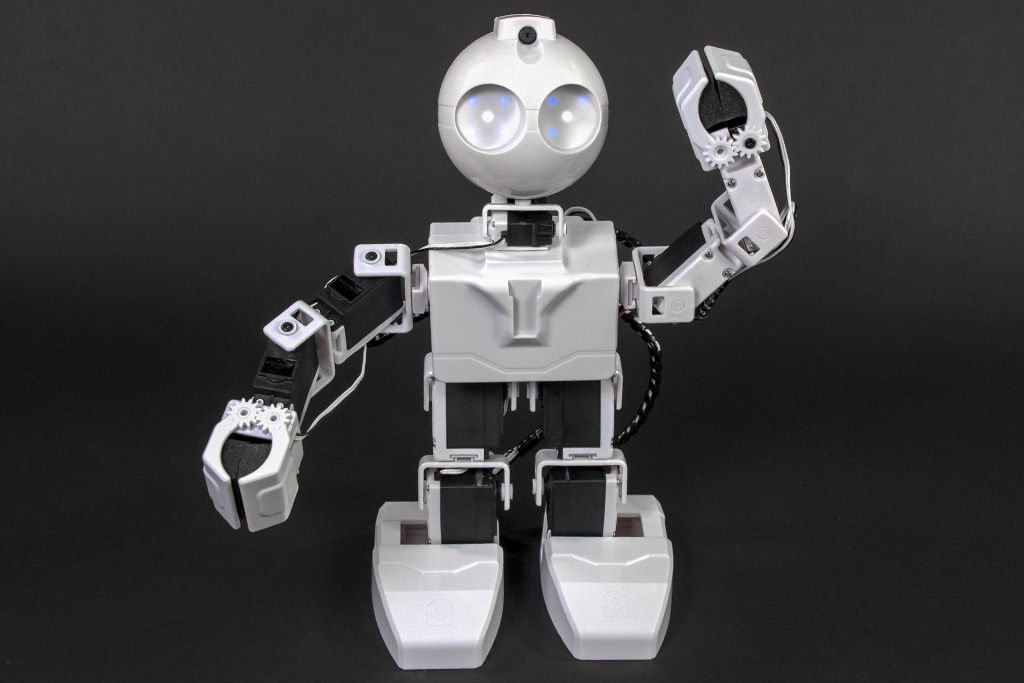
JD Humanoid
by EZ-Robot
JD Humanoid with Synthiam ARCx: pose, animate, walk, voice, vision, and AI control from any browser.
Wi-Fi / USB
Servos
24
Camera
Audio
UART
3
I2C
ADC
8
Digital
24
Related Robot Skill (view all robot skills)

Camera Device
by Synthiam
Use PC or robot cameras for vision tracking: color, QR, glyph, face, object, motion; record video/data, control servos and movement, run scripts

Of course, @derekdyer. If your JD Humanoid's camera device is not loading, it could be due to a few reasons. Firstly, make sure that the camera is properly connected to the robot and that the camera is turned on. Secondly, check that the camera is selected as the video source in ARC. If the camera still does not connect, try restarting ARC and the robot. If the issue persists, please check the support section of the Synthiam website for more information or contact our support team for further assistance.