
I am not sure whats wrong. But I've noticed that PWM controls are not working correctly, they sometimes loose connection with the port. Also I cant seem to get the Hbridge with PWM to work on any board except 0. Has anyone else had the same issue?

PRO
dbeard
USA
Asked
1 Participant
Hbridge PWM Only Working On Board 0.
Related Hardware (view all EZB hardware)
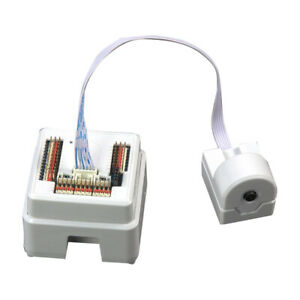
EZ-B V4
by EZ-Robot
EZ-B v4 with Synthiam ARCx controls servos, sensors, camera and audio over Wi-Fi or USB serial, no firmware needed.
Wi-Fi / USB
Servos
24
Camera
Audio
UART
3
I2C
ADC
8
Digital
24
Related Robot Skill (view all robot skills)
Dual Hbridge W/PWM
by Synthiam
Dual H-Bridge w/PWM movement panel: control two DC motors' direction and speed via EZ-B PWM for responsive forward/reverse/turning.

I've looked through the tutorials, it used to work as described but not anymore.
Have you checked all your connections and wire? Also post your script so we can see your coding for the second ezb issue.