
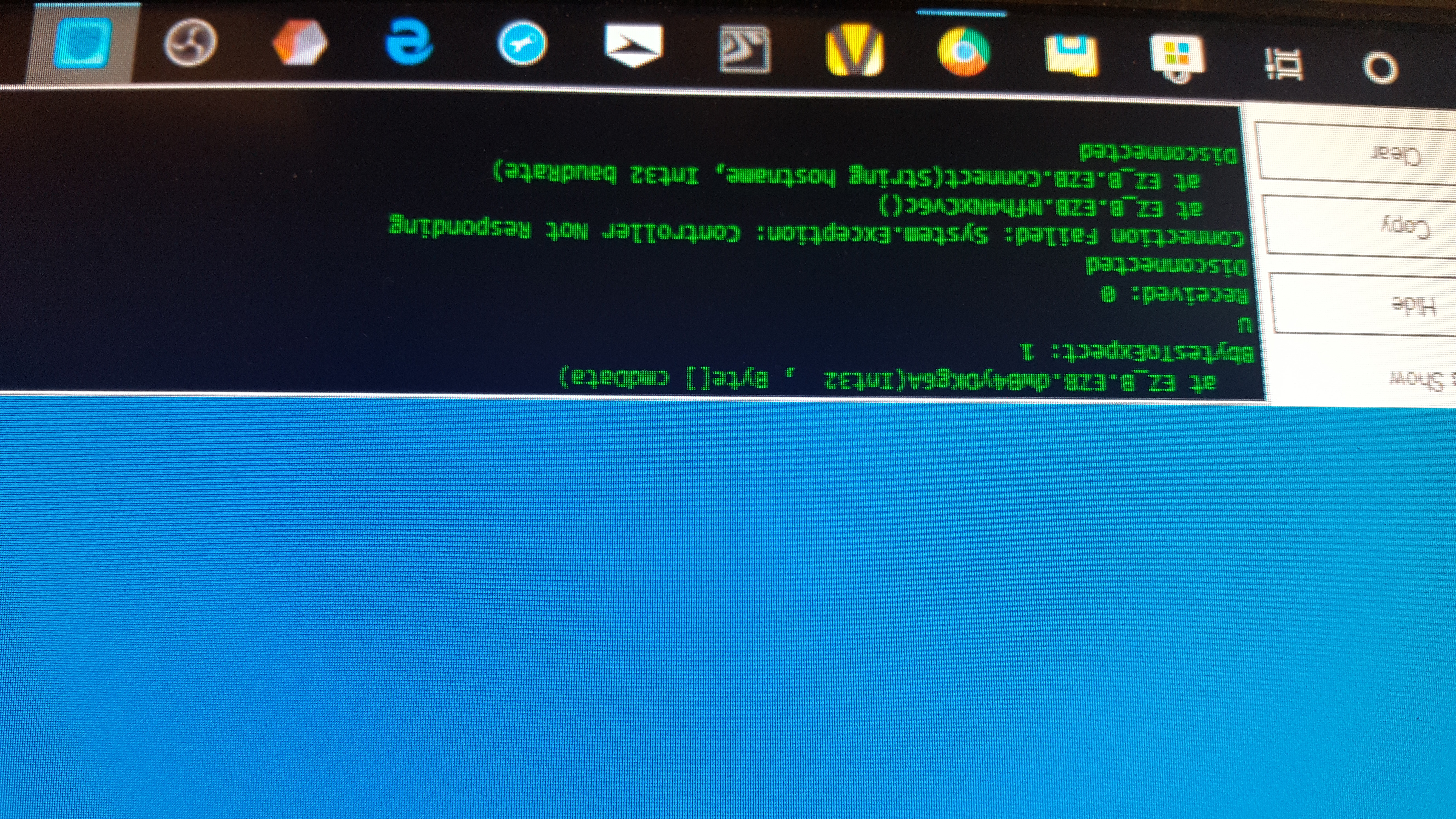
I neee help, when I try to connect my ez bv4 I get this message together with a solid red light coming from the controller
Sorry about the picture being upsode down, doing it tgrouth my phone and it just doesn't want to place it correctly.
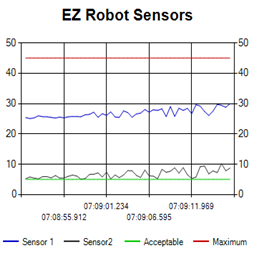 Ez Line Chart
— 4-series historical line chart to log and compare robot sensor values over time with customizable titles, colors, time axis and EZ-Script control
Try it →
Ez Line Chart
— 4-series historical line chart to log and compare robot sensor values over time with customizable titles, colors, time axis and EZ-Script control
Try it →

I neee help, when I try to connect my ez bv4 I get this message together with a solid red light coming from the controller
Sorry about the picture being upsode down, doing it tgrouth my phone and it just doesn't want to place it correctly.

You're trying to connect to an ez-b with a project that requests hardware which isn't connected. For example, an i2c device is most common. This is covered in EZ-Robot's product Trouble Shooting for their product (EZ-B v4) support here: https://www.ez-robot.com/Tutorials/Trouble-Shooting.aspx
You will also be presented with a connection failed prompt which you can PRESS to diagnose and read
thank you, got it working now.
Was it a missing i2c device? Glad to hear . Now back to building robots haha