









All Community Content


Drive Real Robots, Anywhere
Remotely operate robots around the world or add live telepresence to your own build — straight from your browser.
Discover Exosphere
Gaming Mouse Pad

Hugging Face
Connects your robot camera to Hugging Face AI models for vision chat, object tracking,...

Autonomous AI
Autonomous AI robot agent with vision, speech, movement, animations, memory, and self-directed task...

Advanced Speech Reco…
Azure Cognitive Speech recognition for ARC with custom API credentials, scripting, language control,...

Run scripts automatically when specified ARC variables change; define variable-to-script pairs, monitor status, and trigger actions.
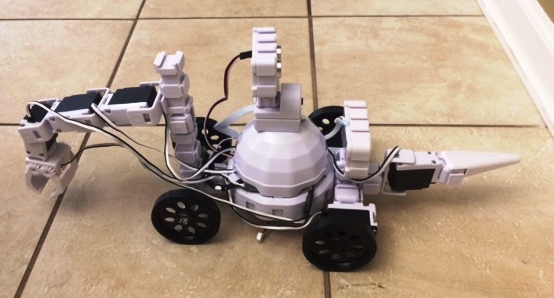
Modified Adventure Bot with ultrasonic radar and RGB back wheels for improved sensing and colorful illumination.
Advice Needed With Powering An Ssc-32
Hey guys. I have some questions in regards to powering an SSC-32 controller and would like some confirmation. I'll be connecting the SSC-32 via UART/serial TX and RX, to RX and TX on an EZ-B using ports D0/D1, but after reading the product discription again, and reading the user guide, I'm just want to confirm how to power the SSC-32 and connected... 4
4
 3 k
3 k
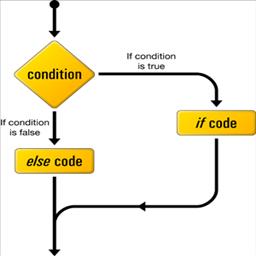
If Elseif Else Goto & Return Commands
IF commands enable conditional logic with multiple comparisons and functions; enclose conditions in brackets and close trees with ENDIF.
0
12 k

Use Camera As A Button
Use a camera in EZ-Builder as a button by detecting a custom 'Dark' orange/red color; large detection size and hand reflections give reliable input.
0
4 k

Command Syntax For Data Retrieval
Correct scripting syntax for receiving ADC and HTTPGet data, preventing invalid syntax when numeric responses are returned
0
4 k
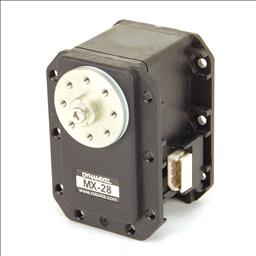
Sudo's Guide To Dynamixels
Set up Dynamixel smart servos with your EZ-B v4-configure position, speed, load, temperature monitoring and safety for your robot.
0
4 k
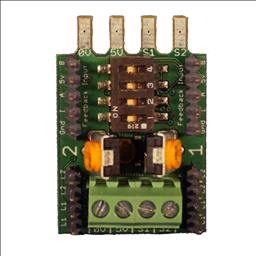
Controlling A Kangaroo With The V4
Control Kangaroo via V4 UART with bi-directional comms and encoder feedback using EZ-Builder EZ-Script - fully tested code for motor control
0
3 k
ARC Download
Hi DJ, I have a great intrest in robotics, but have never really done it, except for LEGO Mindstorms. But, I like remote control over programming. So, I surfed the internet and recently discovered EZ-Robot and been spending some time putting together a plan for my first robot. Then I thought of the downloading for ARC, and noticed it "Requires...
10
4 k
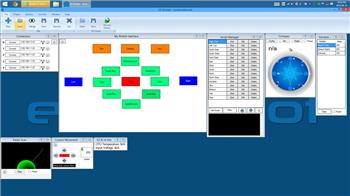
Unable To Open Project
I just tried to open my project and I get a Windows error box on the screen saying "Unable to load project. Object reference not set to an instance of an object". So...
57
8 k
Well, It Finally Happened To Me
I have never blown a board due to being careless, until yesterday... I am was using an Arduino Mega for gathering information from a Neato XV-11 LIDAR sensor. I had disconnected the power cables and unplugged serial port wiring to mount the board on my control box. After getting the Arduino mounted and plugging in the cables again, I attached the...
14
5 k
Windows Release 2015.09.16.00
Speech Synthesis Control supports Say To PC and Say To EZ-B v4 speakers; camera video recording re-enabled for Camera Control
4
4 k
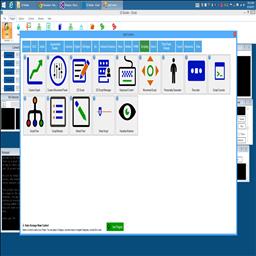
Make Robot Talk
Use Speech Synthesis Control to make your robot talk
0
12 k
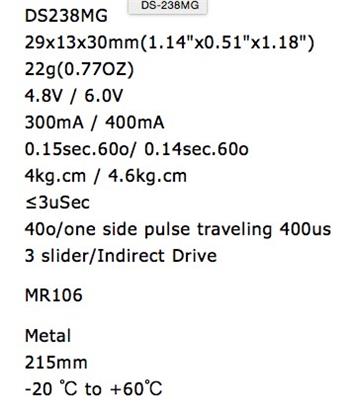
Servo Control Questions
I have 2 problems about the servo angle control! Would any people can help to solve and answer it? 1. I have brought some servos. It spec. can rotate to 270 angle. But in the...
7
4 k