








All Community Content


Drive Real Robots, Anywhere
Remotely operate robots around the world or add live telepresence to your own build — straight from your browser.
Discover Exosphere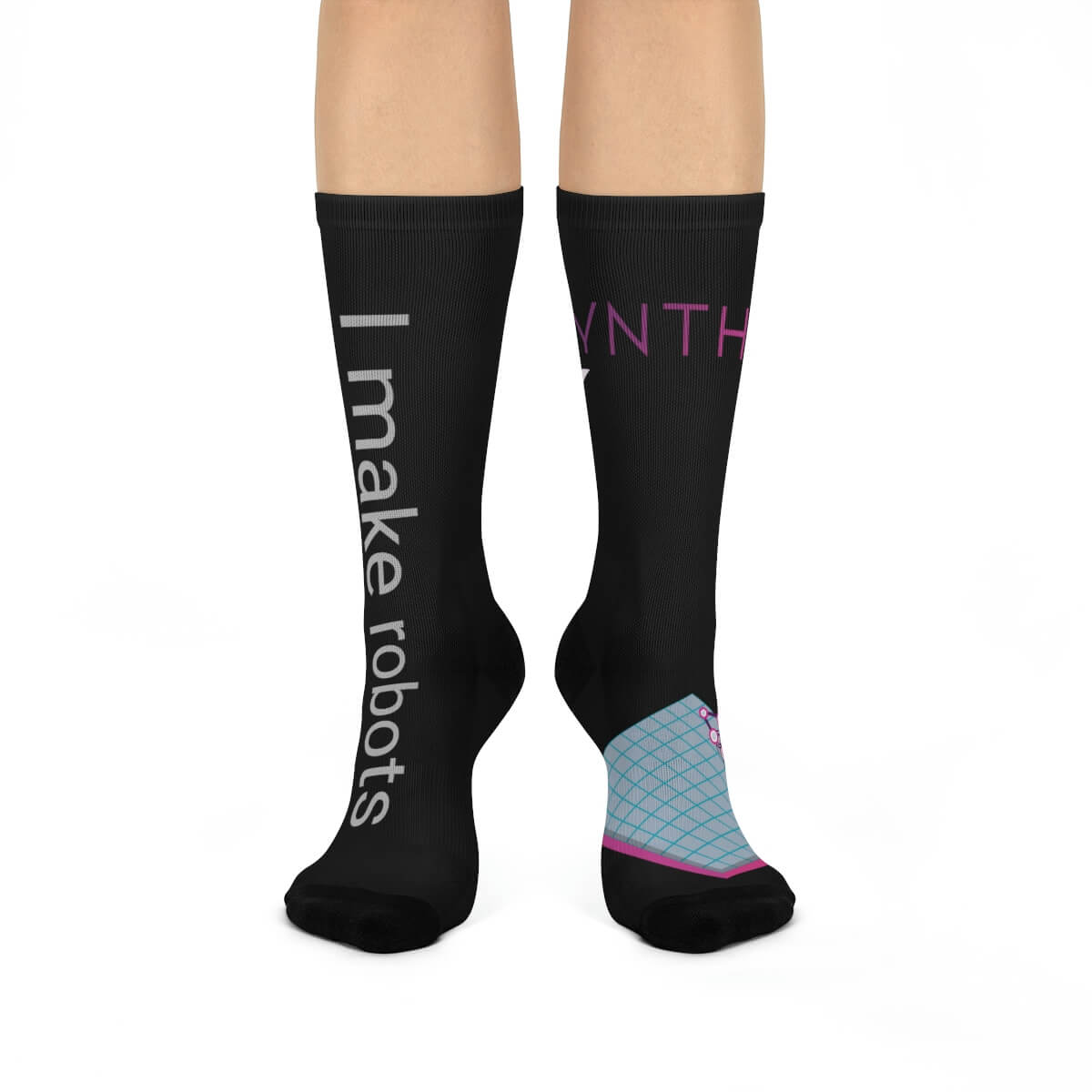
I Make Robots Crew Socks

Audio File Out EZB
Stream MP3 or WAV files from your PC to the primary EZ-B speaker for robot audio playback, alerts,...
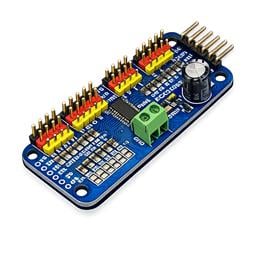
PCA9685 Servo Driver
Drive 16 servos over EZB I2C with a PCA9685 PWM controller, using ARC servo commands and...

Openai Dall-E Image
Generate or edit images with OpenAI GPT Image from text or camera frames, with save and programmatic...

Record and replay named servo movements with adjustable speed/direction (-5 to +5), multiple recordings, ControlCommand triggers and status var
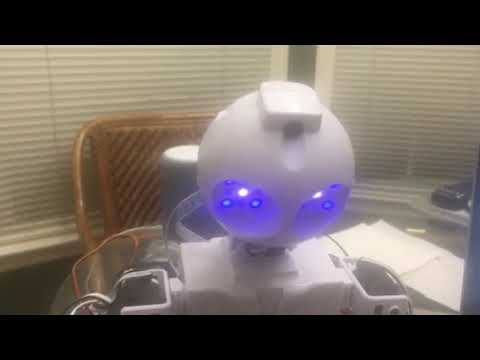
Robot head moves with voice commands and gives voice responses for interactive, hands-free control
Unable To Configure Advanced Speech Recognition
I am experiencing an issue while trying to configure advanced speech recognition using Azure for my InMoov robot head. The error message displayed is as follows: Version: 2025.01.27.00 System.NullReferenceException: Object reference not set to an instance of an object. at Bing_Speech_Recognition.FormMain.ConfigPressed() in C:\My... 3
3
 740
740

Advanced Speech Recognition v42
Advanced Azure-backed speech-to-text for ARC allowing custom Azure Cognitive Service keys, scripting hooks, and configurable output...
16
125 k
ARC 2025.01.15.00 (Pro And Runtime)
Synthiam ARC adds RAS remote desktop control with audio redirection, HBridge EZB support, Python 3.4.2, speech demo and stability fixes.
8
2 k
ARC 2025.01.21.00 (Pro And Runtime)
Synthiam ARC 2025.01.21.00: faster RAS remote access, selectable camera start, software servo ramping, and RAS server password security.
5
2 k
Talk Servo V2 v5
Animate servos to simulate jaw/mouth with ARC text-to-speech; configurable vowel/consonant timing, start sync, multi-servo control,...
29
91 k
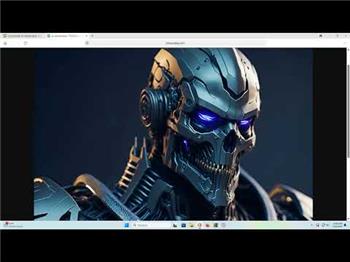
My Custom Voice Of Colossus With Arc Speech Synthesis And Speech Settings
I was experimenting with the various effects achievable using the basic...
13
2 k
ARC 2025.01.25.00 (Pro And Runtime)
Synthiam ARC adds controlCommand return values, cheat-sheet tooltips, and updated robot skills (Bing Speech, Camera, Script) for smoother scripting.
3
2 k
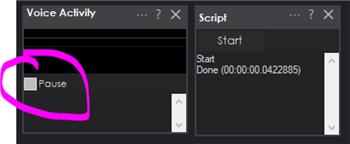
I'd Like To Pause The VAD Robot Skill
@Athena I was about to write some code to pause the VAD Skill so that it wasn't executing its script at the wrong time. But I found there is no...
14
967
Problem With A Script And Bingspeech In Javascript
I am transitioning from EZ-Script to JavaScript because I heard that ARC X will no longer support EZ-Script. I've been...
13
942
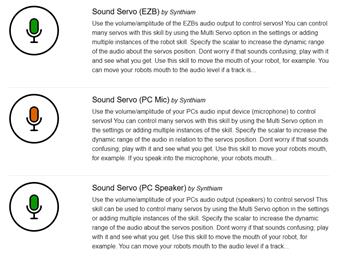
Which Skill Takes An Audio Output And Can Be Used To Open And Close A Mouth?
, I'm looking for a skill within Synthiam ARC that can take an audio...
3
745
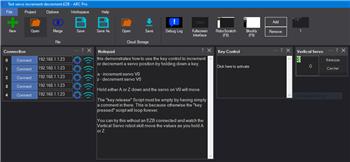
Incremental Servo Pad
Synthiam ARC radial servo pad that increments/decrements servo or stepper positions, speed by distance from center, and snaps back to center on release.
2
2 k
Setting The Camera Device
Is there a way to set and save the camera device on PCs with the ARC Runtime installed? Whenever I change the camera or connect it to a different USB port, I find that I need to install ARC Pro to save the new camera settings. While I can adjust the camera settings in the runtime version, I have to repeat this process every time I start up ARC. Any...
5
907